X-Plane 11.30 Beta Hands-On
I only found out that the beta for version 11.30 was public after seeing Autopilot Changes in X-Plane 11.30, so I downloaded it over the weekend to take a look.
I previously introduced the features of 11.30 in X-Plane 11.25 Chicago Scenery and Future Product Roadmap, such as: 11.30 will include a new AutoGen scenery engine; Improvements to aerodynamic models for prop wash, downwash, and ground effect; Research mode for flight models; Crew and passenger oxygen systems; Anti-icing; Prop feathering system; New Autopilot settings; The particle effects system can be used to simulate failures like smoke, etc.
So I took a flight near Chicago to see how it looks.
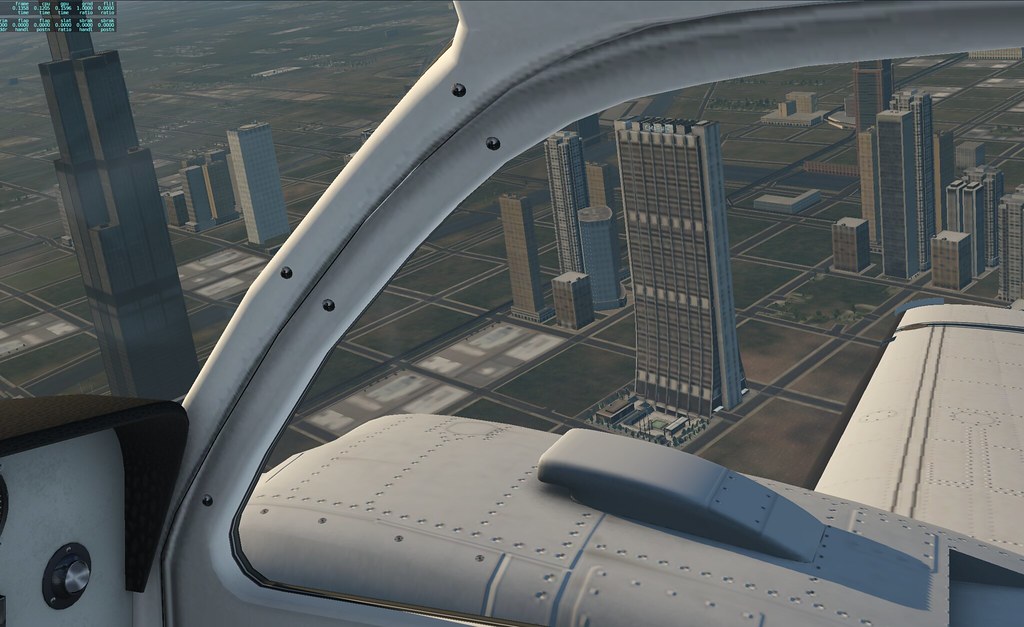
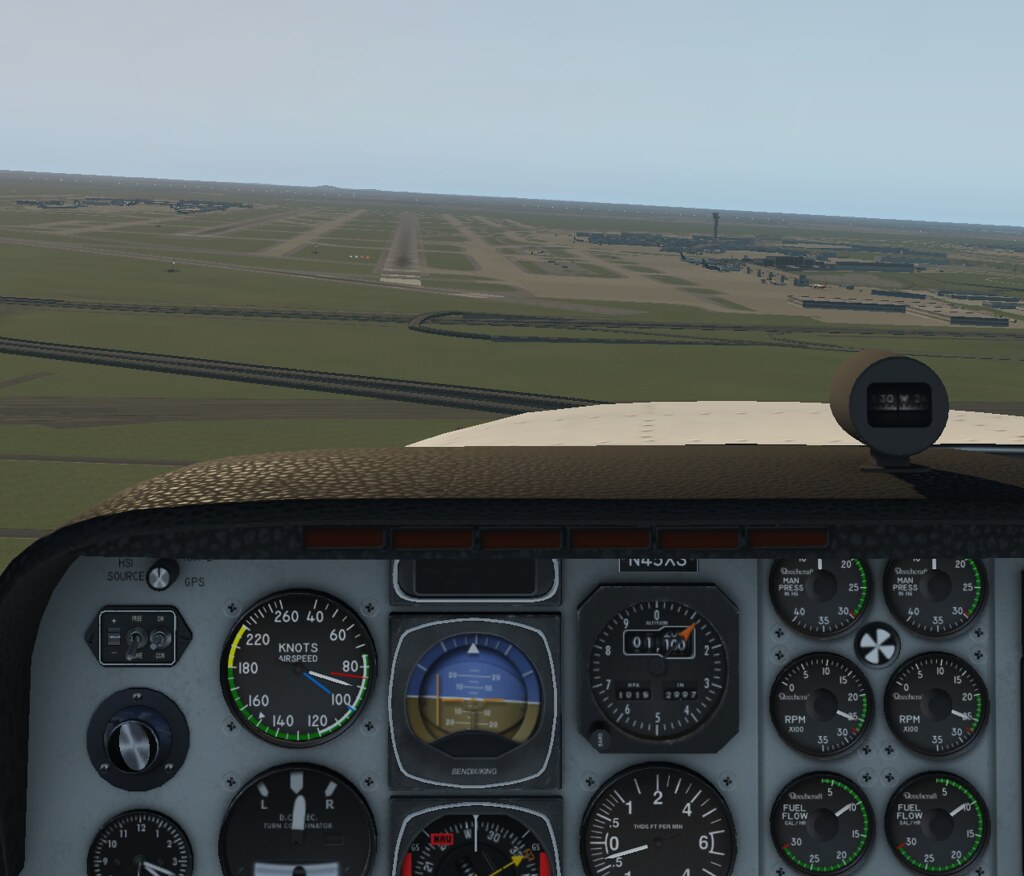
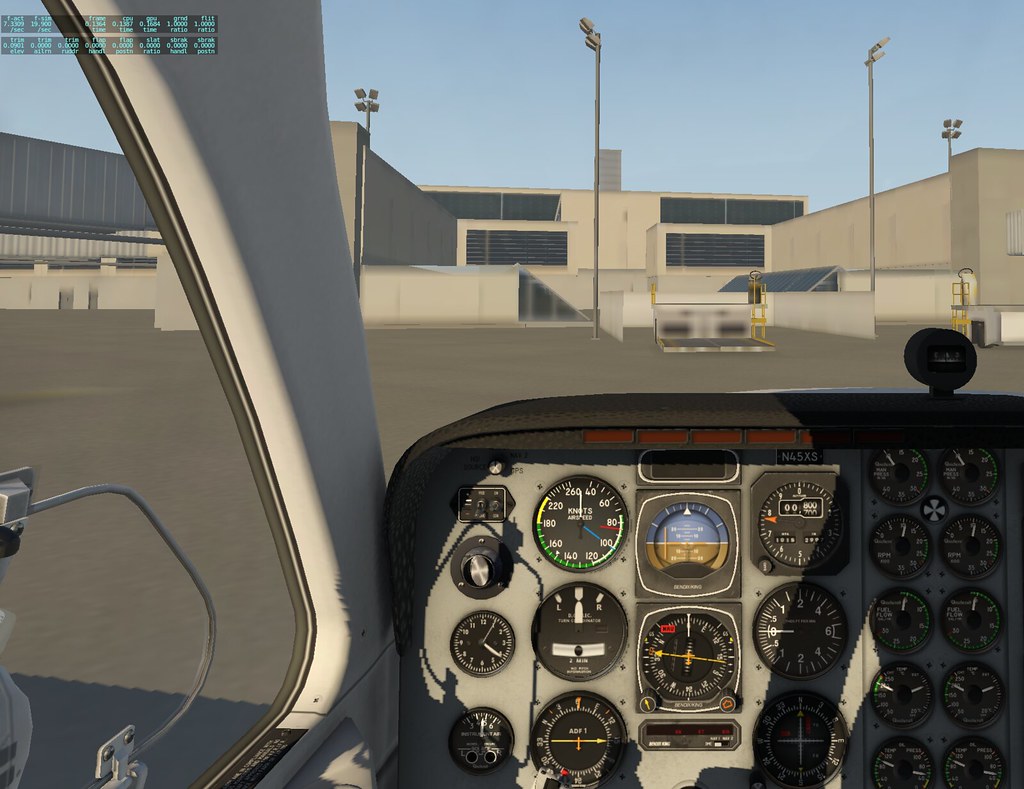
My overall impression is that it is very stable. Unlike the last time I tested X-Plane 11.26 r2, there were no mid-game exits. I don’t know if the aerodynamic model was improved or if the aircraft model was adjusted, but the aircraft handles more smoothly now. Small adjustments don’t cause the fuselage to oscillate excessively, which I am very satisfied with.
Another important update is that the autopilot model in the Cessna 172 has been upgraded to S-Tec.
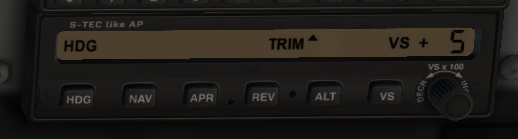
After flying briefly, operations like setting the Heading, altitude, and vertical speed were very simple.
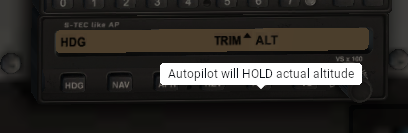
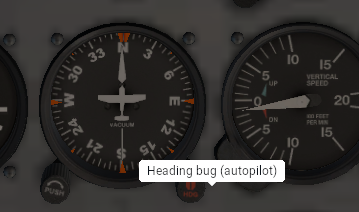
Additionally, integration with the G530 has been added. After creating a flight plan, you just need to press NAV. For those not familiar with how to use it, you can refer to previous articles on this site: x-plane 10 small aircraft autopilot tutorial x-plane 10 small aircraft VOR and NDB instrument navigation tutorial X-Plane 11 G530 navigation tutorial
2018/11/01 Finally saw the Release Notes New ATC voice system New air traffic control voice system!
Particles editor for aircraft Aircraft parts editor Autopilot & aircraft systems updates Autopilot system upgrade
New UI options to enlarge font size The long-criticized small font size can finally be increased Panel res bumped to 4k Panel resolution upgraded to 4k
2018/11/14 There are also special effects features. The official site has released several screenshots showing engine fires, heat haze, smoke vapour, etc. Particle Effects in X-Plane 11.30