Test Flight at Beijing Daxing International Airport with X-Plane 11.40
X-Plane 11.40 has been out for a while. I’ve been too busy to introduce it recently, but today I can finally perform the upgrade.
According to the X-Plane 11.40 Release Notes, this version mainly focuses on improvements to the experimental flight model,
X-Plane 11.40 is a major update with changes to the experimental flight model, including seaplane handling, stalling, and prop wash improvements.Therefore, the impact on general users is not too significant. Additionally, 3D scenery for several Chinese airports has been added, such as: Qionghai Boao Airport ZJQH Weifang Nanyuan International Airport ZSWF Chengdu Taiping Temple Airport ZUDS.
 It turns out we are already at Beta 9; it looks like we are close to entering the stable version phase.
Joystick calibration is required after every update.

Fortunately, I have the previous configuration saved, so I just need to reload it.

As for the test flight location, it naturally has to be the Beijing Daxing International Airport ZBAD from the previous topic.
Go to the official Gateway website to download the ZBAD scenery package
and install it into the “Custom Scenery” folder.
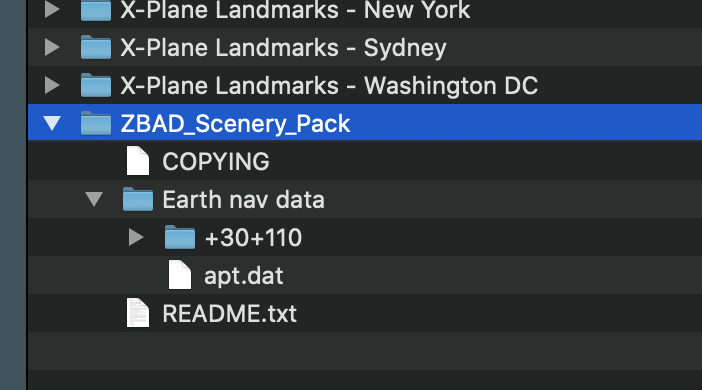
After a simple test flight, XP11’s flight model is flawless.
 The flight attitude is very stable, so I focused my attention on capturing screenshots of the Daxing Airport environment.


Performing a super low-altitude pass over the airport terminal,
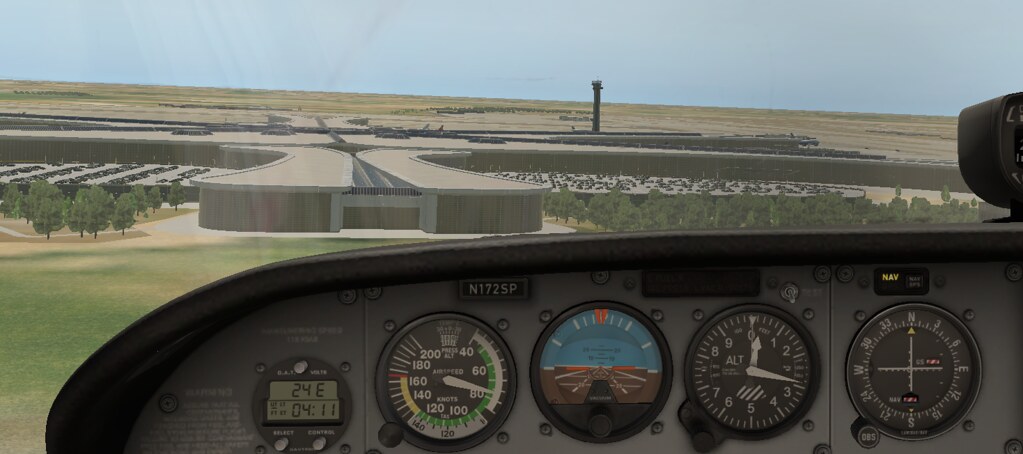

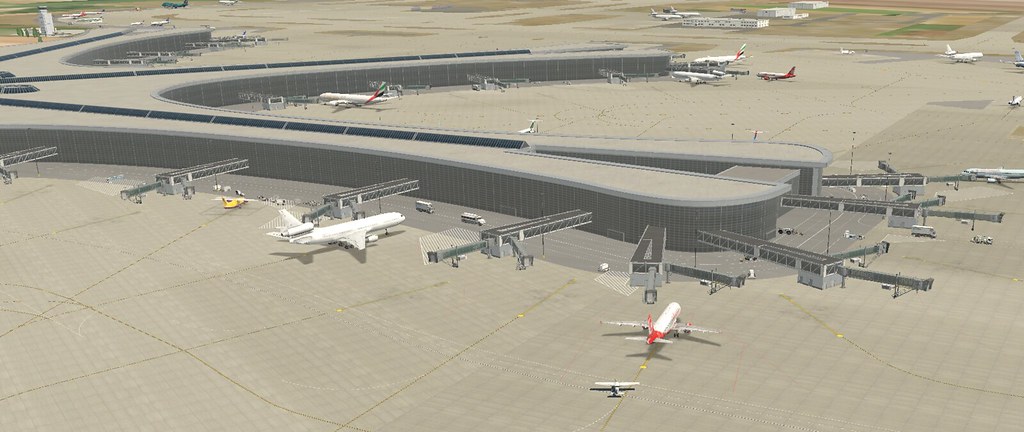 followed by a safe landing.

 A very enjoyable flight simulation experience.
By the way, I upgraded my operating system to macOS Catalina last week.
This new version offers the SideCar feature,
which allows an iPad to be used as a secondary display.
So, I purchased an iPad (2019), the 7th Generation with the 10.2-inch screen,
and selected it in the settings.
 The display result is quite good.

It looks like Daxing Airport will serve as my home base for the foreseeable future.