X-Plane 11.00 Beta 3
Checking the public beta release notes for X-Plane 11 this week, I noticed it’s been updated to beta 3. Since I’ve been flying the Cessna 172 exclusively, I decided to try a different airframe for a change. Let’s test the McDonnell Douglas MD-80.
Since this is just a quick test flight, I won’t bother using the FMC to input a flight plan.
On the Runway, I set the Flaps to 2 degrees, advanced the throttle to full, and pulled back on the yoke at around 140 knots. The airborne airborne easily.
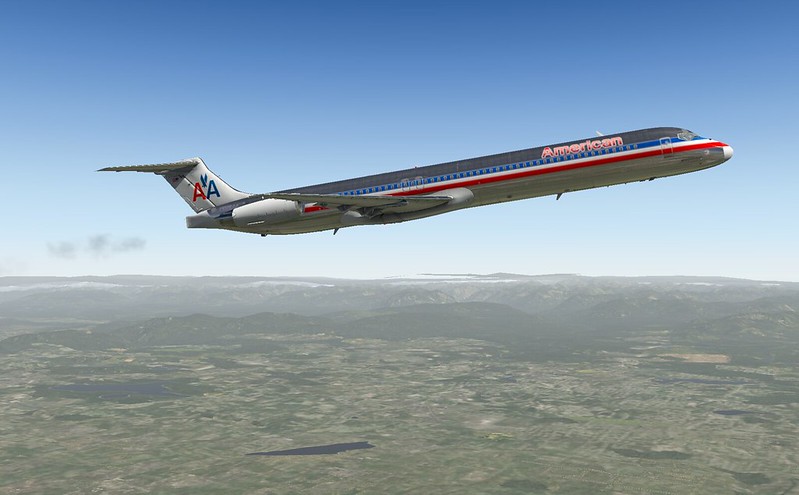 Retract the landing gear, retract the Flaps.
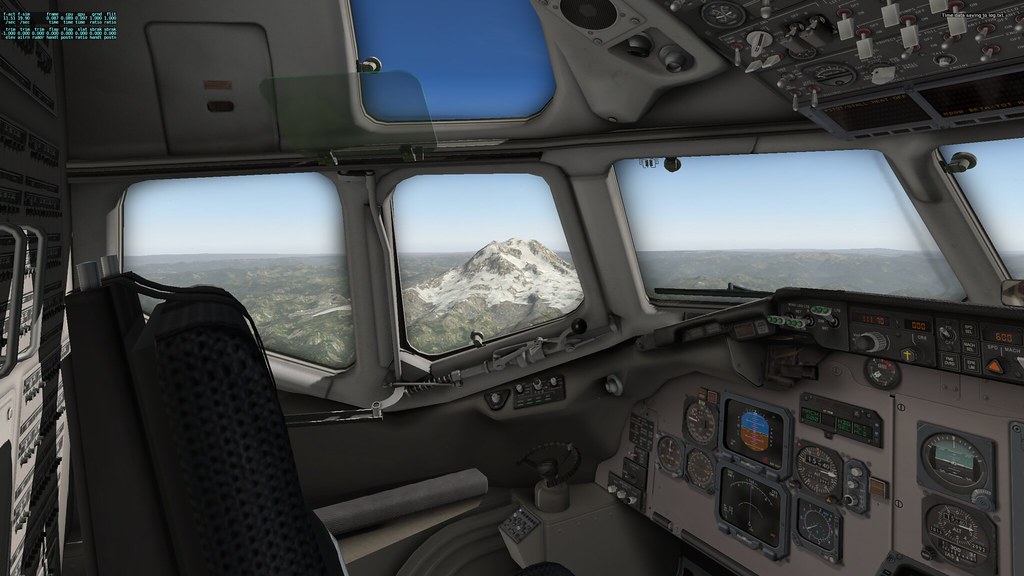
Taking a close look at the cockpit, it is equipped with classic analog instruments.
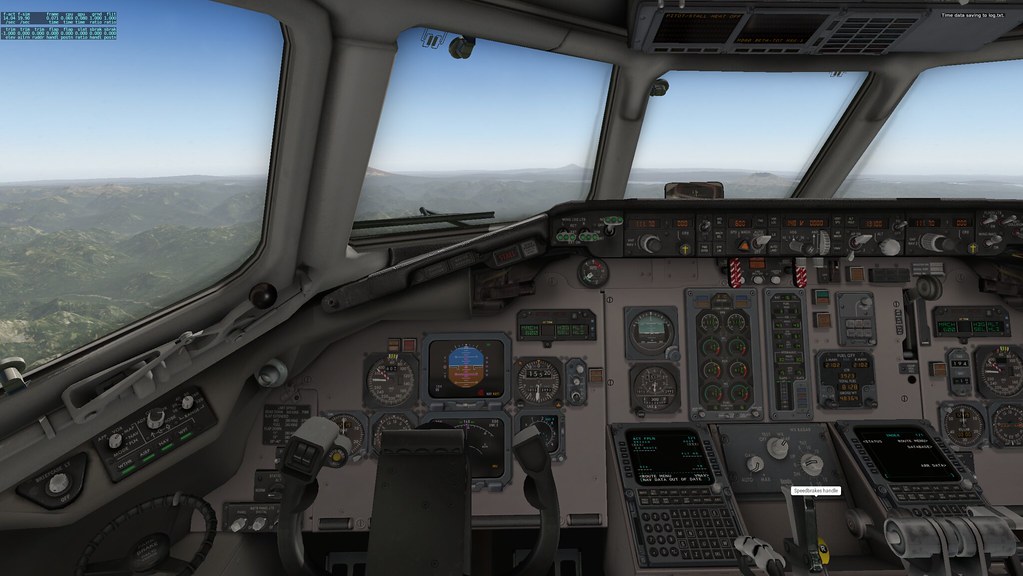
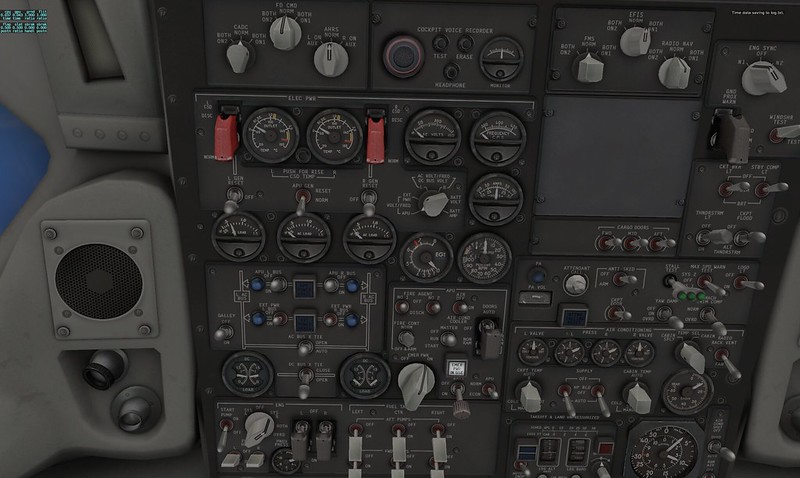 After a bit of observation, it's quite easy to spot the Autopilot.
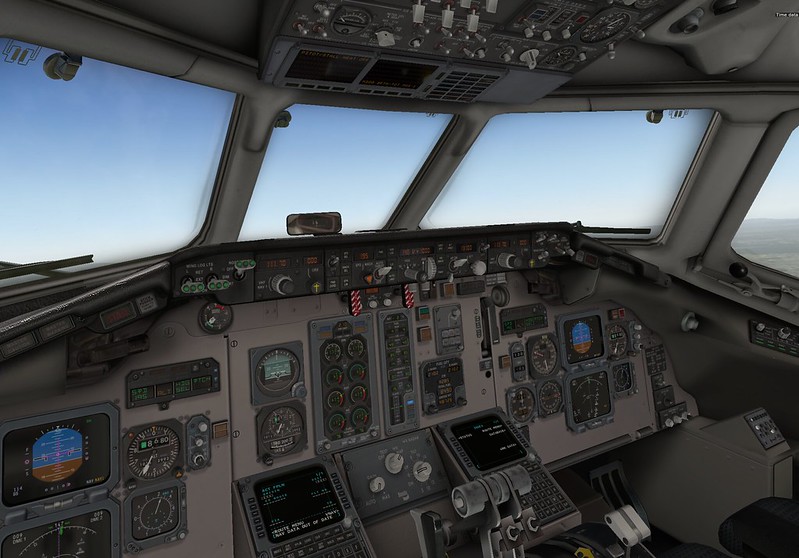 I turned on the Flight Director (FD) and Autopilot (AP), and set the Heading, Speed, Altitude, and Climb rate.
Now I can sit back and enjoy the scenery.
I turned on the Flight Director (FD) and Autopilot (AP), and set the Heading, Speed, Altitude, and Climb rate.
Now I can sit back and enjoy the scenery.
Regarding the FMS system included in X-Plane 11, the official website has released a video tutorial.
Interested parties should check it out. The video mentions that XP11 even supports the GLS satellite navigation landing system, a feature not found in other flight simulation software.I noticed a few small command icons appeared on the right side of the menu bar.
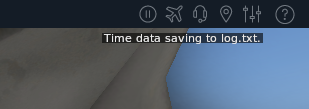 For example, you can access the main menu here, set ATC frequencies, configure hardware, etc.
I think this feature is quite thoughtful.
For example, you can access the main menu here, set ATC frequencies, configure hardware, etc.
I think this feature is quite thoughtful.
I used beta 3 for about half an hour and didn’t find any bugs. The system ran stably, which is quite reassuring.
Official Documentation: X-Plane 11 Desktop Manual