Title: X-Plane 10 Stunning 747-400 Internal View
X-Plane 11 is out now. Please check out the latest article: Installing and Trying the X-Plane 11 Free Demo!
Welcome to 2012! I wish everyone a happy New Year. May you continuously improve your flying skills and better enjoy the various pleasures that flight simulation brings us in the coming year.
I basically stick to light propeller aircraft in X-Plane 10, but occasionally flying a large airliner still brings many surprises. Although these big birds are difficult to fly, the modeling is indeed very exquisite; just looking at the interior space is a pleasure in itself. Let’s take a look at the interior views of the 747-400, which is the default aircraft in X-Plane 10. These images are screenshots I took myself.
The following 4 images show the cabin interior. Not only are the seats and luggage bins lifelike, but the carpet, restroom, and large projection screens are also very realistic. Details like exit signs and the small LCD monitors on the seats are faithfully reproduced. Please pay special attention to the lighting and shadows; the shadows cast on the seats and floor by light streaming through the windows are calculated in real-time. They change as your viewing angle shifts, and the clarity and realism are moving. Please click to view the full-size images below.
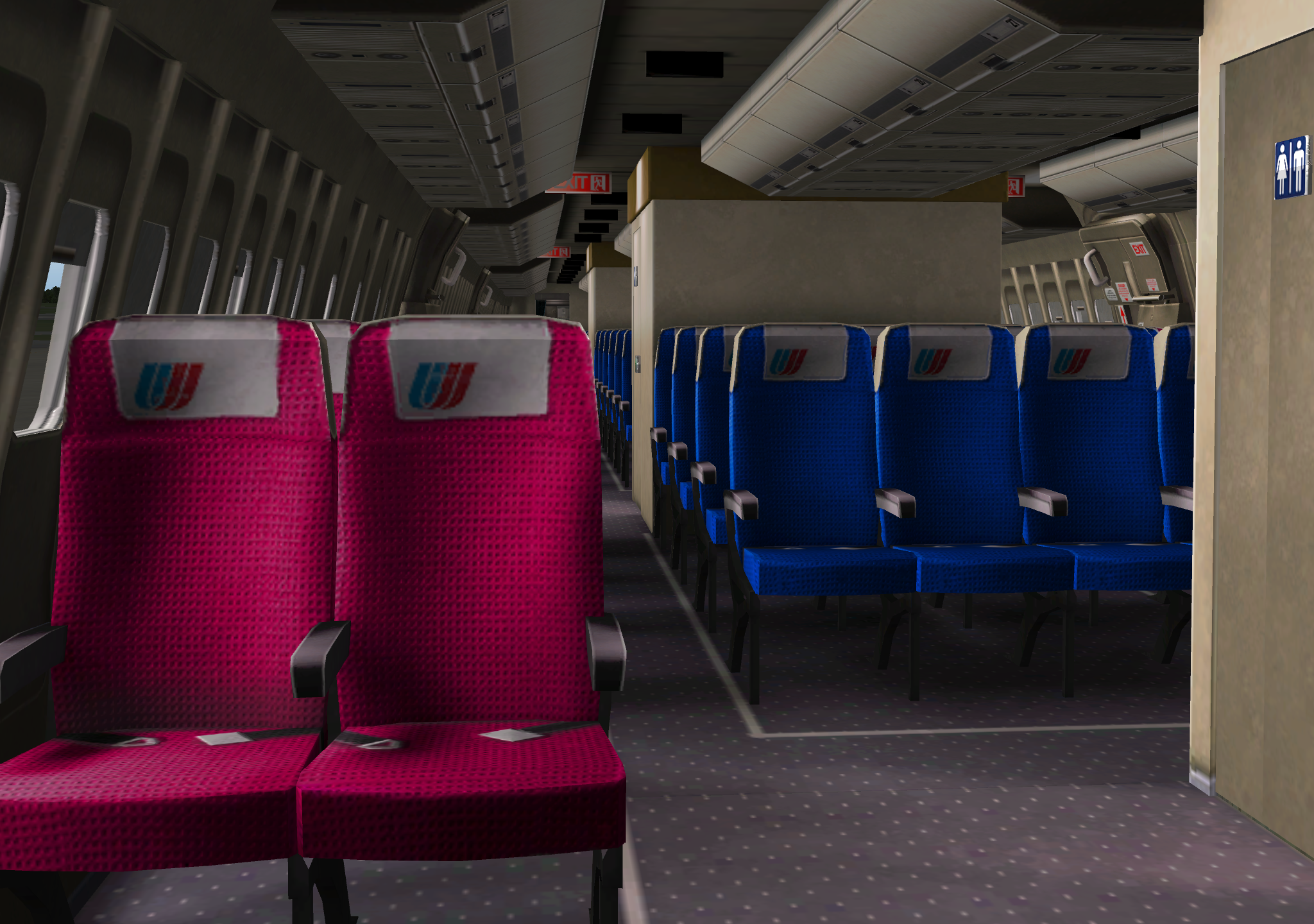
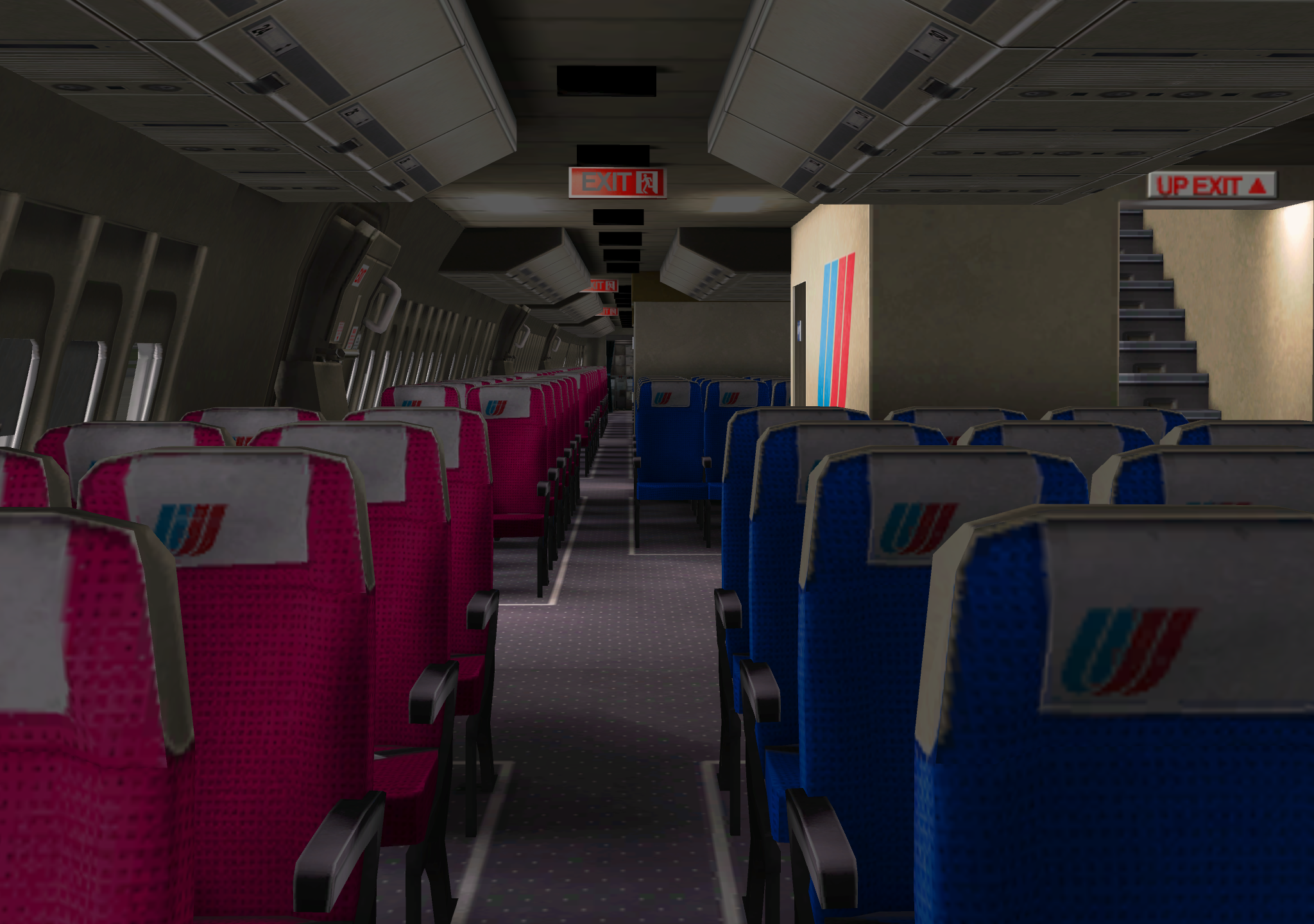
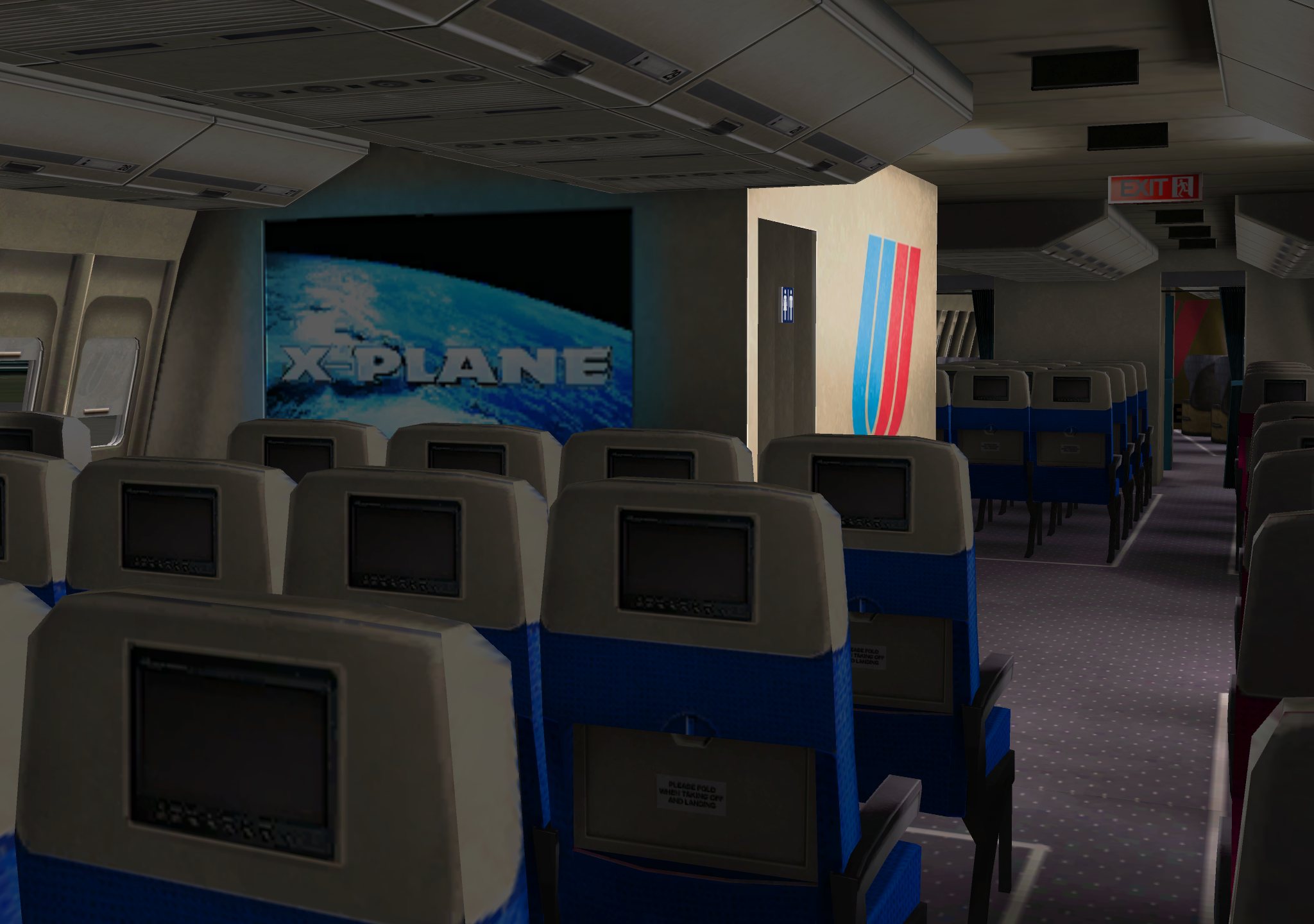
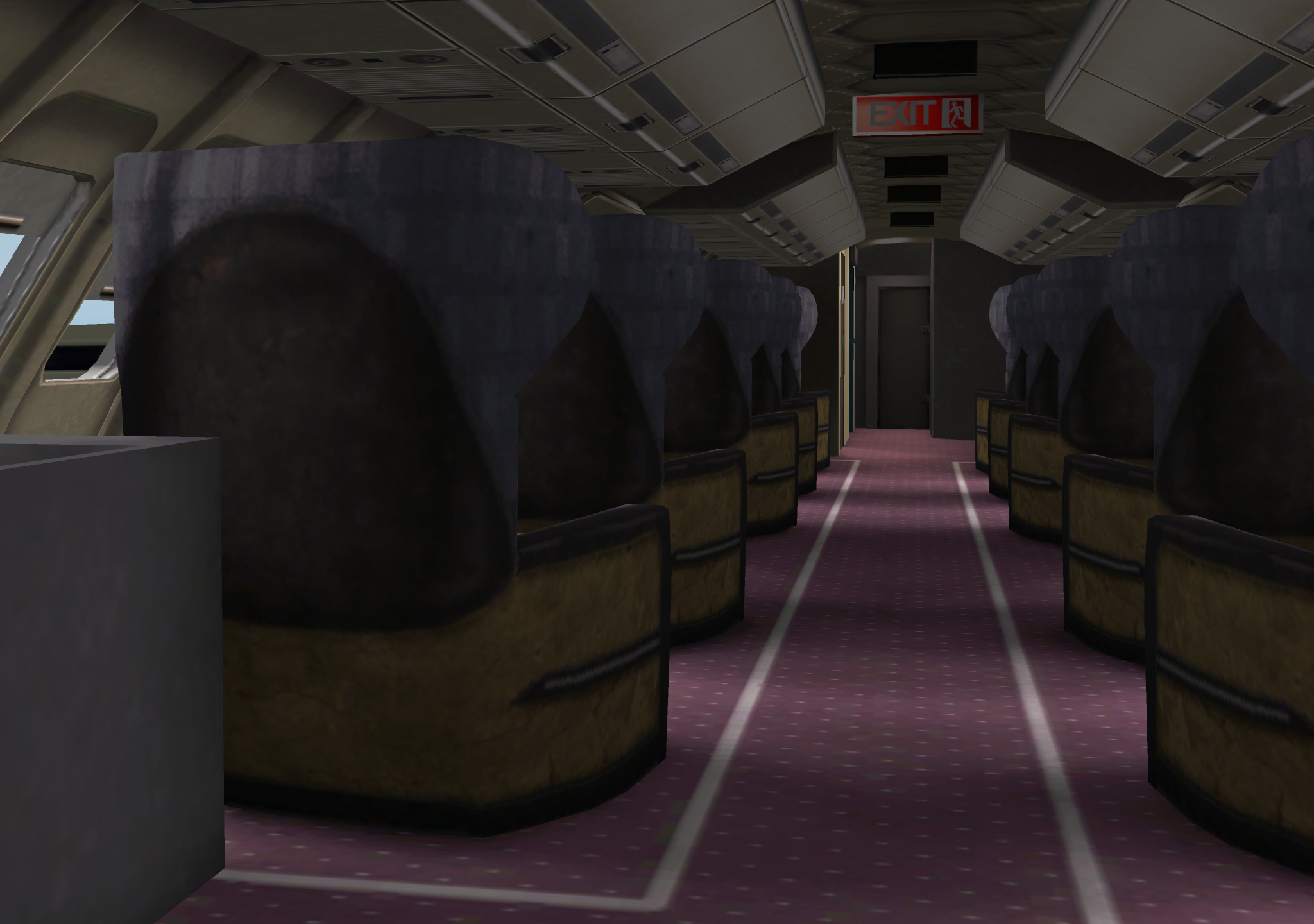
In X-Plane 10, since you can freely move the viewpoint, you can see the 3D interior details of the aircraft from any angle. You can also freely zoom in and out, truly achieving the “professional-grade rotating zoom lens” effect mentioned on the official website. Moreover, this function is even more impressive when viewing the cockpit.
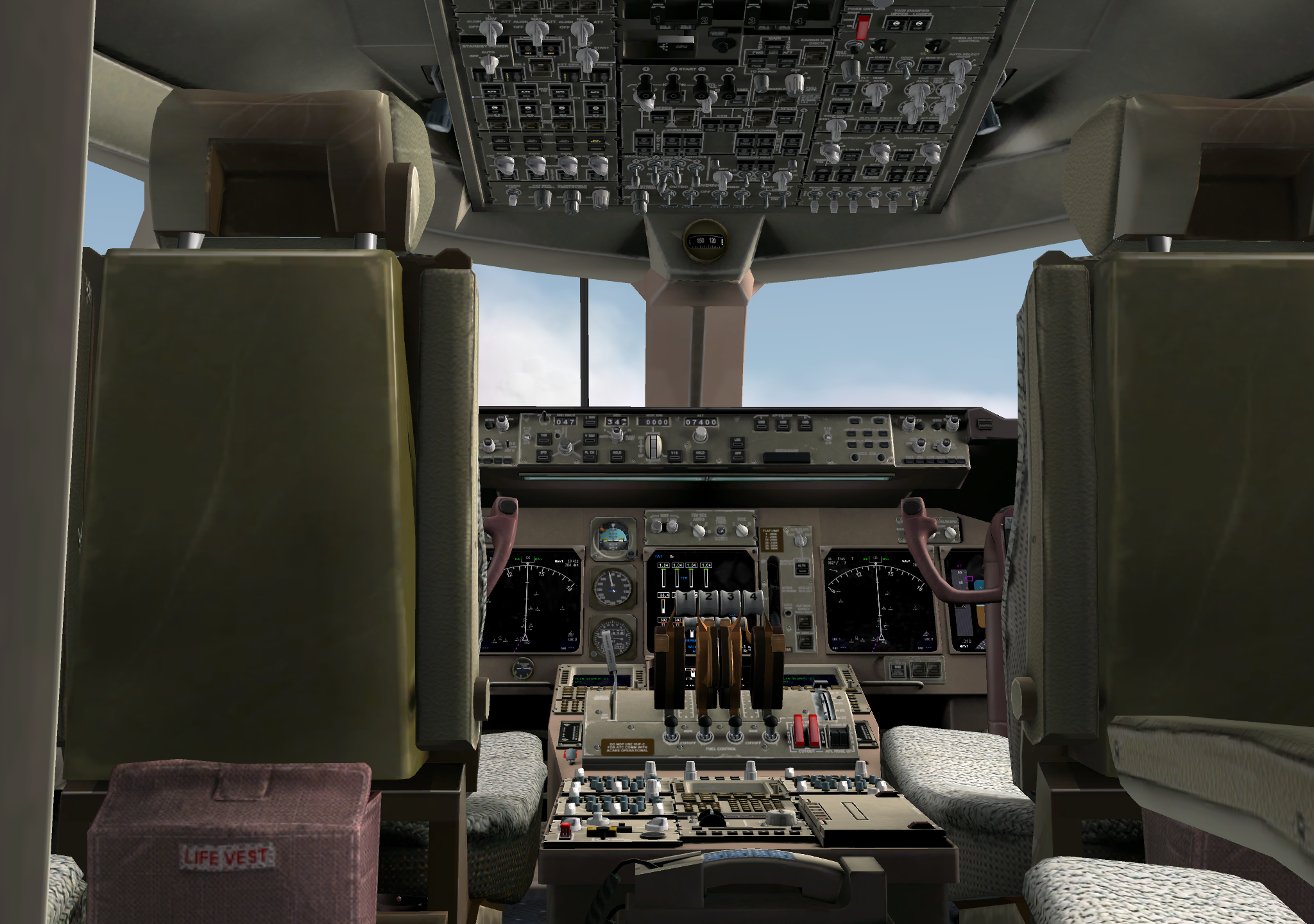

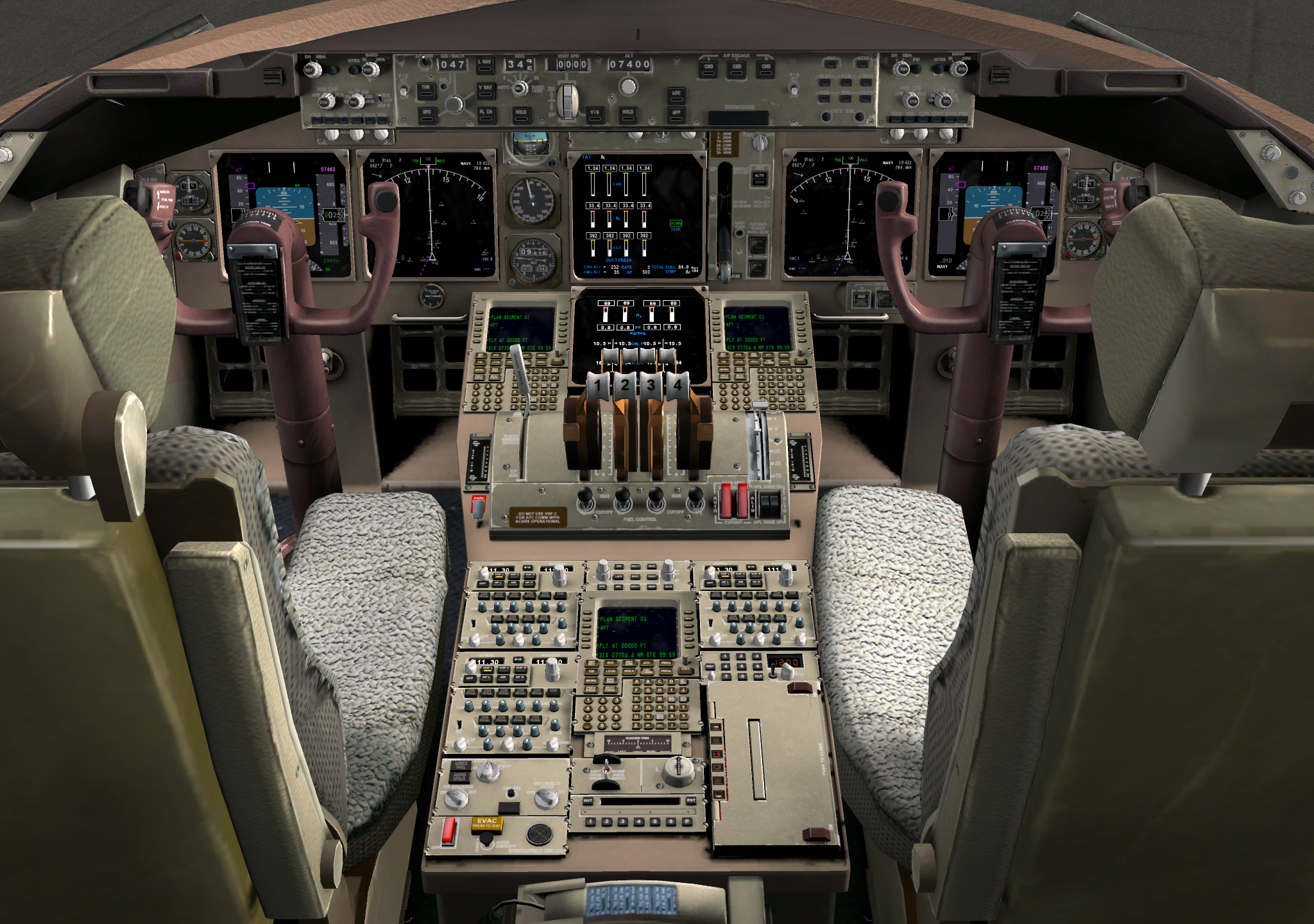

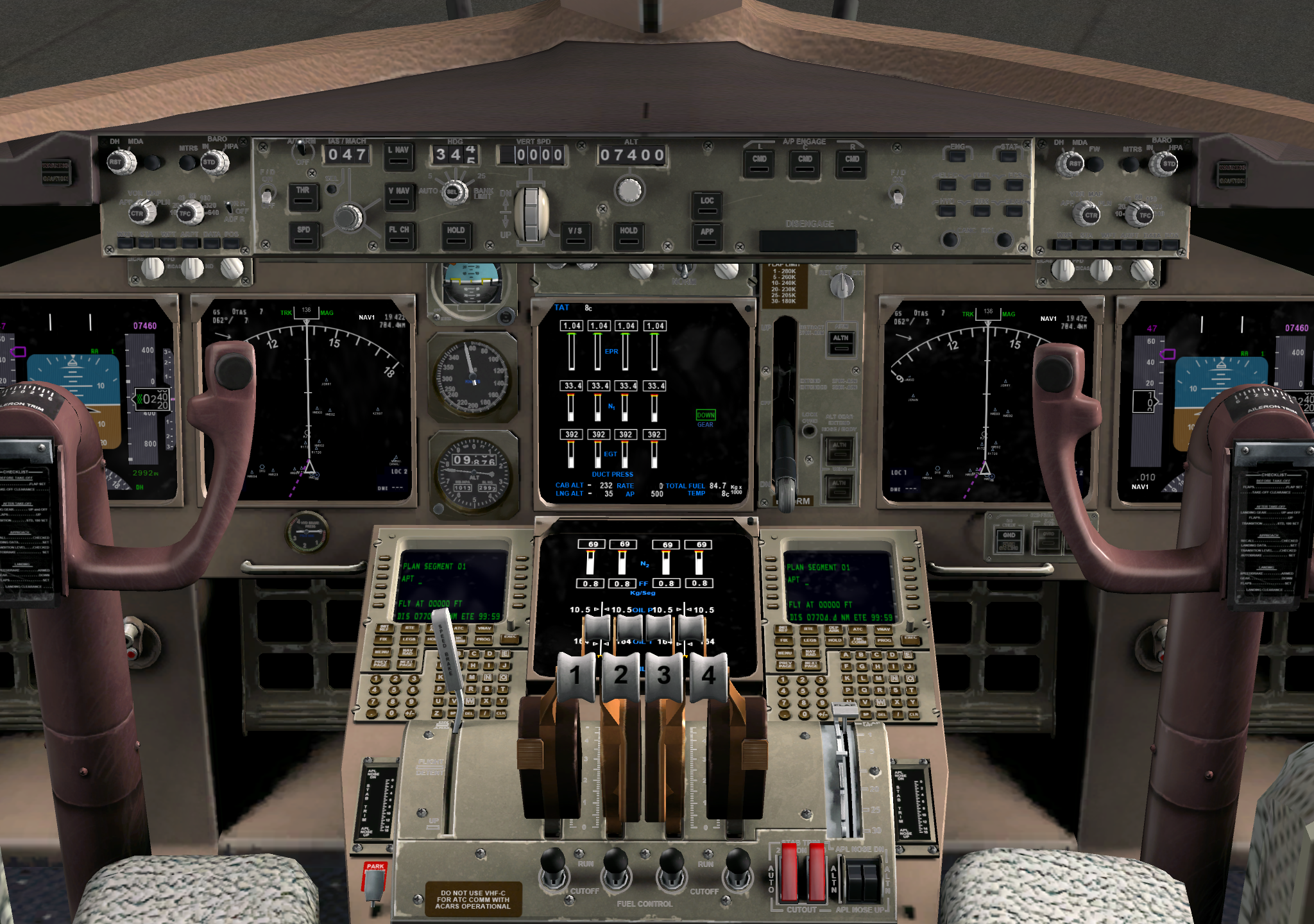
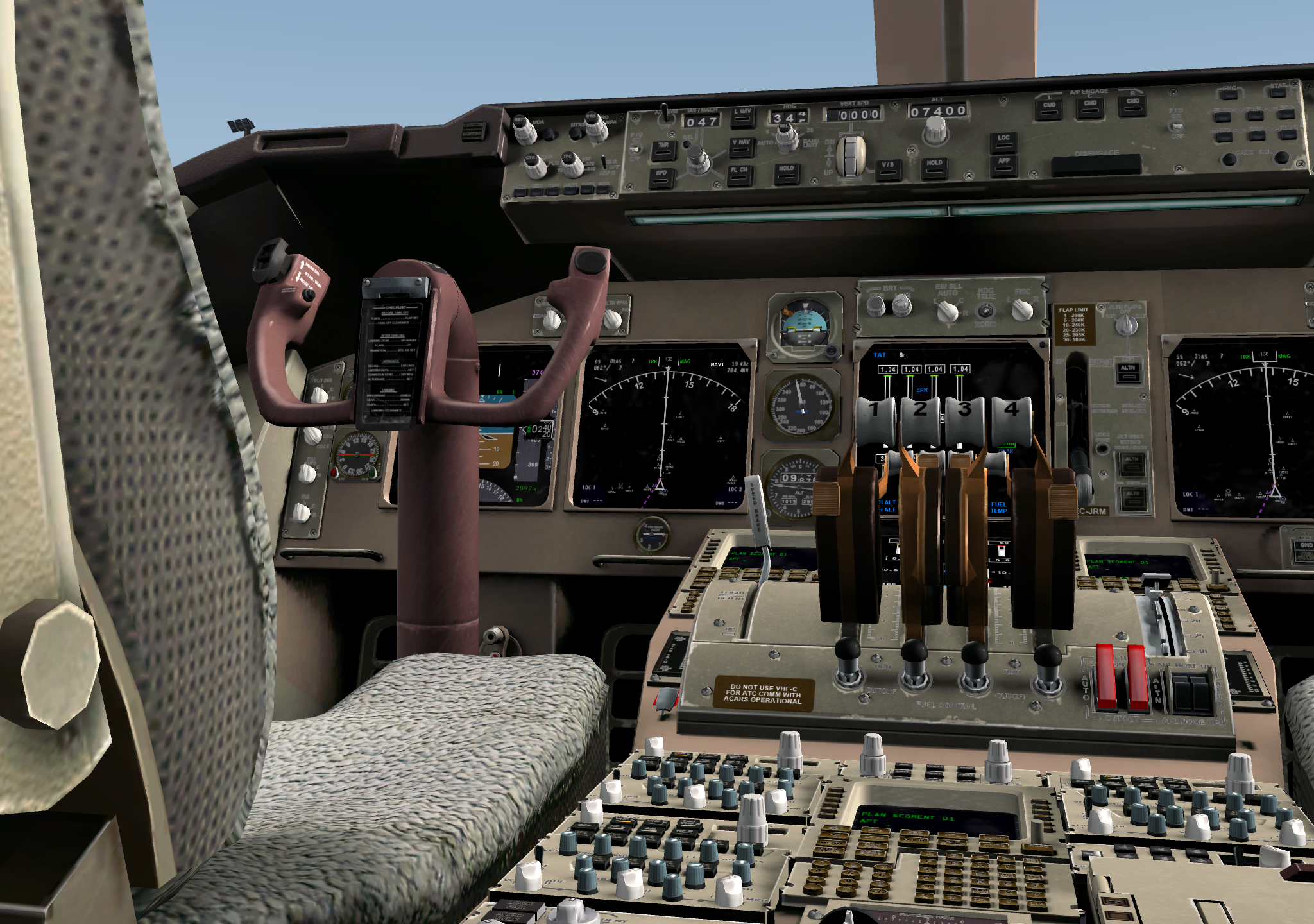
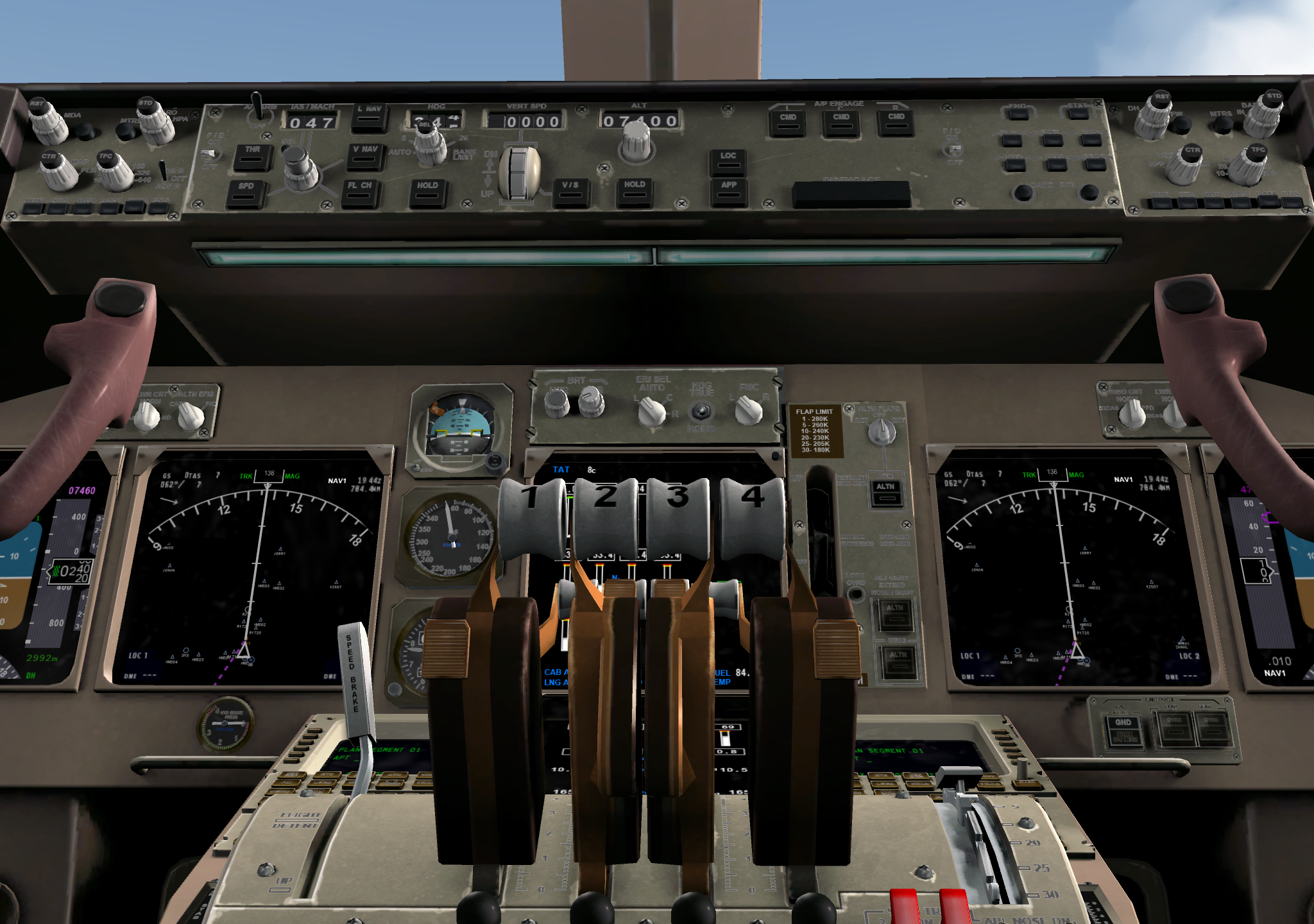
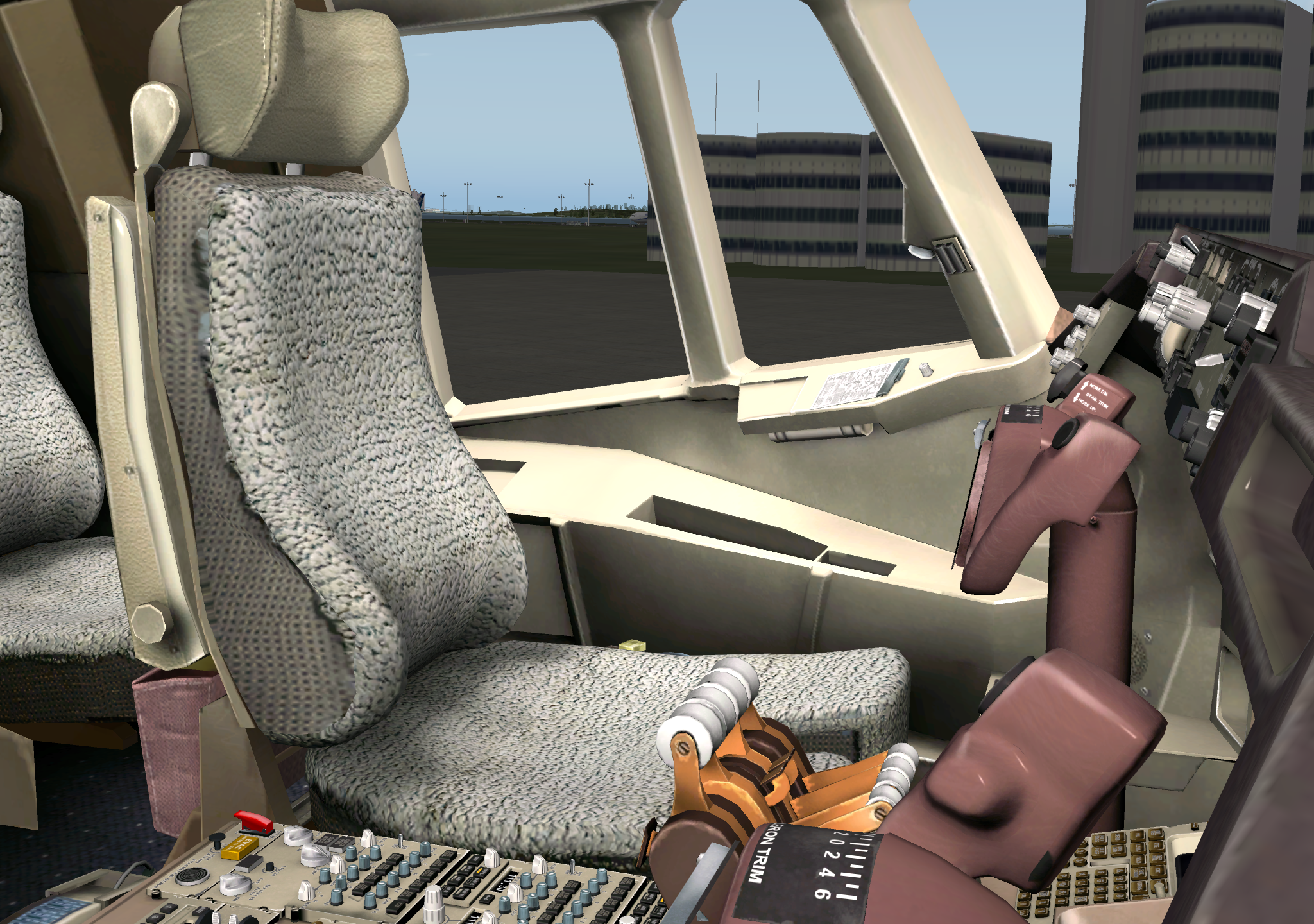
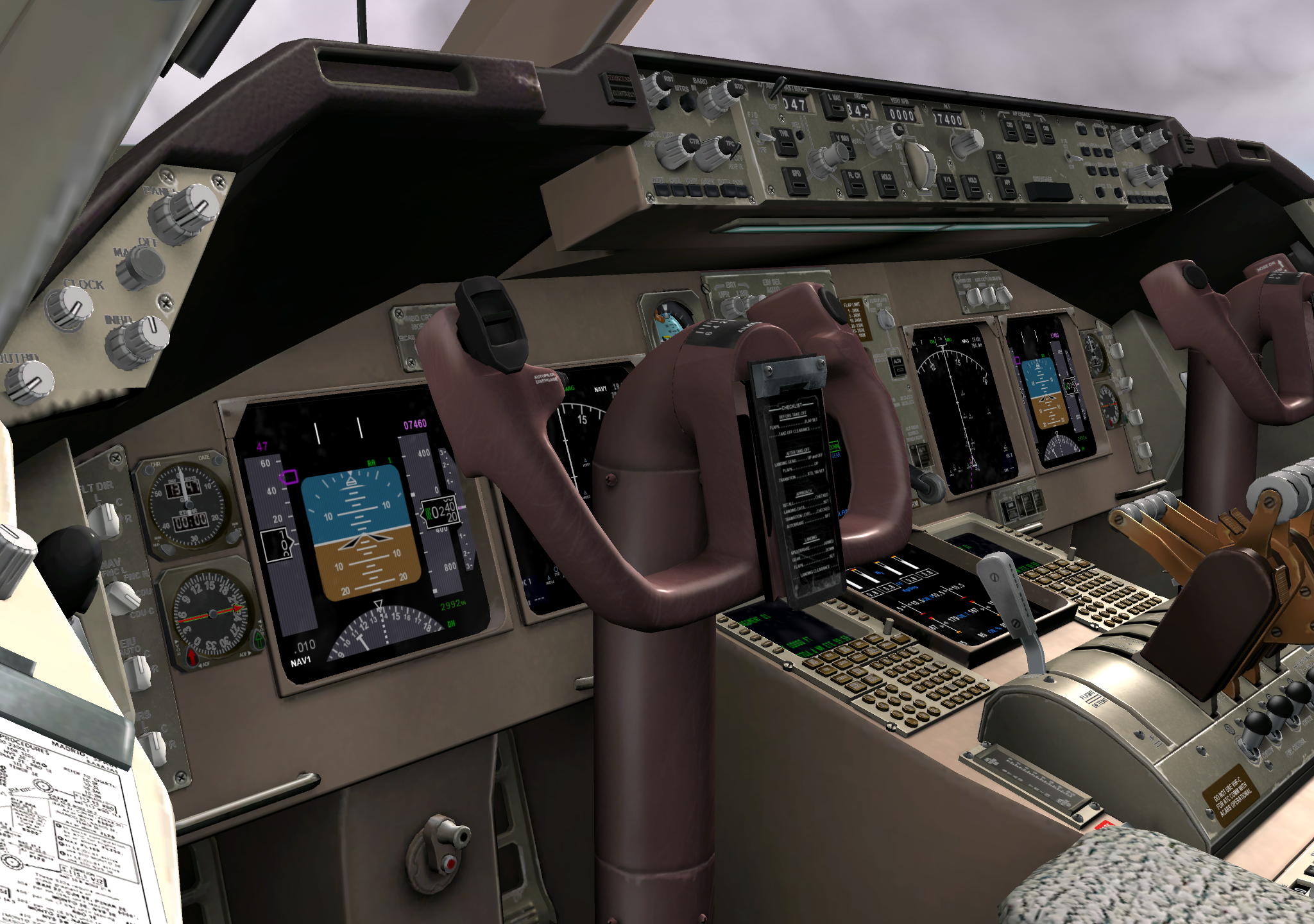
Finally, here are the keyboard shortcuts used for this aircraft interior tour: View Change: [shift]+[1]~[0] Zoom: [-][=] Move Viewpoint: [↑][↓][←][→] Pan View: [Q][E] Move Forward/Backward: [shift]+[.] [,]
Recommended Articles
○○○○○X-Plane 10 Tutorials, Gameplay Intro, Quick Start Guide ○○○○○
X-Plane 10 Introduction, Installation, Keyboard Commands, and Usage Overview  X-Plane 10 New Features and Control Methods
X-Plane 10 747-400 Takeoff and Landing, Air Traffic Control ATC, IFR Practice Full Tutorial
X-Plane Rendering Options Settings
X-Plane 10 New Features and Control Methods
X-Plane 10 747-400 Takeoff and Landing, Air Traffic Control ATC, IFR Practice Full Tutorial
X-Plane Rendering Options Settings
○○○○○X-Plane 10 Autopilot and Navigation ○○○○○ Small Aircraft Autopilot Basics Instrument Landing System ILS Approach Summary of X-Plane Flight Plan and Route Settings
○○○○○Basic Flight Skills Tutorial ○○○○○
Discussion on Propeller Slipstream and P-Factor in Small Propeller Aircraft – Why Does My Plane Always Pull Left?
Discussion on the Use of Fuel Mixture Control in Small Aircraft
Aileron Control during Crosswind Takeoff
Crosswind Takeoff Techniques Complete Version
Discussion on the Control Method for Trim