X-Plane 12 Version Info
-
X-Plane12 A330 POH 5
Check Lists
The following checklists are designed for the convenience of simulated pilots and customized according to the X-Plane A330-300 aircraft. These differ from the checklists of the real aircraft.
Cold and Dark to Engine Start The following checklist is a subset of real procedures and includes only the essential steps required from Cold and Dark to Engine Start: PARKING BRAKE - ON
TRANSPONDER - STANDBY
BAT1 - ON BAT2 - ON
-
X-Plane 12 A330 POH 4
Glareshield Panel

Annunciator Panel
MASTER WARNING: Illuminates and flashes to indicate a Level 3 severity warning. The crew must cancel the warning. MASTER CAUTION: Illuminates to indicate a Level 2 severity caution. The crew must cancel the caution. AUTO LAND: Illuminates if the aircraft is performing an automatic landing that cannot be completed. The crew must take control of the aircraft and cancel the warning. SIDE STICK PRIORITY: Illuminates if a conflict arises due to both pilots making sidestick inputs simultaneously.
-
X-Plane12 A330 POH 3
Primary Instrument Panels
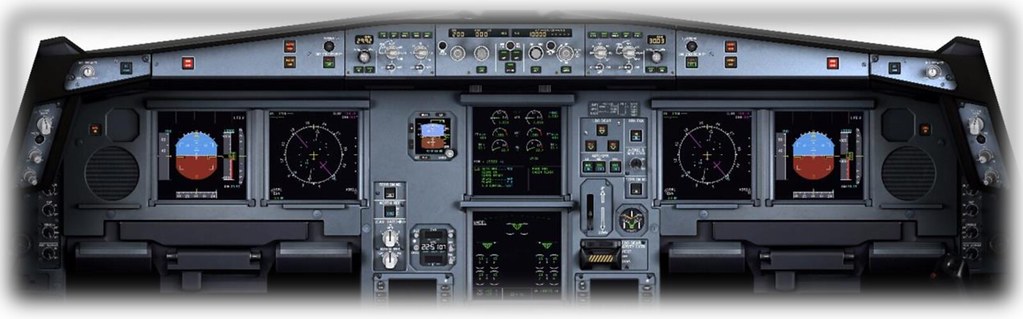
Primary Flight Display (PFD) This is the LCD panel on the left side of the avionics cluster. The PFD displays the aircraft’s attitude relative to the horizon, as well as altitude (relative to sea level), shown via the scale on the right. The attitude display informs the pilot whether the aircraft is flying straight or Turning, and whether the aircraft is Climbing or Descending. This information is critical during “instrument conditions,” i.e., when the external horizon is not visible. The PFD also displays altitude and Airspeed information, as well as localizer deviation and glideslope deviation when coupled with an ILS approach. Details of the PFD are introduced in a separate section: Primary Flight Display (PFD) Components.
-
X-Plane12 A330 POH 2
Airbus Flight Control Systems
All modern Airbus aircraft (except for the A300 and A310) utilize a “Flight Control System” that enforces Airbus flight control laws, which are a set of protocols defining how the aircraft responds to pilot inputs.
The A330 aircraft has a total of five flight control computers, including three primary computers (PRIM1, PRIM2, PRIM3) and two secondary computers (SEC1, SEC2). If necessary, the aircraft can be operated by any single flight control computer, adhering to the simplest Airbus flight control law—the “Direct Law”.
-
X-Plane12 A330 POH 1
The Pilot Operating Handbook (POH) for X-Plane 12 A330 has been released on the official website, so let’s take this opportunity to study it. Here, I have used ChatGPT to translate it into English for your reference.
Pilot Operating Handbook Author: Julian Lockwood ([email protected]) Copyright: Laminar Research 2023 Disclaimer The information in this document is for use strictly within the X-Plane flight simulator. This document is not revised and has not been checked for accuracy. This document is for entertainment use only and must not be used in real aircraft or real aviation. Distribution This document may be copied and distributed by Laminar Research customers and developers for entertainment use. It may also be distributed with third-party content developed for X-Plane 12.
-
Instructor Station for X-Plane 12
Want to set weather, time, failures, and everything else an instructor sets when controlling the desktop version of X-Plane 12? Then...... this application is for that exact purpose!
I saw the official website introduce the “Instructor Station” app on iOS, so I immediately downloaded and tested it. I found it to be truly practical for instructor use. Here are a few screenshots for an introduction.
After downloading and installing the app from the App Store, Instructor Station will automatically search for the X-Plane 12 application on the local network and complete the initial setup.
 You can see the instructor’s management terminal UI is quite simple.
 -
New ATC Features in X-Plane 12
The official website summary of the new ATC features in XP12 is quite good, so here is a brief translation. New ATC Features in X-Plane 12
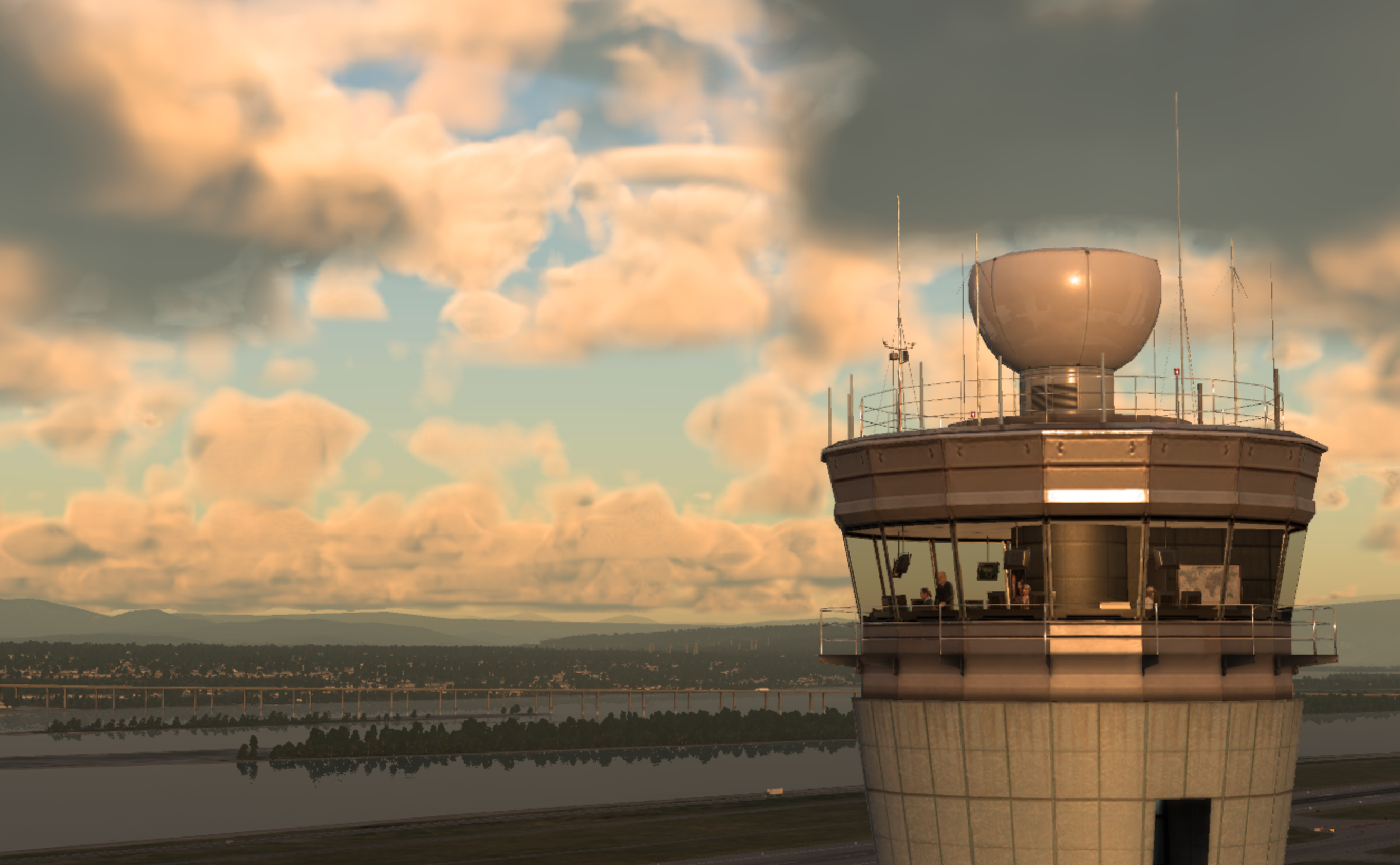
New Features in XP
- 6 different regions (Asia, Australia, Europe, India, United States, and Global)
- Choice of male and female pilot voices
- Voice changes based on signal reception strength, distance from transmitter, and intervening terrain
- Artificial intelligence will now wait for the controller’s instructions before executing them
One of the major changes, and perhaps one of the least noticeable, is that a global region system has now replaced the previous single global control area (the old system only simulated US-specific rules and information). Having independent geographic regions means different parts of the world can use voices appropriate to the location, but more importantly, regions can have different procedures and standards. To accommodate regional accent differences, the system now supports more than one voice per region, providing more variety, as well as male and female voices. In the voice settings page, pilots can also choose between male and female voices.
-
X-Plane 12.00 Beta3
X-Plane 12.00 Release Notes Beta_3 X-Plane 12.00 Beta 3 is out, fixing over 20 bugs. Upgrade now.

Next, I conducted a test flight. Departing from Mammoth Yosemite Airport (KMMH), I flew a Cirrus SR22 over Yosemite for about an hour. The simulation ran stably without any issues.


 Landed safely back at Mammoth Yosemite Airport.
By the way, the ATC feature in X-Plane 12 is much more convenient than before. You can communicate with Air Traffic Control at any time and request VFR landings. There are many more presets, so it is highly recommended.


-
First Impressions of Getting X-Plane 12
After waiting for nearly a year, I noticed early this morning that the Early Access version of X-Plane 12 has been released. I immediately purchased and installed it. X-Plane 12.00 Release Notes
 Downloading the scenery took about 2 hours, and finally, the installation was complete.
Startup screen
Downloading the scenery took about 2 hours, and finally, the installation was complete.
Startup screen

Main menu

I found that the various settings pages are no different from X-Plane 11, so it’s quick to get started.


 No need to specifically explain the settings.
 -
X-Plane 12 Flight Model Report
X-Plane 12 Flight Model Report
The developers have released detailed technical specifications about X-Plane 12 on their blog, but it is really, really too long, so I won’t translate the full text…
If you have time, go read it. The chapters are as follows:
Table of Contents 1 Introduction 2 Clouds 3 Real Weather 4 Thermals 5 Microbursts 6 Wings 7 Flaps 8 Fuselage 9 Propellers 10 Helicopters 11 Seaplanes 12 Gear and Tires 13 Braking 14 Icing 14.1 Math: The Effects of Ice 14.2 Applying the Math to N844X, My Lancair Evolution 14.3 General Case Discussion of What a Pilot Might be Thinking in Icing Conditions 14.4 Hypothetical Scenario for a Day in the Life of N844X, My Lancair Evolution 15 Jet Engines 16 Weight and Balance 17 Airbus Flight Control Laws 18 Conclusion
-
X-Plane 12 Development Update
X-Plane 12 Development Update - May 19, 2022
It has been over half a year since the announcement of X-Plane 12 last September, and we have finally received an official update. It seems the Early Access release will be coming soon (mid-June?), and the price remains at $59.99, allowing players to purchase it online.
Below is a translation of the progress for various functional modules:
–Flight Model -Final testing -Austin is currently writing a blog post outlining the changes made for X-Plane 12.
-
X-Plane 12 Keynote Presentation + Q&A
X-Plane 12 Keynote Presentation + Q&A
The official X-Plane.com website has released specific details about X-Plane 12. Below is an attempt to translate the Q&A.
Q: Regarding backward compatibility, what happens to the software used in X-Plane 11? Will it work in X-Plane 12?
A: We have ensured that the existing OpenGL bridge can continue to work in v12 just as the Plugins originally did. We expect most well-behaved Plugins to continue to work just as they did in v11. This includes everything from third-party Scenery and aircraft to general Plugins, including existing satellite photo scenery."
-
X-Plane 12 Release
Great news: X-Plane 12 was officially announced at today’s FlightSimExpo! After watching nearly an hour of the YouTube livestream, I wrote a simple memo from memory.

- The F-14 Tomcat becomes a default aircraft <img src=https://pbs.twimg.com/media/FAKPnuwWUAA0mbr?format=jpg&name=4096x4096>
- Weather will not just utilize local airport METARs, but will establish a global weather system
- The cloud rendering engine has been rewritten and won’t consume too many system resources
- Rain rendering models are more realistic, and will be combined with the airflow model; for example, the changes in water flow hitting the cockpit window
- The sound engine has also been rewritten, featuring a sound system with greater immersion
- The new ATC UI has been rewritten, adding further support for VFR ATC
- Seasonal changes, which were also mentioned in About the next generation X-Plane <img src=https://pbs.twimg.com/media/FAKZ1hHVEAQaAXn?format=jpg&name=large>
- The release date is not yet determined
- Users who purchase the X-Plane 12 digital beta will be able to download X-Plane 11 simultaneously
Referencing the fact that it took about half a year from X-Plane 11’s release to the beta reveal, I guess we’ll be able to use X-Plane 12 by next spring.
-
About the Next-Generation X-Plane
It has been a long time since this site last wrote about X-Plane version updates.
However, seeing New Previews of the Next-Generation of X-Plane today, there is quite a bit of information about the next generation of X-Plane currently under development, so I have noted it down here.

Regarding the new version number, whether it will be X-Plane 12 and the price are not yet determined. Regarding seasons, not only will the four seasons change, but the scenery will also vary depending on the time of day and latitude. Regarding clouds, they plan to introduce features where both shape and volume change constantly. Regarding Microsoft Flight Simulator, Austin says he has only used it for 30 minutes. While the scenery is indeed excellent above 3000 feet, the image quality drops sharply once close to the ground. X-Plane does not plan to provide satellite imagery for terrain data. Regarding performance, they will maximize hardware efficiency, but won’t focus all their energy on increasing frame rates.