Instructor Station for X-Plane 12
Want to set weather, time, failures, and everything else an instructor sets when controlling the desktop version of X-Plane 12? Then...... this application is for that exact purpose!
I saw the official website introduce the “Instructor Station” app on iOS, so I immediately downloaded and tested it. I found it to be truly practical for instructor use. Here are a few screenshots for an introduction.
After downloading and installing the app from the App Store,
Instructor Station will automatically search for the X-Plane 12 application on the local network and complete the initial setup.
 You can see the instructor’s management terminal UI is quite simple.
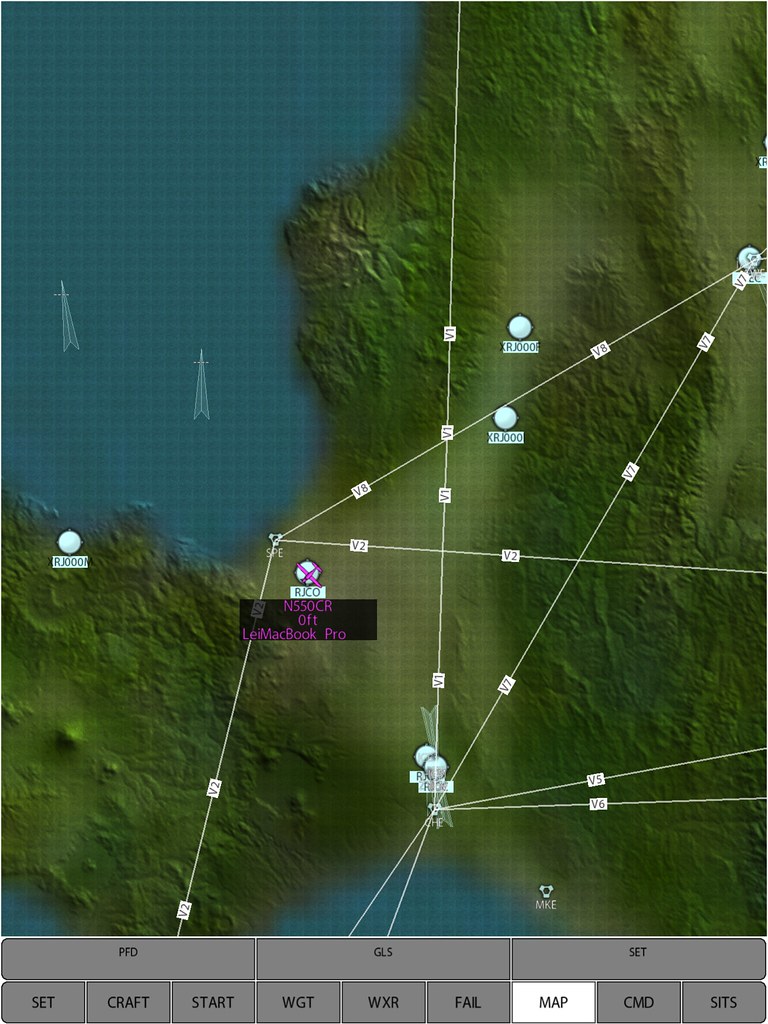
Map Settings Page
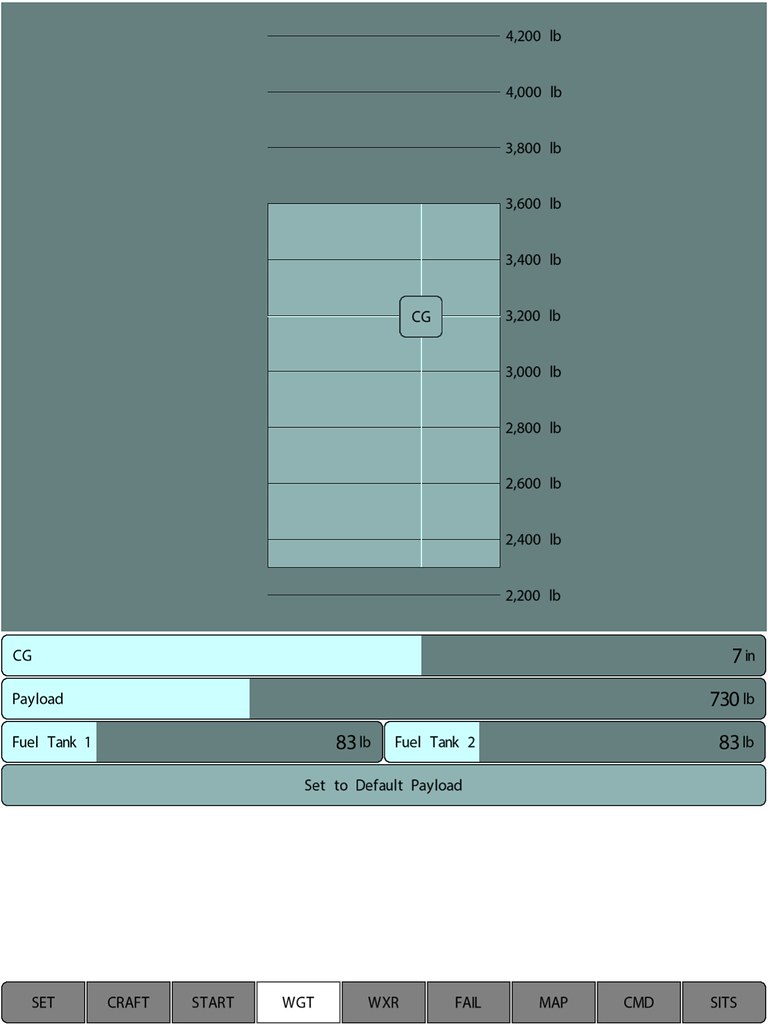
Center of Gravity, Payload, and Fuel Settings
Aircraft Type Settings

Cloud Settings

Display after setup is complete

Perhaps the most useful feature is this failure simulation setting,
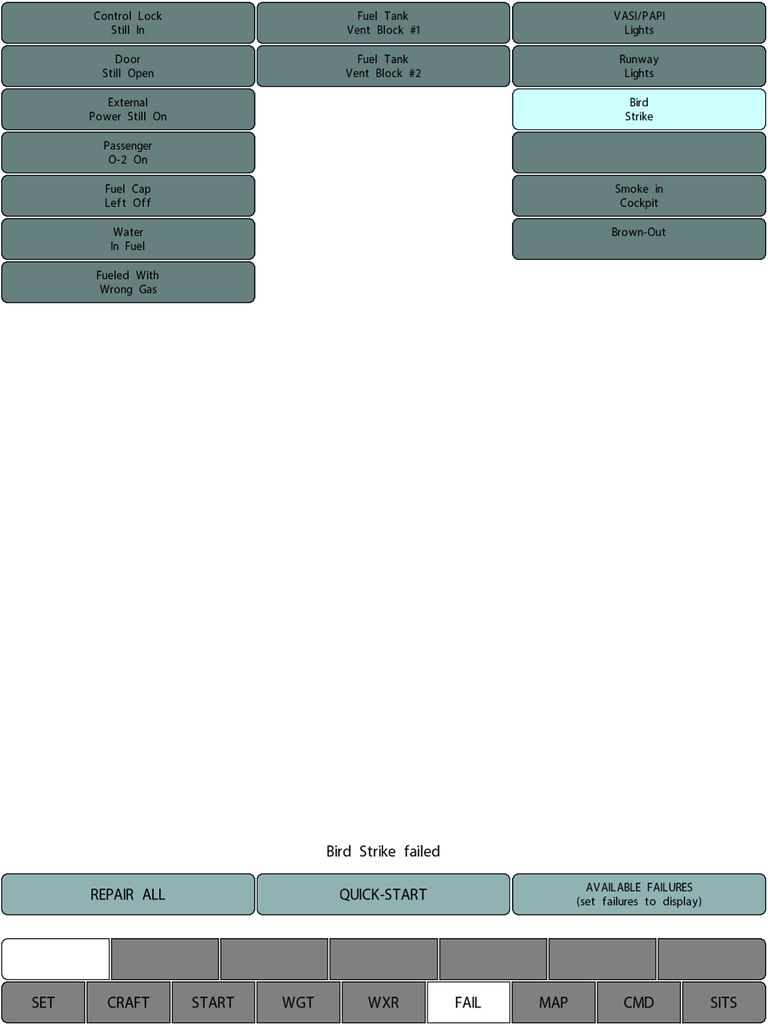
For example, after selecting Bird Strike, you can see a flock of birds appearing in front of the aircraft,
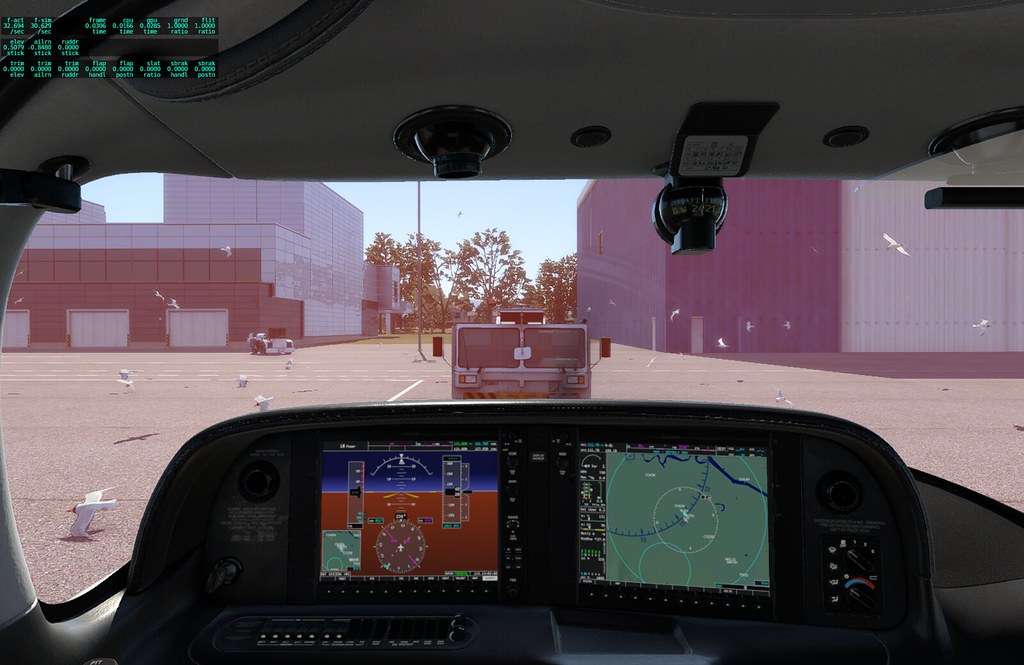 and after a while, you can see the engine starting to catch fire.

For instance, after selecting Smoke in Cockpit,
 sure enough, the cockpit begins to fill with thick smoke…
You can watch a video on YouTube where Austin personally explains the Instructor Station; his commentary is much more exciting than my introduction.