New Image Editing Powerhouse: TourBox Elite
I purchased a piece of hardware called TourBox Elite for photo editing.
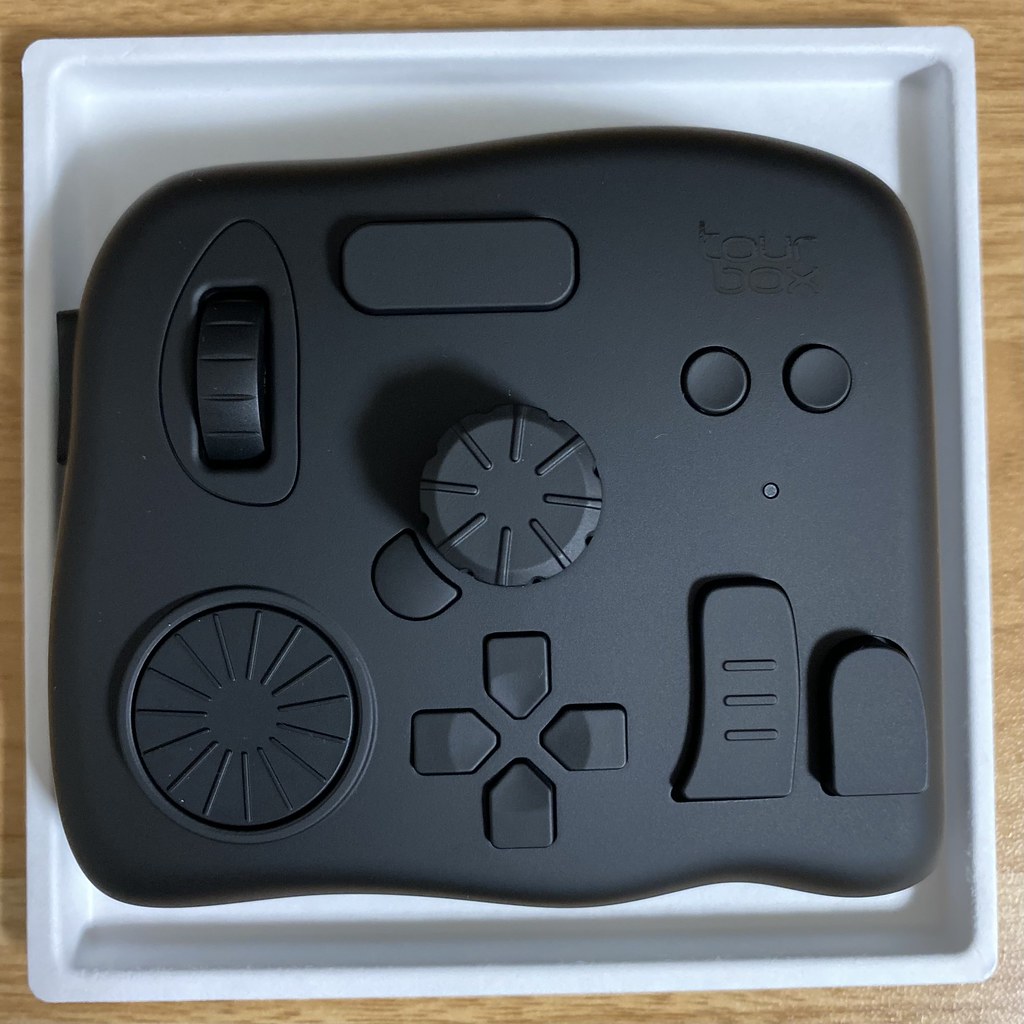 After getting the hang of it for a bit, it feels pretty good.
I used it for editing in Lightroom. After completing the initial setup,
and spending nearly 30 minutes memorizing the locations of the knobs, scroll wheels, D-pad, and various function keys,
the rate at which I used the keyboard and mouse did indeed drop significantly.
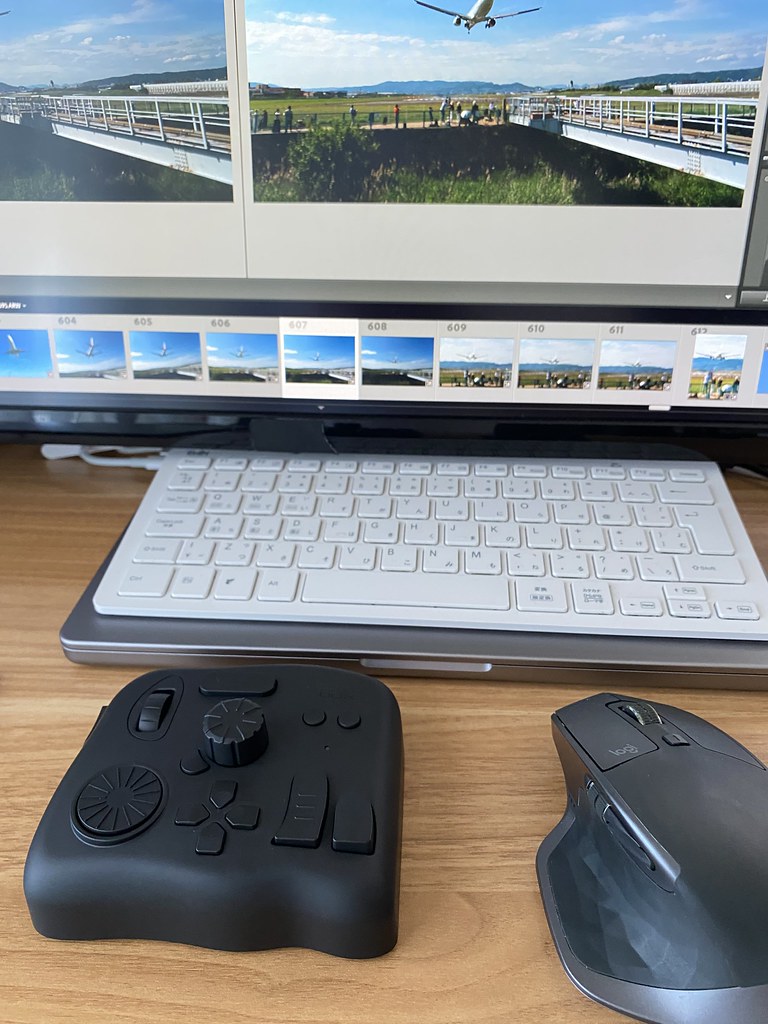
The setup method is also quite simple. Just go to www.tourboxtech.com to download and install the console driver.
Insert two AA batteries into the TourBox Elite, flip the power switch on the bottom,
the console program will prompt for a Bluetooth connection, then select the Lightroom auto-preset in the settings screen.
 Later on, I added some custom settings,
for instance, setting Tone Curve Highlights to “Side Key” + “D-pad Left”, etc.
Overall, it is quite simple.
Later on, I added some custom settings,
for instance, setting Tone Curve Highlights to “Side Key” + “D-pad Left”, etc.
Overall, it is quite simple.

After using the TourBox Elite, I feel I can concentrate better on the photos during retouching, which saves a lot of worry. Whereas in the past, half of my energy was always spent using the mouse to search through menus and adjustment items, leading to fatigue easily.
What the manufacturer claims on their website: “In Lightroom, simply gently turning the knobs allows easy adjustment of Exposure, Contrast, Shadows, Highlights, and various other parameters. Your eyes only need to focus on the changes in the image; there is no need to stare at the parameter bars. One hand is enough to handle the entire creative workflow.” Is really no exaggeration.
Additionally, there are many application presets available for download on the official website. Besides photo, video, and music editing, commonly used applications like Chrome and PowerPoint can also be used. For example, in Chrome, you can open new windows and switch between Tabs, which is truly very convenient.
Finally, for playing flight simulations, I also created a preset for X-Plane,
 For example, setting “Long Key” to open the ATC window, and “Short Key” to open the Map window,
“Up Key” to lean the fuel mixture, “Down Key” to enrichen the fuel mixture,
This made up for the lack of shortcuts when only using a CH yoke.
For example, setting “Long Key” to open the ATC window, and “Short Key” to open the Map window,
“Up Key” to lean the fuel mixture, “Down Key” to enrichen the fuel mixture,
This made up for the lack of shortcuts when only using a CH yoke.
X-Plane 11 Keyboard Controls Summary

Previous Comments
Darlunding - 08/16/2022 09:46:52 PM
Does this device support freely mapping keys, or does the software itself need to support it? I use CaptureOne for retouching and wonder if I can use it?