X-Plane 12 Flight Model Report
X-Plane 12 Flight Model Report
The developers have released detailed technical specifications about X-Plane 12 on their blog, but it is really, really too long, so I won’t translate the full text…
If you have time, go read it. The chapters are as follows:
Table of Contents 1 Introduction 2 Clouds 3 Real Weather 4 Thermals 5 Microbursts 6 Wings 7 Flaps 8 Fuselage 9 Propellers 10 Helicopters 11 Seaplanes 12 Gear and Tires 13 Braking 14 Icing 14.1 Math: The Effects of Ice 14.2 Applying the Math to N844X, My Lancair Evolution 14.3 General Case Discussion of What a Pilot Might be Thinking in Icing Conditions 14.4 Hypothetical Scenario for a Day in the Life of N844X, My Lancair Evolution 15 Jet Engines 16 Weight and Balance 17 Airbus Flight Control Laws 18 Conclusion
Introduction
X-Plane 12 is an interesting version because we had to rewrite… everything.
Here is the situation.
Ben started tracking every watt from the sun and things like that, adding it to the material properties of whatever metal the planes are made of, and next thing you know, our lighting is physics-based!". Okay, okay. That sounds like a fun feature, but once we did it, we suddenly found some issues. The pavement at the airports no longer looked right compared to the excellent new plane lighting. It looked flat compared to the physics-based lighting on the planes. So we had to update our pavement. But then, it didn’t look right when it rained compared to when it was sunny. Suddenly, with all this accurate lighting, having flat colored pavement when it rained looked wrong. So we needed puddles. But water looked very wrong when it was cold, so we had to have ice. But that looked wrong when there was snow elsewhere. We had to have patches of snow on the sidewalks, but if we only had white, fluffy, freshly fallen snow, it looked wrong, because we all know that any snow on an airport ramp is quickly plowed, and the rest is piled up. Once we had all the snow piles and tire-swept ice and puddles, the artists started coming in with their next-gen ground vehicles, the art is so incredible that you feel like you are looking at a real push cart……until the push cart doesn’t pause for a moment to install the tow bar, breaking the illusion! So now the ground service vehicles have to have time to install. Therefore, ground service vehicles now must move more realistically! And stop between jobs. Wait, wait. For every. Single. Bit. Of the simulator.
You see where this is going. Every time we get something right, it makes something else in the simulation look wrong.
So, we have to fix that.
Which makes the next thing stick out like a sore thumb.
And this has been going on for 5 years.
By the time we were done, we had rewritten every part of the simulator. While ensuring that V11 planes, scenery, and plugins still work. To get an idea of how much work is involved, look at this document. This is just the main highlights of the flight model, almost entirely coded by me… it is a tiny fraction of the total work our team of about 20 people has done for X-Plane 12.
This is the situation with X-Plane 12, and why it took so long to release.
But, the good news is, we have overhauled… everything.
Everything in the simulation has been elevated to a physics-based level, not just the flight model.
But the flight model is all I’m going to talk about in this document, because that’s what I worked on.
Before I get into the details, let me give you an interesting tip.
In the past, we would record everything the X-Plane flight model did and use that as a test case for future flight model upgrades to ensure I wouldn’t change anything and mess up everyone’s existing planes in the field. But now, for the first time, our test files are not based on X-Plane’s past performance, but on actual pilot operating handbooks, flight data I personally collected for N844X, a massive amount of flight test data for piston planes collected by Philipp, and YouTube videos (very useful for showing jet engine starts! Thank you, Dutch pilot girl!), which all document what real planes do. So X-Plane 12 is a version where our test reference files are no longer past performance, but start with real plane performance. We are now so close that our test checks are… real. What really excites me besides the realism is that this means our test targets won’t change anymore! The target is reality, and reality is our goal. The goal is reality, and reality is fixed. When that is your goal, you dial it in and don’t jitter between one build and the next.
Another cool milestone was just reached. In the past 25 years, there has been a slider in X-Plane that you could use to add some artificial damping to make the plane feel “less sensitive”. Now that feature is gone. The flight model is now so good that it doesn’t need it……if someone still wants damping……then they need to adjust their joystick or flying skills. The flight model is now presented in a form that doesn’t need post-processing. Pure math works.
Conclusion
So, as you can see, I could use a bunch of silly marketing adjectives here, but that doesn’t do the actual work any justice.
Now in X-Plane 12, the model is either physically and logically correct, or it is not.
If it is not correct, then we don’t ship.
That is why this version took a long time, but I think we got it. To see how far this model can be pushed, hop in a Cessna 172, load the baggage to get the Center of Gravity (CG) back, go up high, and try to spin it. Pull back on the stick and hold, maybe full rudder in one direction. This isn’t some added-on effect. It is pure first principles. Click command–M to view flight model forces and see how they affect the plane’s flight.
Remember to go to the Data Output tab in the simulation settings, scroll to see all the new data output options.
Battery charge state, takeoff and landing distance (though you have to fly to get the data log!), lift over drag and propulsion efficiency, and range in nautical miles, profile drag coefficient and propwash……the list goes on and on, with dozens of new data outputs. You really need to open data output, use the ’m’ command to access various flight views, especially on prop planes, to see what X-Plane can really do!
Also, remember to press shift-M to have X-Plane write the flight model loop to the hard drive, so if needed, you can check my work……the output of this file is much improved in terms of readability.
Alright, we have the new plane flight models……and the air they move through.
Now, what planes are there to experience all this amazing stuff?
For the new planes, we have.
A small Piper Cub, to let your plane fly very, very low, and very slow.
Similarly, a small Aerolite 103……must have an ultralight.
An RV-10, for medium-sized homebuilt flying. Low and slow enough to go anywhere, but fast enough to cover some ground……
An R-22 helicopter, to let you really feel the rotor dynamics, without annoying computers to cover up your physics……
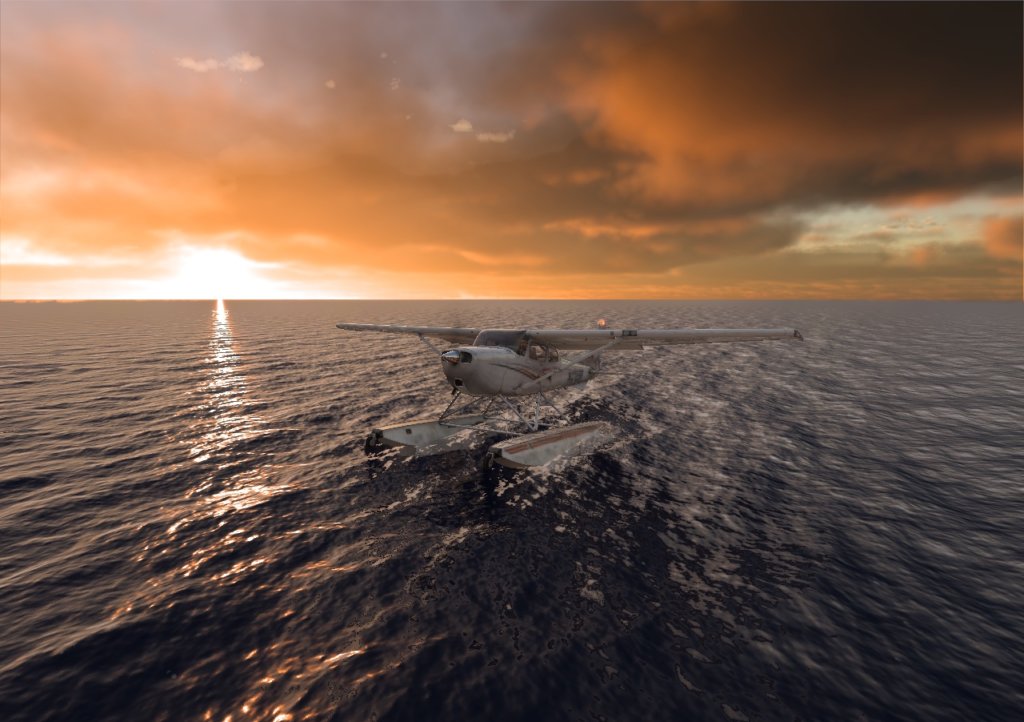
An R-22 SEAPLANE variant, to check out the new 3-D water, just for fun…
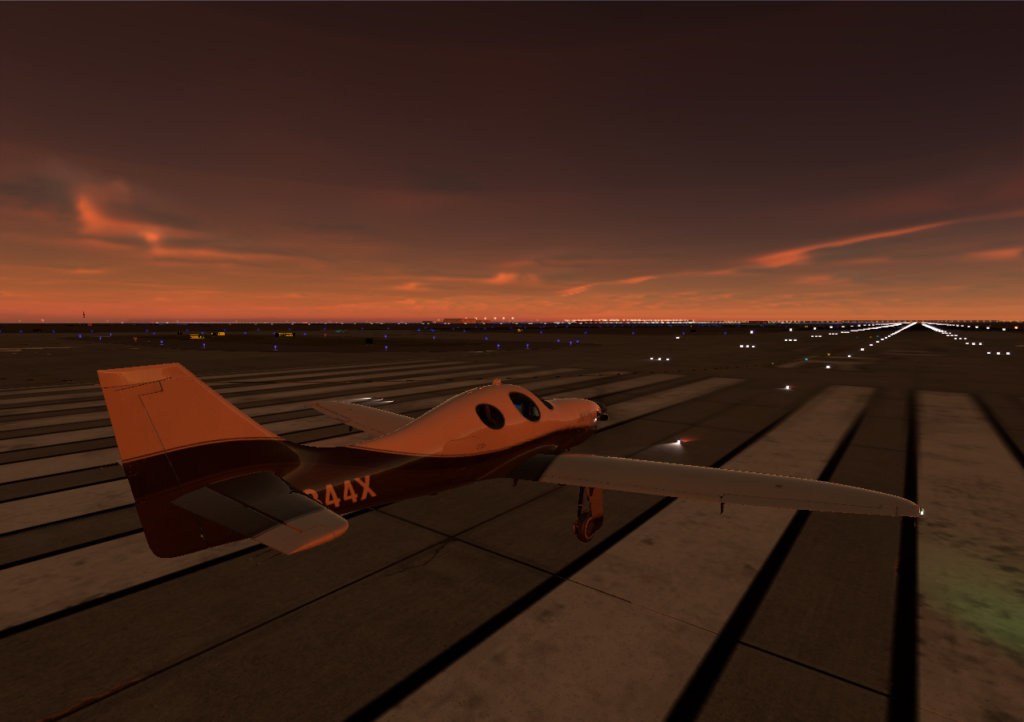
My Lancair Evolution, N844X, refined to the point where the logo from the pen I stole from the FBO in Burlington is stuck on my dashboard!
The F-14 Tomcat. The detail is… shocking. And the dynamics are… dynamic. Excellent demonstration of wing sweep……fast and slow flight with visible power!
And of course the Cirrus SR-22! This is the first plane I owned. It is perfect.
The Cessna Citation-X is the absolute highest civil Mach number you can see……and the jet is small enough to change your mind quickly.
And their ancestor. The mighty Airbus A330. Fly this plane. You will start to understand its size.
And a fun note about the future. All these improvements will also be reflected in the mobile version!
X-Plane desktop and mobile are continuing to converge, as mobile devices rapidly catch up to desktop computers.
The convergence of these platforms is inevitable, where the computing platform is unimportant: all that matters is the input to the simulation (from a full physical cockpit to nothing but a tilted phone) and the output from the display (from a phone screen or monitor, to a set of VR goggles, to a Level-D approved full visual system). Input and output are what matter……not whether the computing platform is in your pocket or on your desk! We are designing the codebase for the future accordingly. The source code for X-Plane MOBILE is the same as the desktop version, just with a different user interface and art asset set……and those differences will surely disappear over time.
Now, finally, as a little bonus, here is a little article I wrote when wrapping up the F-4 Phantom performance with a real F-4 flight instructor (unedited)! This is an internal company email sent to me, which contains a story about the F-4 Phantom. It is a company internal email to my internal alpha testers, which I am publishing here because it is interesting. X-Plane 12 Flight Model Update - Supersonic Transition, Delta Wings and Mass Properties