Unboxing the Garmin D2 Delta PX Titanium Aviation Watch
Several months ago, this site introduced the news about the latest products in the Garmin D2 series, the D2 Charlie D2 Delta. Since then, we have been eagerly awaiting the release of this product in Asia. Today, January 14th, we finally welcomed the release of the D2 Delta PX in Taiwan, and this site is honored to provide an unboxing review in the first instance to report to you all.
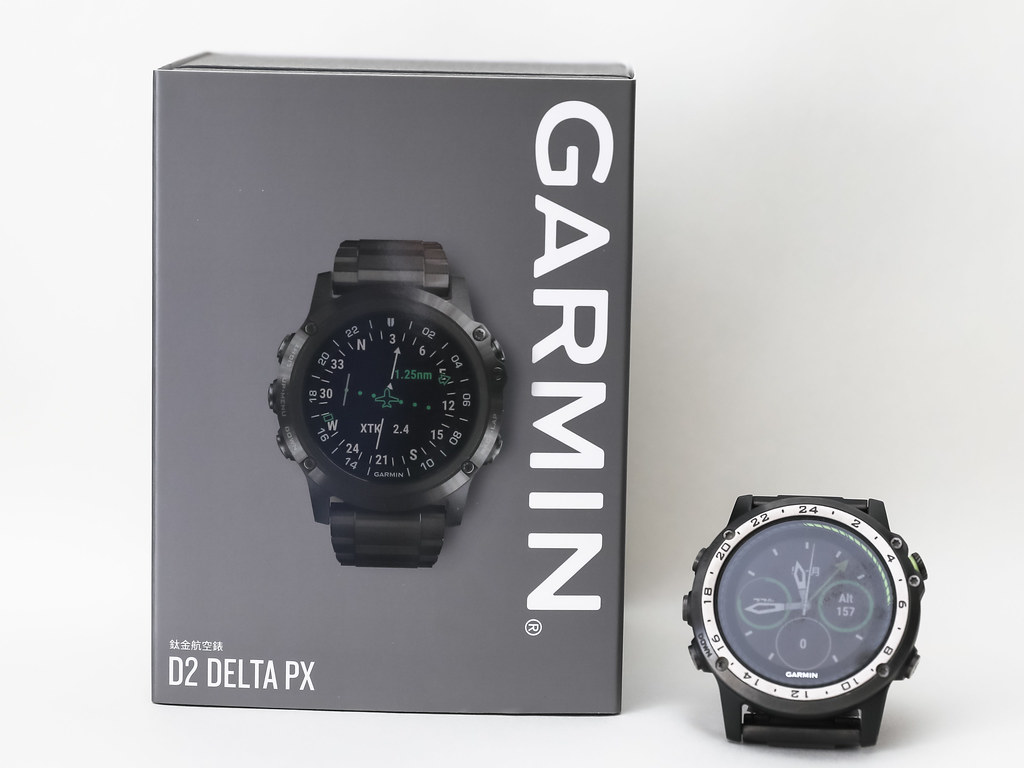
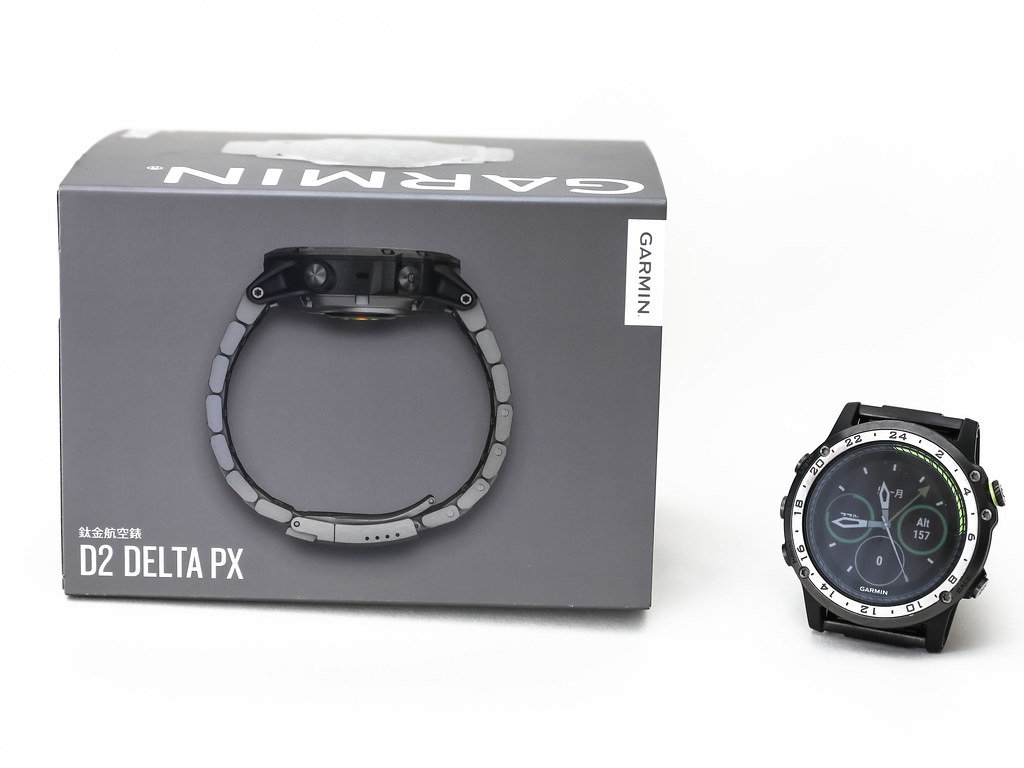
Front and side of the Garmin D2 Delta PX Titanium Aviation Watch’s gray outer box sleeve,
with the previous generation Garmin D2 Charlie placed alongside for size comparison.
Product description on the back of the paper sleeve box,
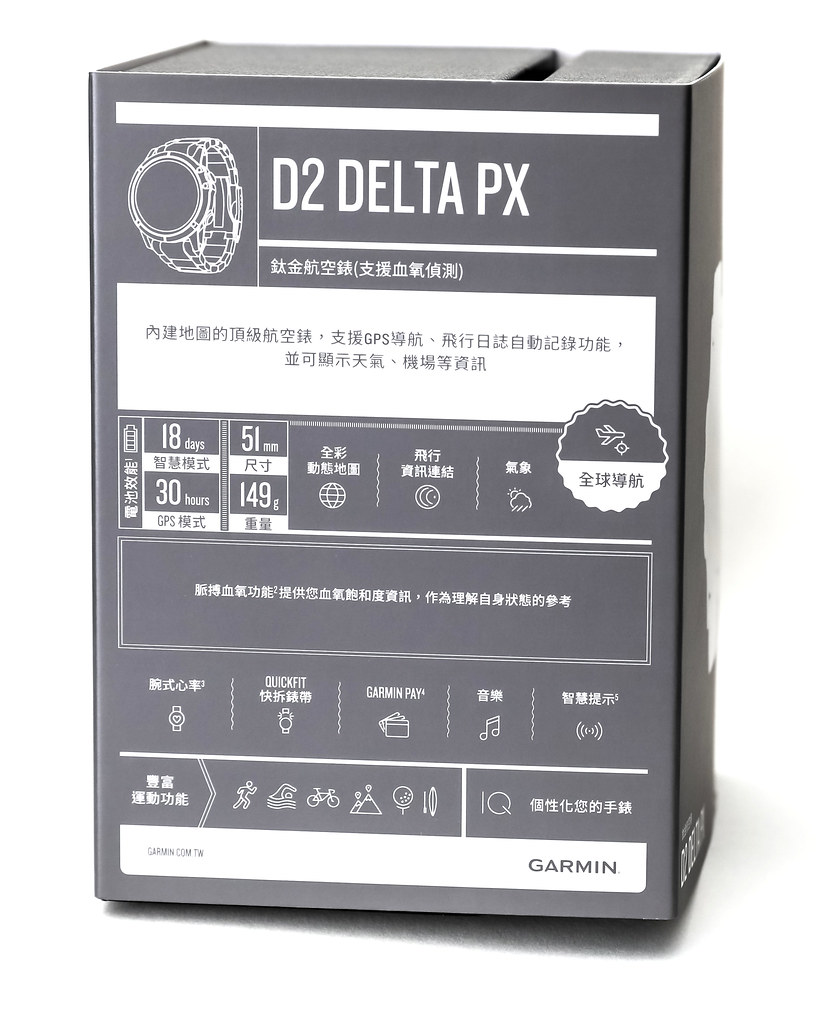 Compared to the D2 Charlie introduced in previous unboxing articles,
it can be seen that in Smart Mode, the battery life of the D2 Delta has increased from 12 days to 18 days,
and in GPS mode from 20 hours to 30 hours,
yet the weight and size have not changed!
In addition, the D2 Delta has added new functions such as Pulse Ox, payments, and music,
which I plan to test one by one next.
Compared to the D2 Charlie introduced in previous unboxing articles,
it can be seen that in Smart Mode, the battery life of the D2 Delta has increased from 12 days to 18 days,
and in GPS mode from 20 hours to 30 hours,
yet the weight and size have not changed!
In addition, the D2 Delta has added new functions such as Pulse Ox, payments, and music,
which I plan to test one by one next.
Removing the gray outer sleeve, the black glossy premium box inside is basically the same as the previous generation D2 Charlie, but it feels slightly smaller in size.
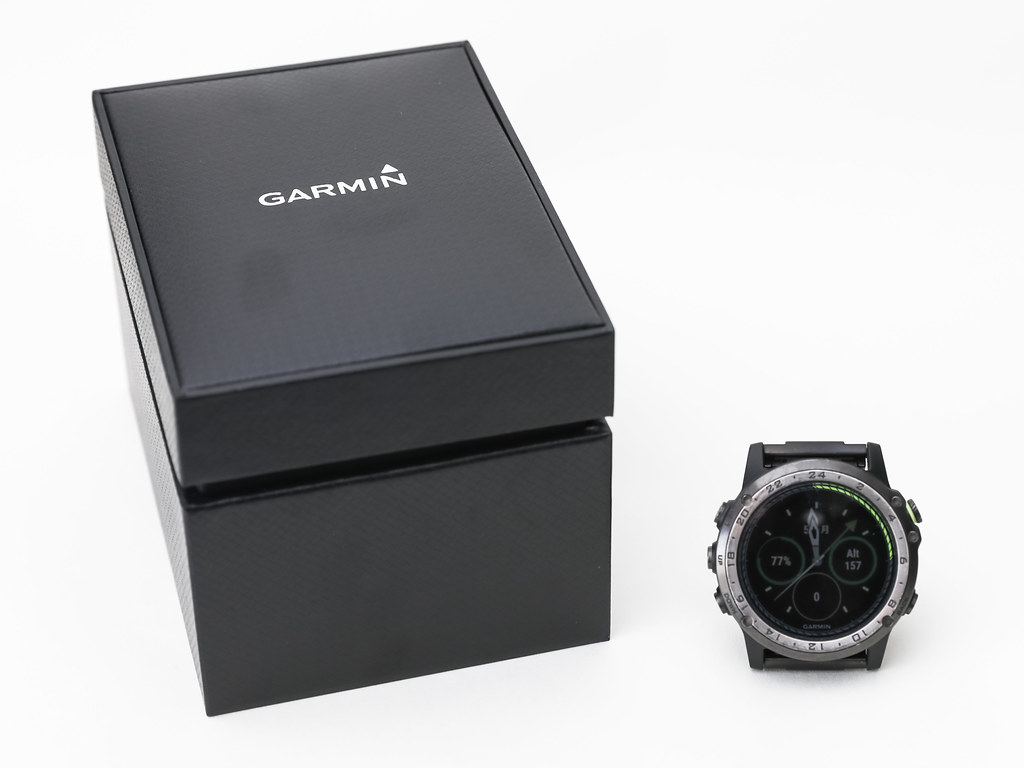
Opening the lid of the premium box reveals the D2 Delta PX in all its glory.
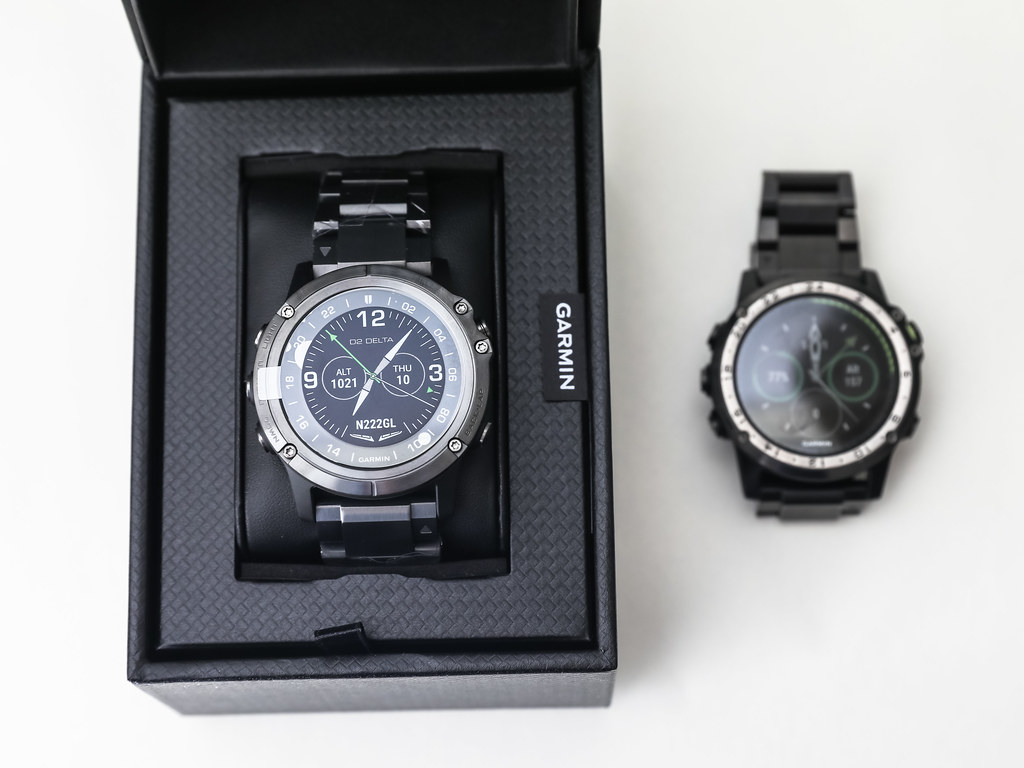 It can be seen that its watch face shape is closer to the fēnix® 5X Plus.
Compared to the dominance and presence of the previous generation D2 Charlie,
I personally feel the design of the D2 Delta PX’s watch face is more elegant and refined.
It can be seen that its watch face shape is closer to the fēnix® 5X Plus.
Compared to the dominance and presence of the previous generation D2 Charlie,
I personally feel the design of the D2 Delta PX’s watch face is more elegant and refined.
A close-up of the exquisite watch face,
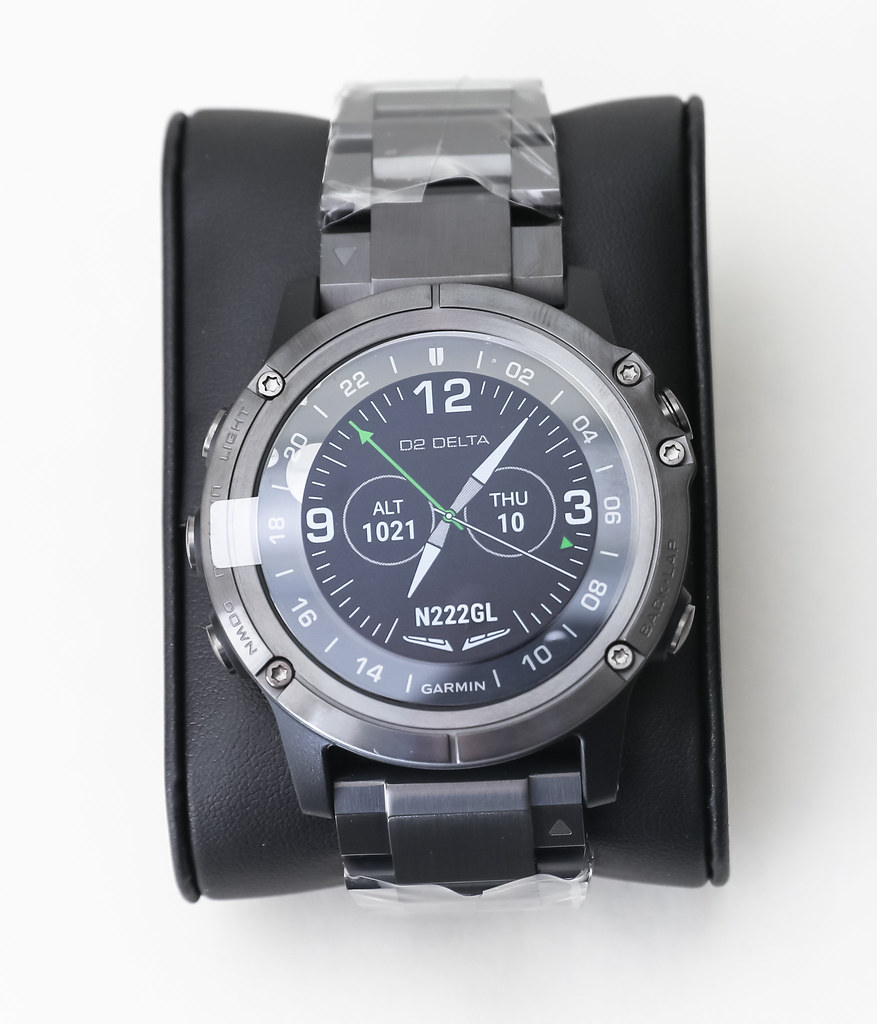 1.2-inch / sunlight-readable transflective high-end display screen (MIP),
domed sapphire glass lens,
ADLC titanium watch strap.
The D2 Delta maintains the same high-quality configuration as the previous generation D2 Charlie.
1.2-inch / sunlight-readable transflective high-end display screen (MIP),
domed sapphire glass lens,
ADLC titanium watch strap.
The D2 Delta maintains the same high-quality configuration as the previous generation D2 Charlie.
In terms of the watch face display, the biggest change compared to the previous generation should be the position of the UTC time scale. On the D2 Charlie, it was directly printed on the metal outer ring of the dial, whereas the D2 Delta has moved it to the inside of the outer ring. Because it is closer to the display screen, it is somewhat easier to identify.
Taking out all the accessories, in addition to the watch, you can see
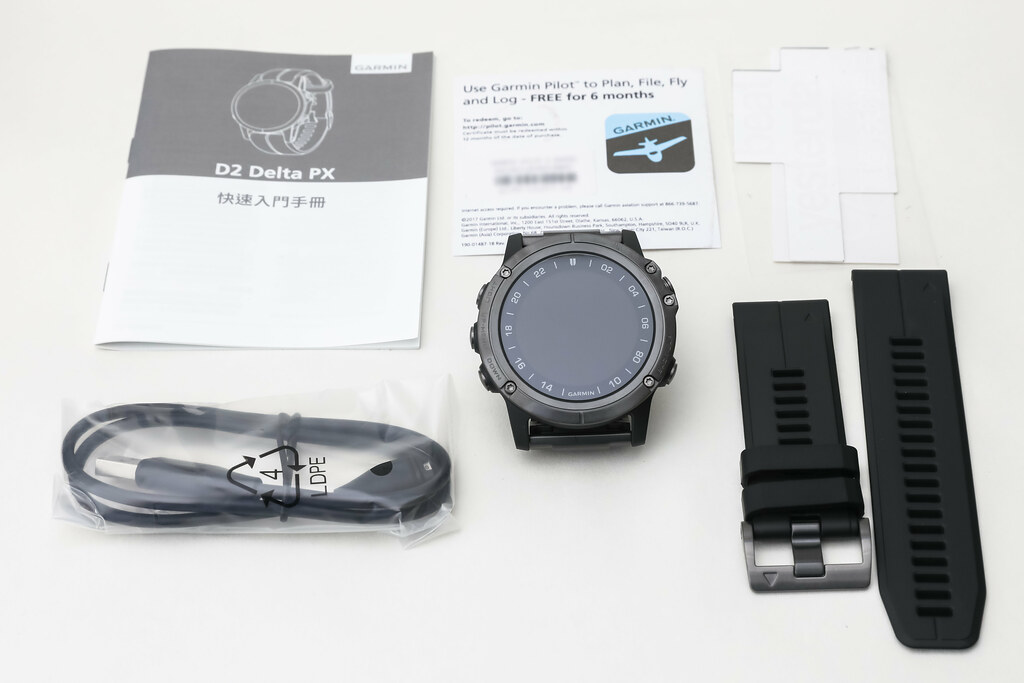 standard equipment such as a black silicone strap, USB charging/data cable, Chinese manual, and Garmin Pilot trial serial number.
Specially observing the back of the watch,
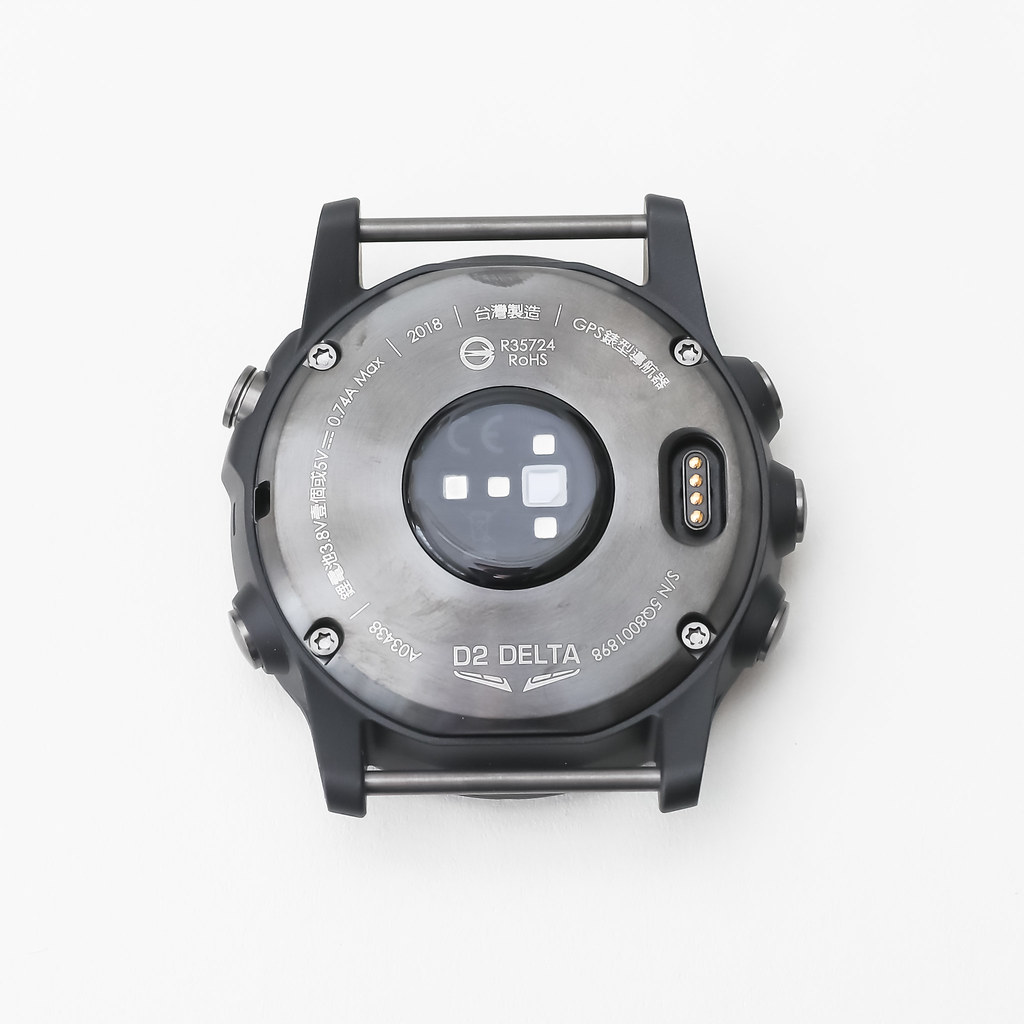 it can be seen that due to the addition of the wrist-based Pulse Ox detection function,
there is one more light sensor than the D2 Charlie.
It can use a light beam to detect the wrist to determine the percentage of hemoglobin in the blood and display the body’s blood oxygen saturation.
In addition, the charging and data transfer interface is no different from before.
it can be seen that due to the addition of the wrist-based Pulse Ox detection function,
there is one more light sensor than the D2 Charlie.
It can use a light beam to detect the wrist to determine the percentage of hemoglobin in the blood and display the body’s blood oxygen saturation.
In addition, the charging and data transfer interface is no different from before.
Next, let’s look at the details of the buttons.
The button layout on the left remains consistent with the previous generation,
from top to bottom they are “LIGHT”, “UP-MENU”, “DOWN”.
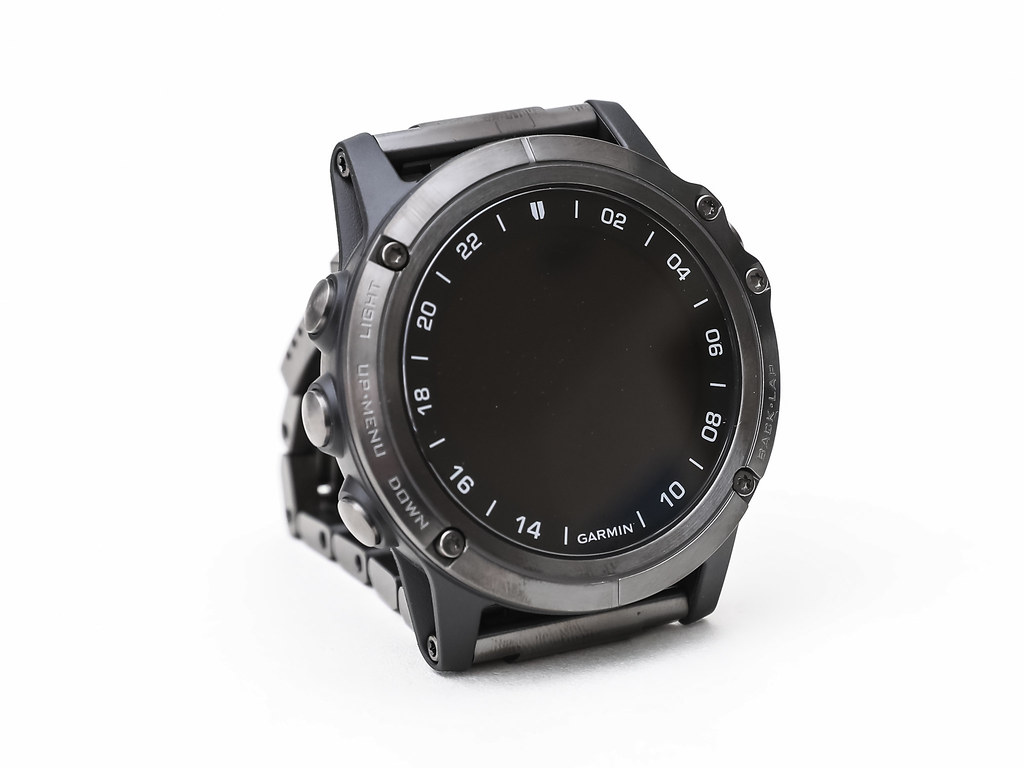 The functions of these three keys are consistent with the D2 Charlie.
“LIGHT” is the backlight function for the watch face in dark places.
“UP” and “DOWN” can move the content on the display screen up and down.
Additionally, “LIGHT” has a shortcut menu display, “UP” has a settings screen display,
and “DOWN” has the function to return to the watch face display from various apps and Widgets.
The functions of these three keys are consistent with the D2 Charlie.
“LIGHT” is the backlight function for the watch face in dark places.
“UP” and “DOWN” can move the content on the display screen up and down.
Additionally, “LIGHT” has a shortcut menu display, “UP” has a settings screen display,
and “DOWN” has the function to return to the watch face display from various apps and Widgets.
If you observe carefully, you will know that the D2 Charlie’s label text was “LIGHT”, “UP”, “DOWN”. Actually, the middle button had a menu function, but because it wasn’t labeled, many new users didn’t know that long-pressing “UP” would bring up the menu. Therefore, the Delta’s label text is more thoughtful and user-friendly.
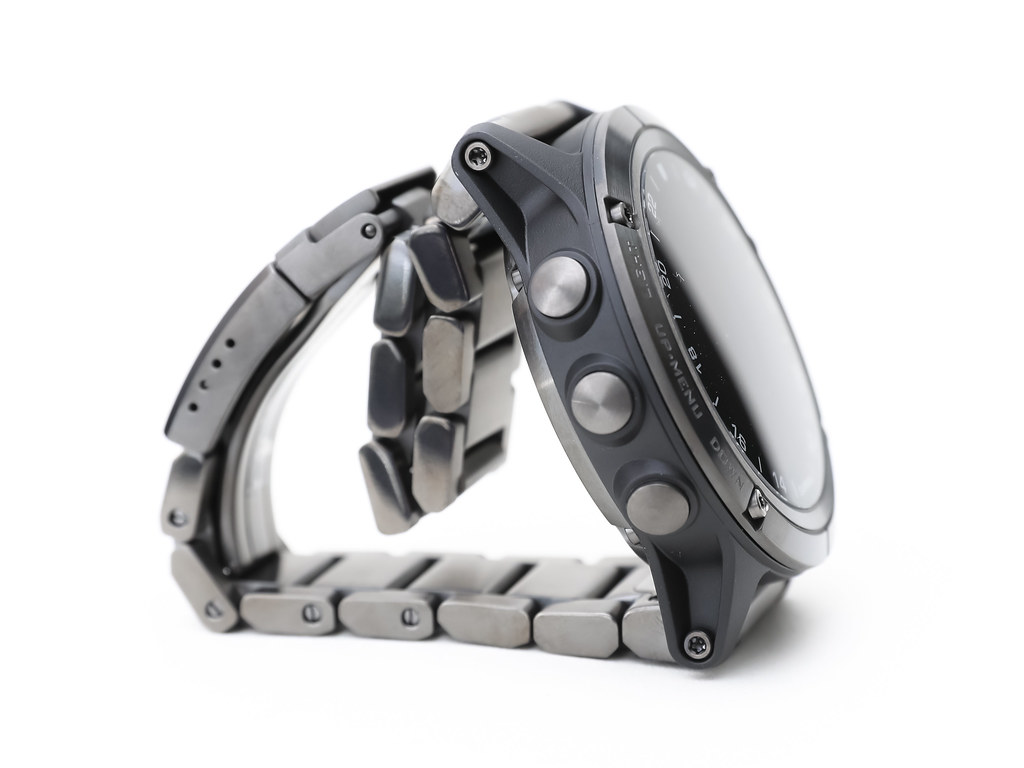 Also, although it can't be seen from the appearance,
the tactile feel of the D2 Delta's buttons has improved quite a bit compared to the D2 Charlie.
The button surface is slightly curved, requires less force, and the travel distance when pressed is also slightly smaller.
Also, although it can't be seen from the appearance,
the tactile feel of the D2 Delta's buttons has improved quite a bit compared to the D2 Charlie.
The button surface is slightly curved, requires less force, and the travel distance when pressed is also slightly smaller.
Details on the right side are as follows,
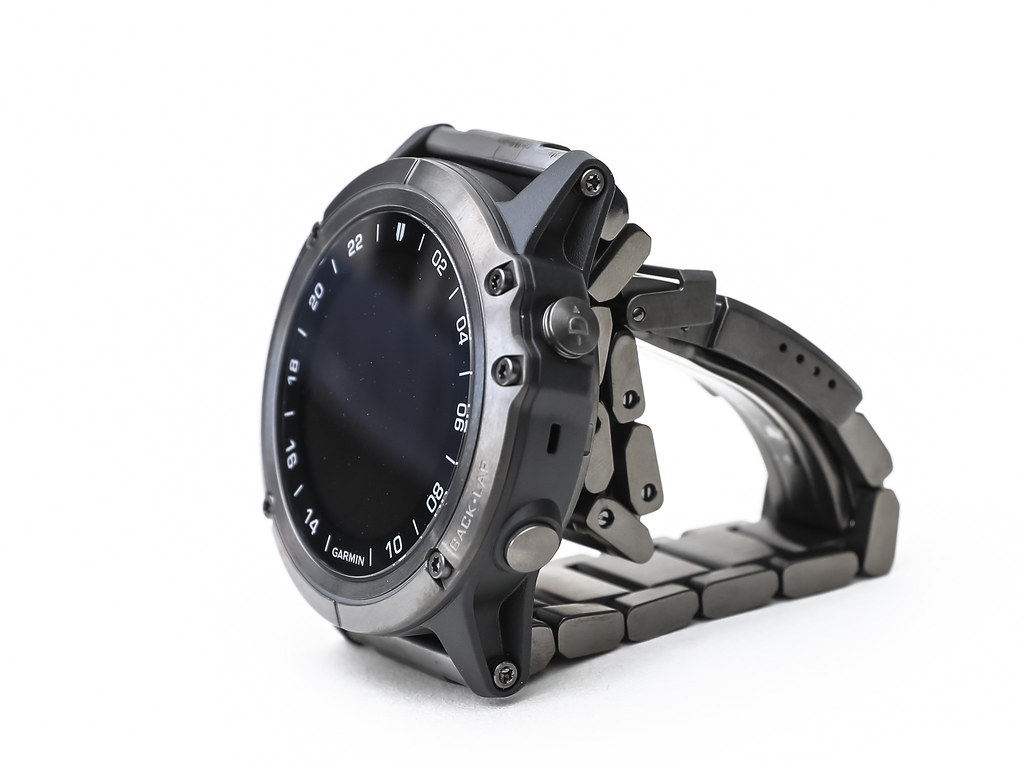 The top is “Direct-to”, which allows for direct flight to the destination with one button during flight;
The bottom is “Nearest”, which allows for direct queries of nearby ground targets during flight.
Additionally, the “Nearest” button has functions such as “Back”, “Cancel”, and “Return to previous screen”.
The top is “Direct-to”, which allows for direct flight to the destination with one button during flight;
The bottom is “Nearest”, which allows for direct queries of nearby ground targets during flight.
Additionally, the “Nearest” button has functions such as “Back”, “Cancel”, and “Return to previous screen”.
It can be seen that the “BACK” label text from the D2 Charlie era has been changed to “BACK-LAP”, telling us that it also has functions for returning and marking laps during activities.
Next, long-press the LIGHT button on the top left to turn on the watch power,
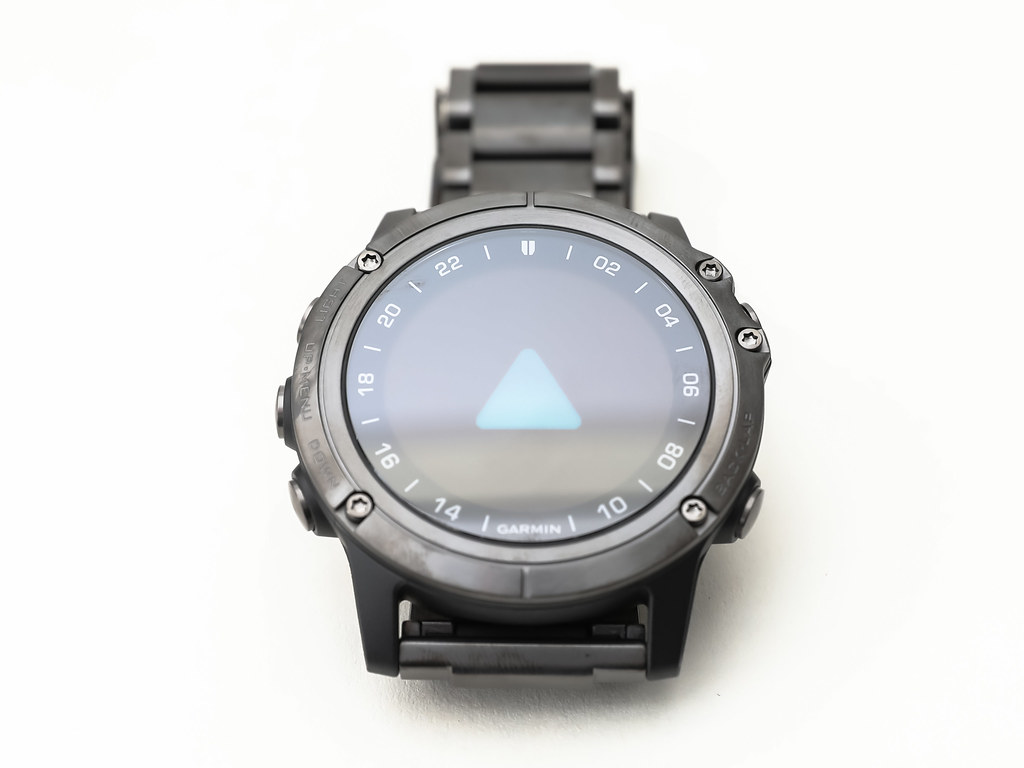 you can see the familiar startup screen as always.
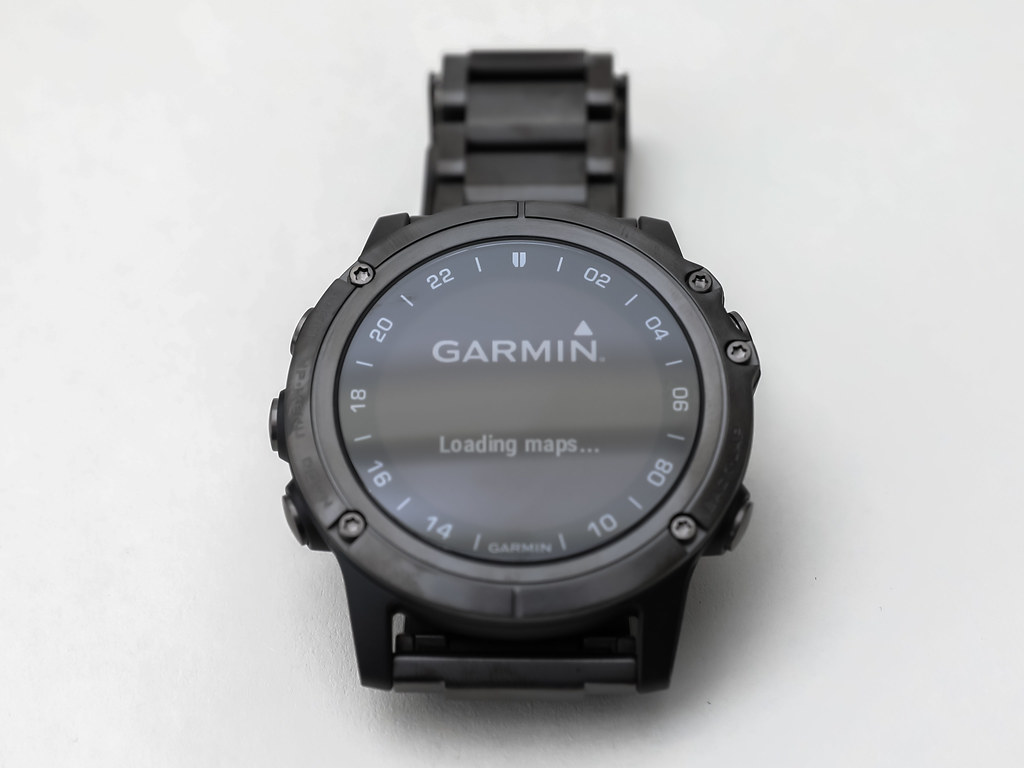 Because this is the first use after leaving the factory, it automatically enters the language setting screen.
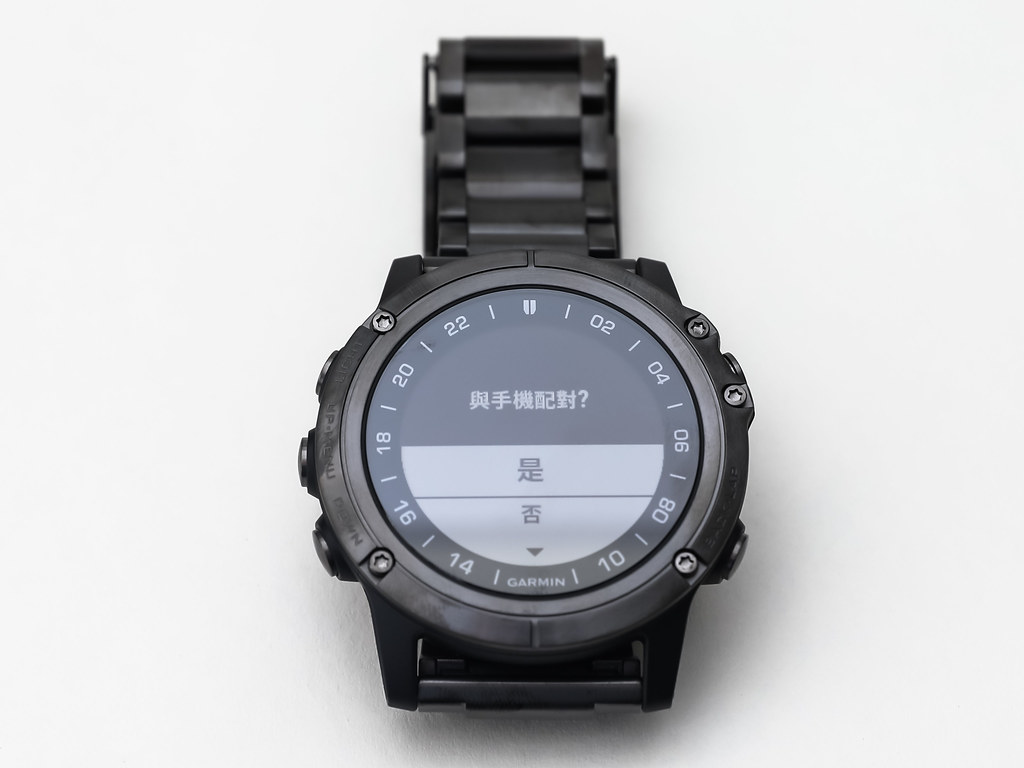
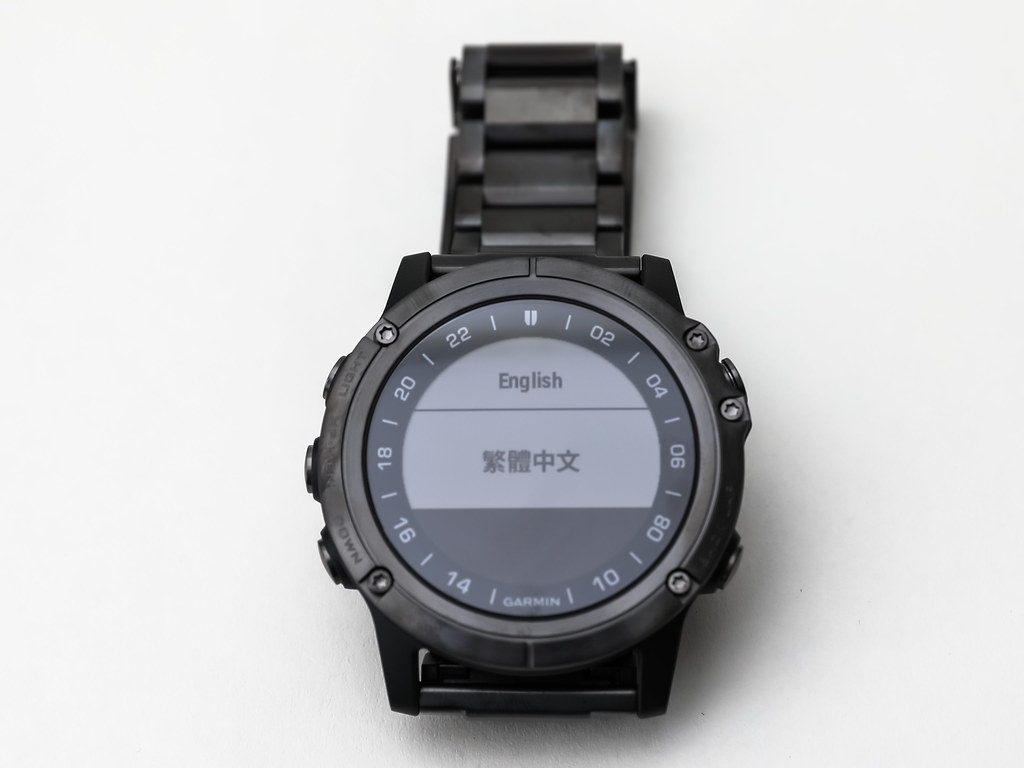 This series of operations remains the same as the D2 Charlie.
The setup process will take some time and there is a lot of content, so tomorrow I will open another article to introduce it slowly.
Finally, copying Garmin’s official introduction text for the D2 Delta PX Titanium Aviation Watch:
Monitor your blood oxygen saturation while flying!The D2 Delta PX is a top-tier GPS aviation watch truly born for flight, equipped with a global aviation navigation system and a complete airport database, using full-color dynamic maps to overlay information, providing weather, Waypoint references, and flight data, allowing pilots to master flight status instantly and log every flight.
As the top model in the Garmin D2 series, it not only strengthens connectivity with the cockpit, making data streaming seamless; but also pioneers the built-in wrist-based Pulse Ox sensor, while supporting Garmin Pay contactless mobile payments and music storage and playback services for up to 500 songs, dedicated to using complete technology to create the D2 series’ attitude of one watch贯穿 flight and life. Supports Zulu/UTC multi-time zone selection. Airport information such as communication frequencies and airport Runways, with lifetime free database updates. Built-in Taiwan TOPO color maps, including information on airports, navigation aids, roads, and water areas.
In addition to adding Waypoints and routes on the watch, you can also use the Garmin Pilot 3 app on compatible mobile devices to synchronize or transmit flight plans.
Connect with compatible devices to obtain NEXRAD 2 radar weather maps, METARs aviation routine weather reports, TAFs airport weather forecasts, and other flight information. The watch can detect changes in aircraft altitude and automatically activate the log function. Garmin Pay contactless payment function integrates credit cards and EasyCard small payments, allowing you to pay easily with your watch. The watch can store and play about 500 songs, which can be listened to by connecting to compatible Bluetooth headphones. Built-in Pulse Ox sensor 1 function uses a light beam to detect the wrist to determine the percentage of hemoglobin in the blood and display the body’s blood oxygen saturation.
Garmin D2 Delta PX Titanium Aviation Watch Setup Hands-on Guide
#MyFavoriteD2 Comment Lucky Draw
#LuckyDraw #MyFavoriteD2DeltaTitaniumAviationWatch Which feature do you like best? Select your favorite D2 Delta PX feature from the video below, upload a screenshot of the video to the comments section to tell the editor, and you have a chance to win <>. ﹍﹍﹍﹍﹍﹍﹍﹍﹍﹍﹍﹍﹍﹍﹍﹍﹍﹍﹍ *Activity Method 📣Before 2019/2/15, in the #MyFavoriteD2DeltaTitaniumAviationWatch Comment Lucky Draw post, leave a comment uploading a screenshot of your favorite feature from the video, and you have a chance to win < > **If you purchase a D2 Delta PX during the event period and upload your D2 Delta PX photo to the comment section, you can also significantly increase your chances of winning (Triple your lottery chances Rrr) *Event Precautions | Lucky Draw Period | 2019/1/15 - 2019/2/15 | Winner Announcement Time | Announced uniformly on 2019/2/20 at 11:00 AM, and sent to lucky fan club friends before 2019/2/22. Those participating in the event should remember to pay attention to FB Facebook messages. If we cannot contact you, we will give the opportunity to the next person. | Lucky Draw Prize | Angci Dual Flight Experience for 5 people (Value 19,800/person), Angci Flight Review for 1 person (Value $104,600) **Garmin (TW) Fan Club reserves the right to adjust the event
#MyFavoriteD2 Learn more👉https://lihi.biz/TmJr5