X-Plane 11.11 ATC Air Traffic Control Function Review
Flew a short loop using the ATC function in X-Plane 11.11r2. I feel that the Air Traffic Control section in XP11, except for the lack of navigation during the cruise phase, has a much higher degree of automation than before, highly recommended. Below, I will briefly paste some screenshots to introduce it.
Click the ATC icon in the upper right corner to launch the Air Traffic Control window.
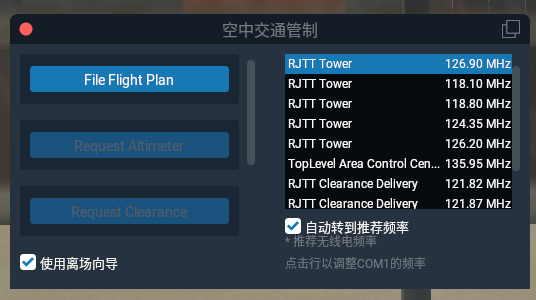 Since no flight plan has been entered yet, you can see the File Flight Plan button.
Click File Flight Plan, and an empty flight plan submission window pops up.
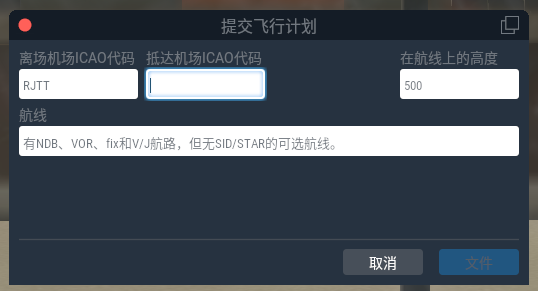
I planned to just circle around Haneda,
so I copied the one inside Garmin D2™Charlie Titanium Aviation Watch and Garmin Pilot connection,
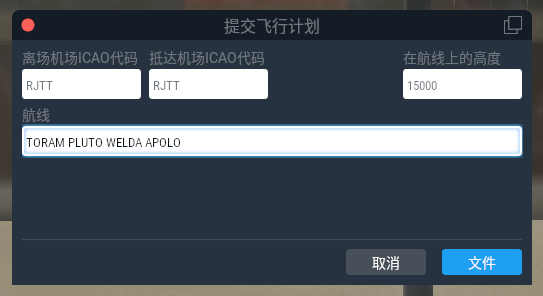
After submission, you can see the system automatically switches to requesting Clearance,
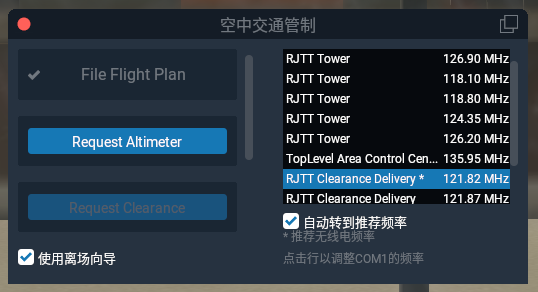 This feature is really great, no need to tune the frequency yourself,
it saves a lot of worry during busy flights.
This feature is really great, no need to tune the frequency yourself,
it saves a lot of worry during busy flights.
First, ask for Altimeter correction,
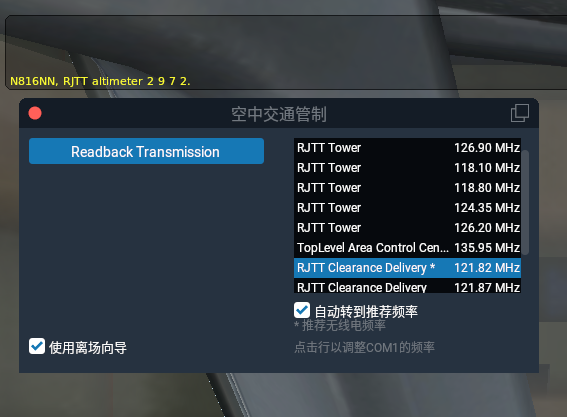 Then read back,
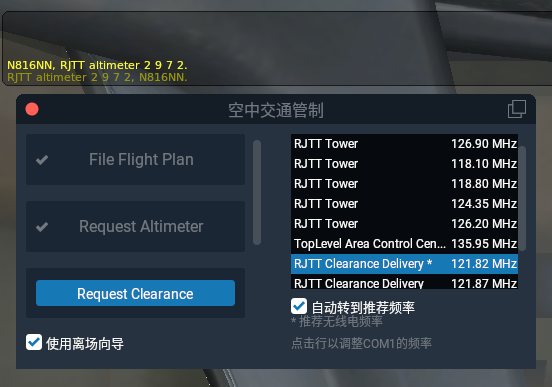
Basically didn’t wait at all, and the flight plan was approved,
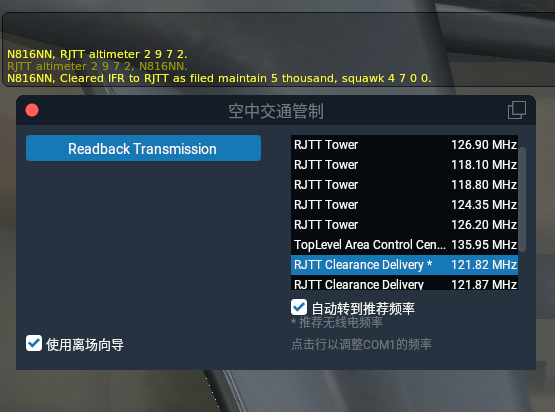 Read back,
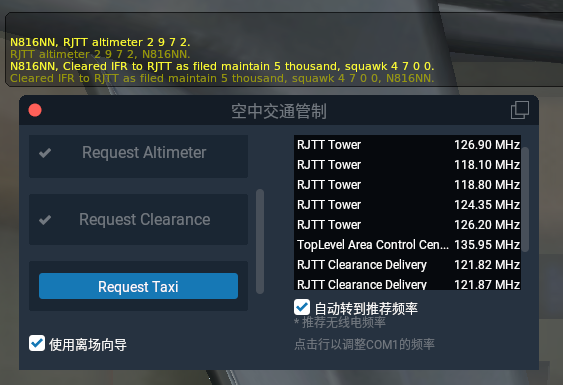 You can see the Request Taxi button has appeared.
So let’s start taxiing, make the request,
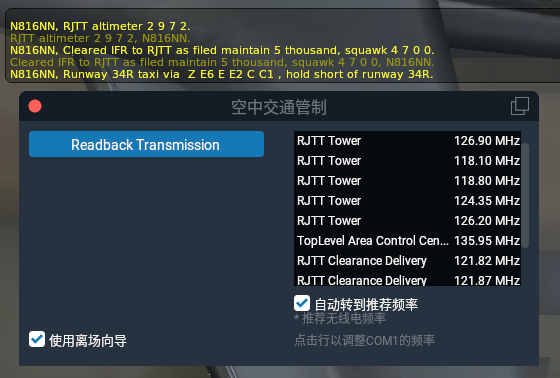 Immediately got the Ground route reply, the response is really fast.
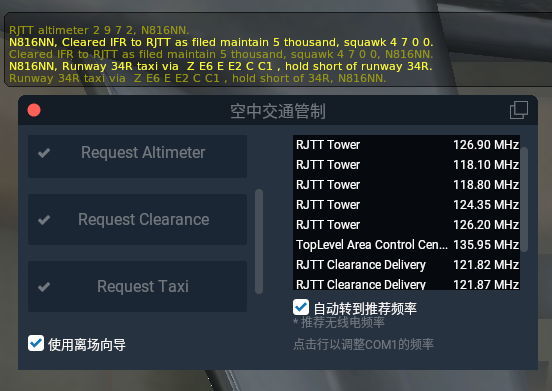 Read back, let’s go.
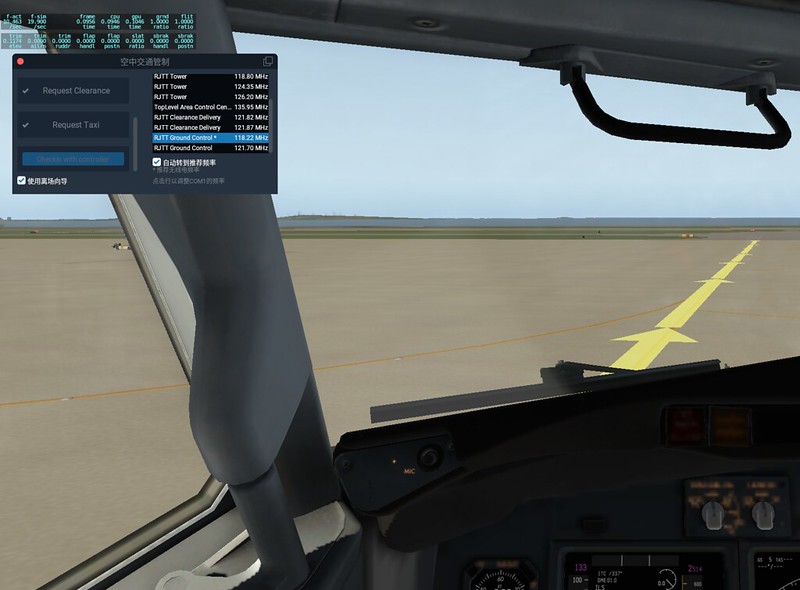
All the way south,
 Then turn left, taxi to the threshold of Runway 34R.
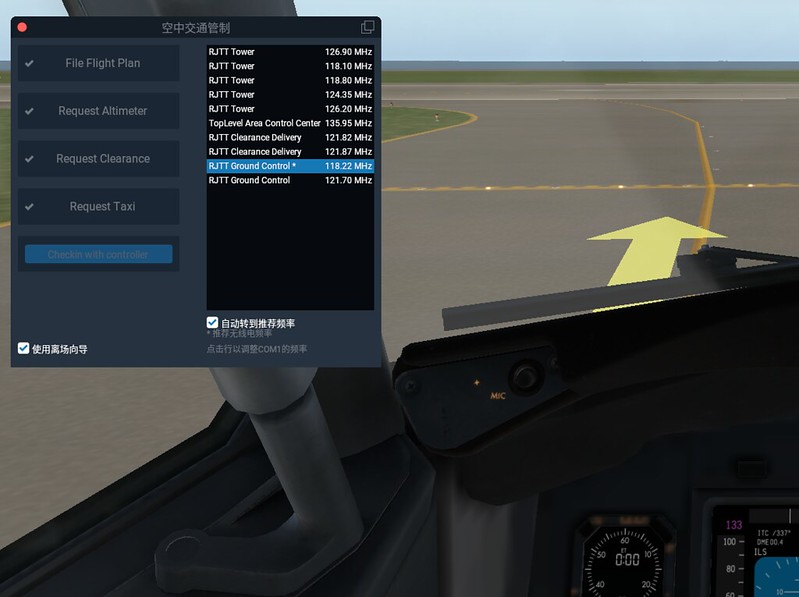
The controller prompted us to switch from Ground frequency to Tower,
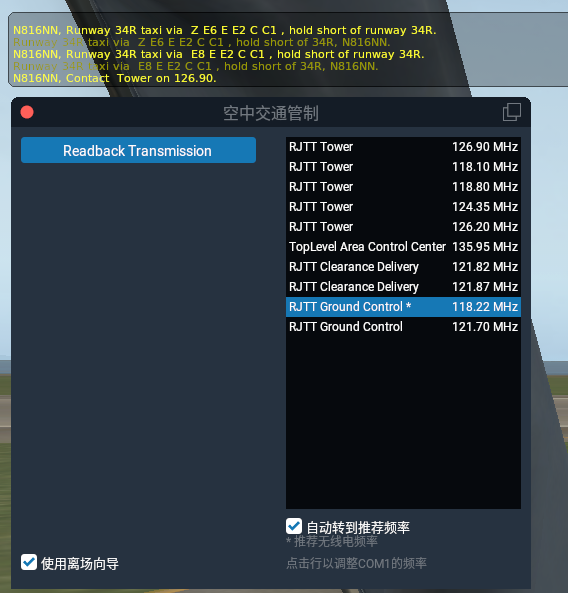 Honestly read back,
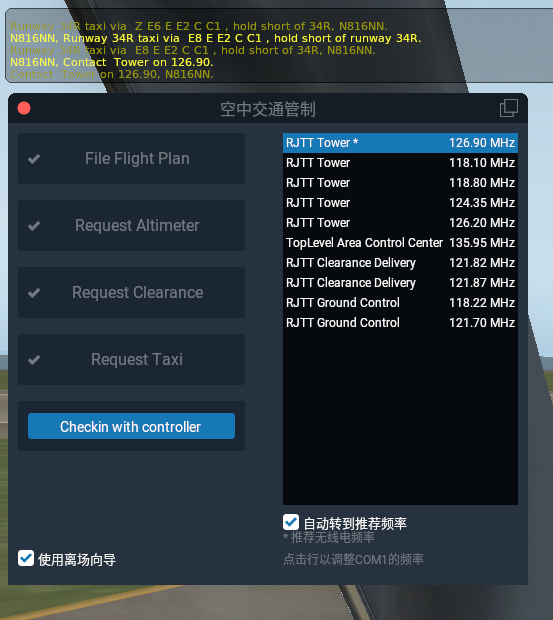 You can see the system thoughtfully automatically switched the frequency again.
Check in with Tower,
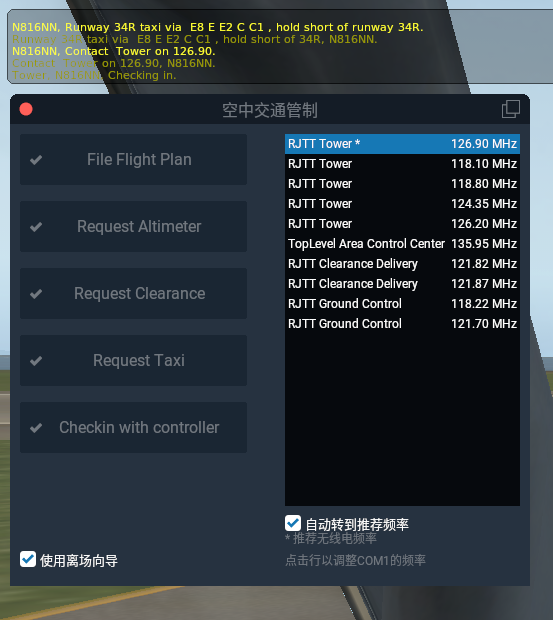 Immediately got takeoff clearance!
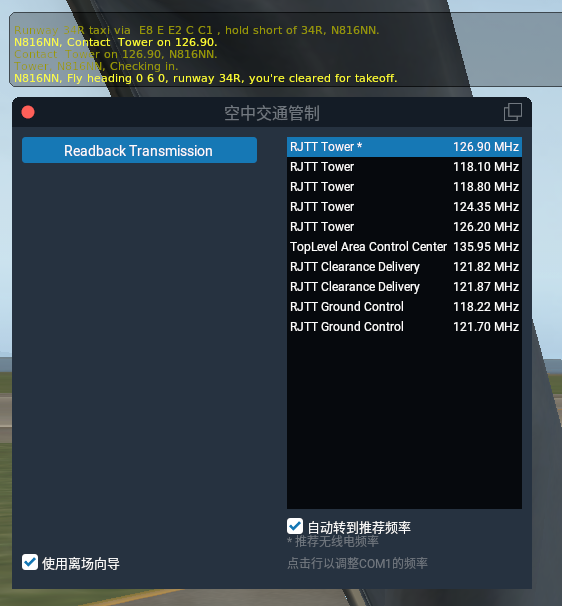
Read back and take off immediately.
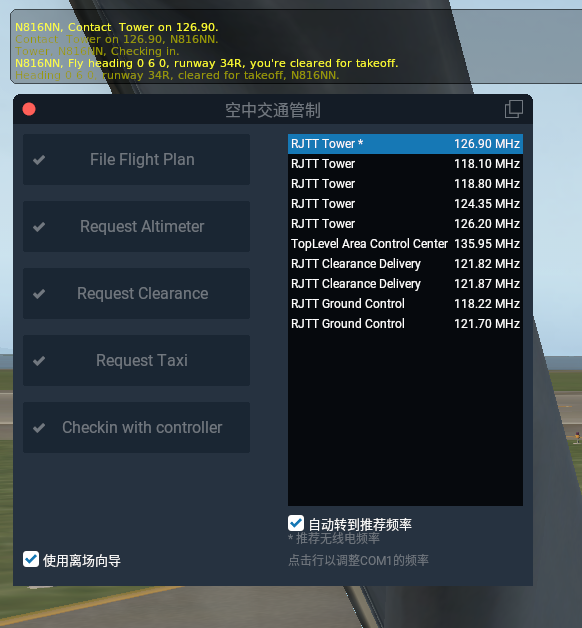
Shortly after airborne, got the instruction to switch to Center,
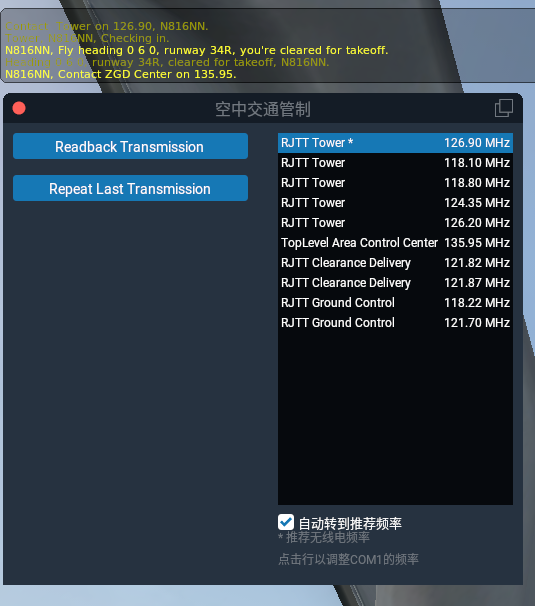 Next read back, contact Center,
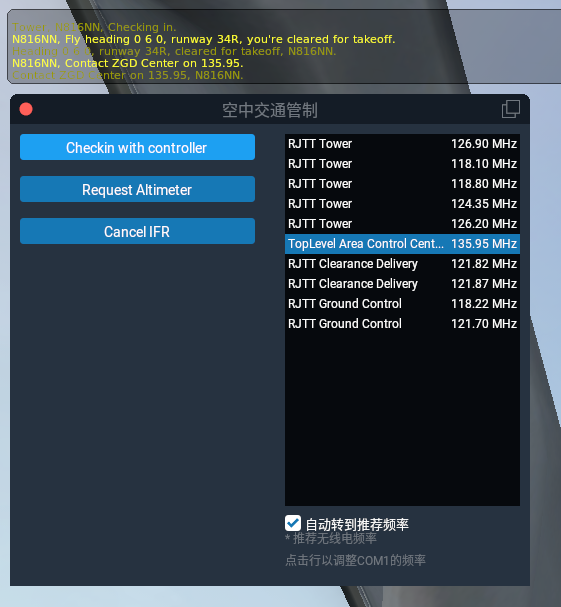 Got the instruction HDG 220.
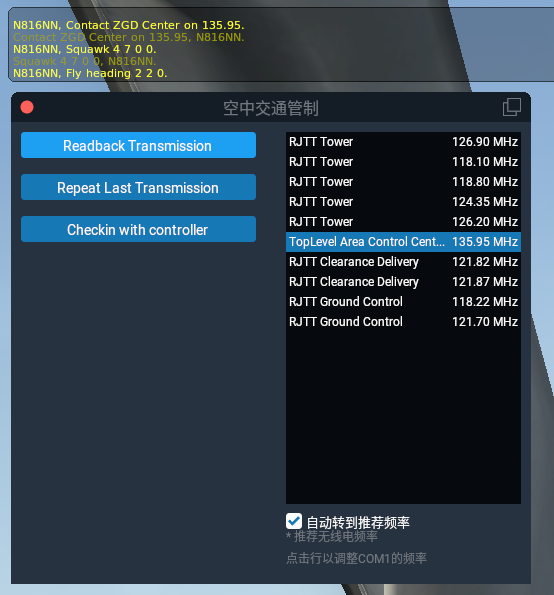 Then got new instructions again, this part of the flight felt pretty good,
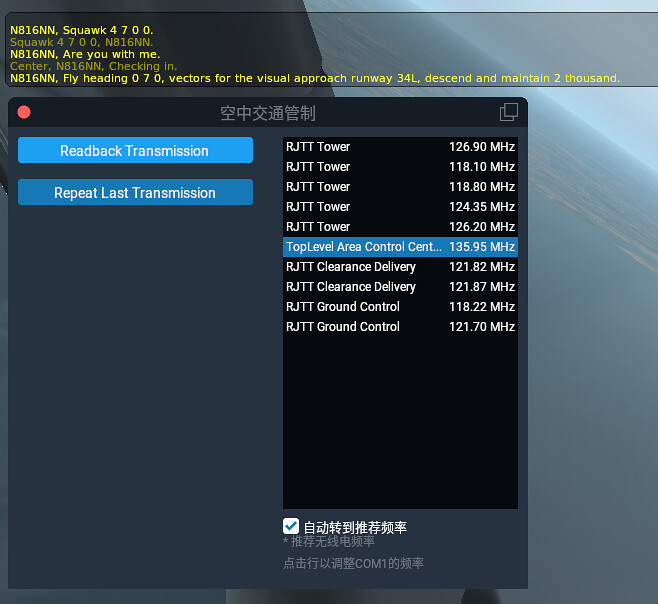 Read back immediately.
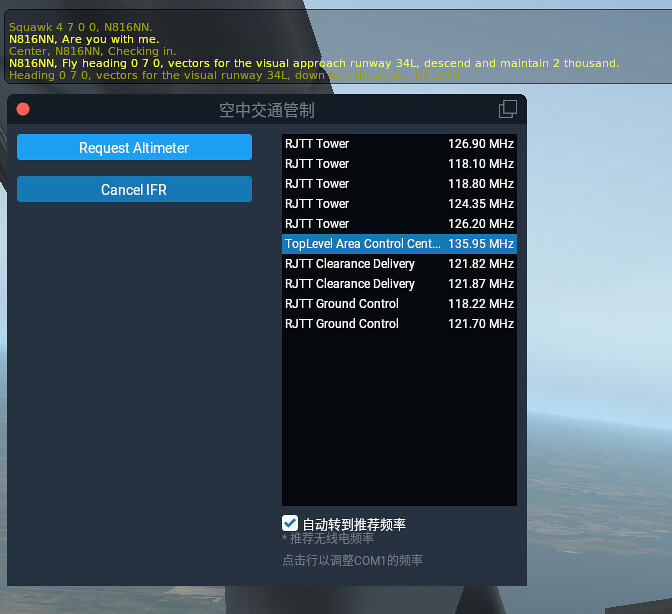
After turning, got new Heading and altitude instructions,
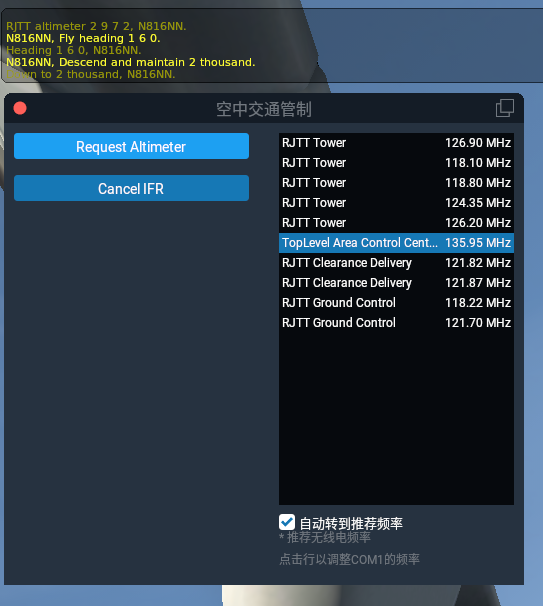 Turned around again, the airport and Runway ahead are already faintly visible.
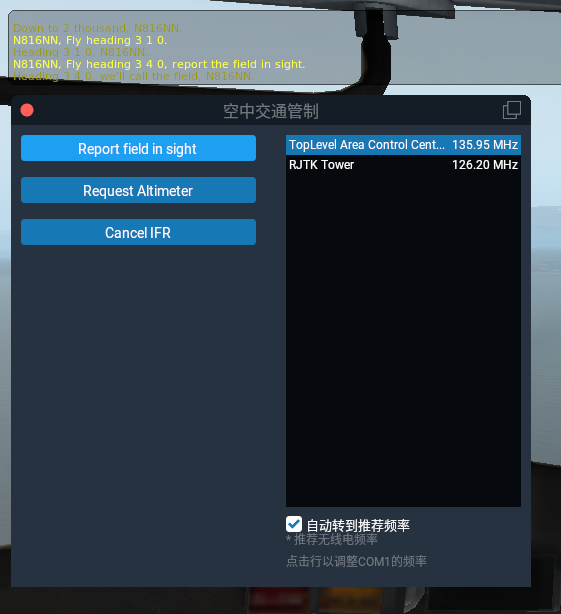 So Report the field in sight,
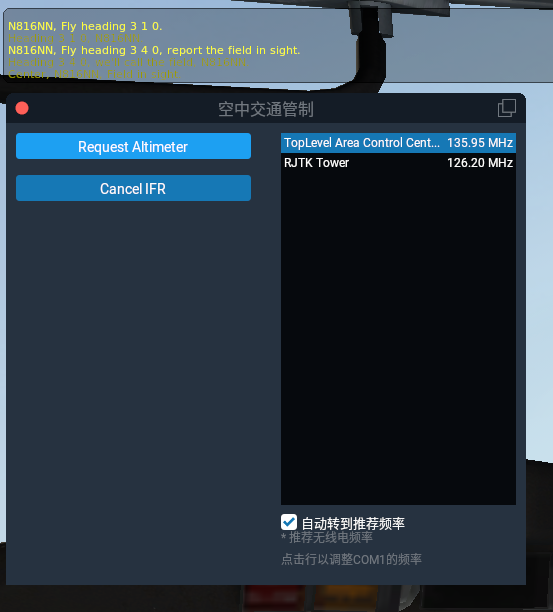 Seems everything is going smoothly.
As approaching the airport, the instruction to contact Tower came,
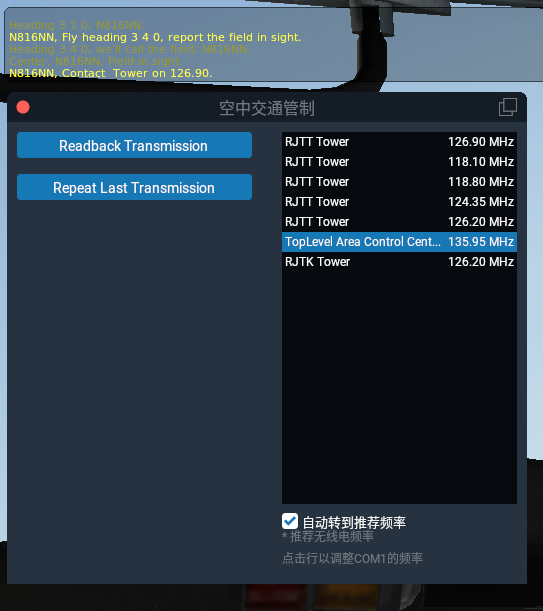 Continue read back,
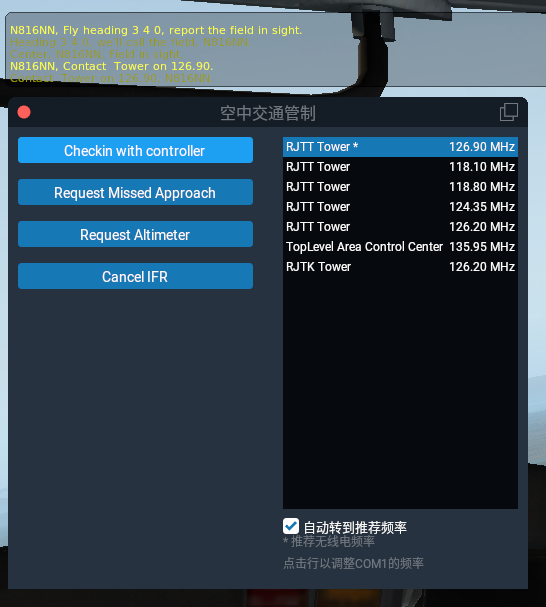 Then the frequency automatically switched to Tower,
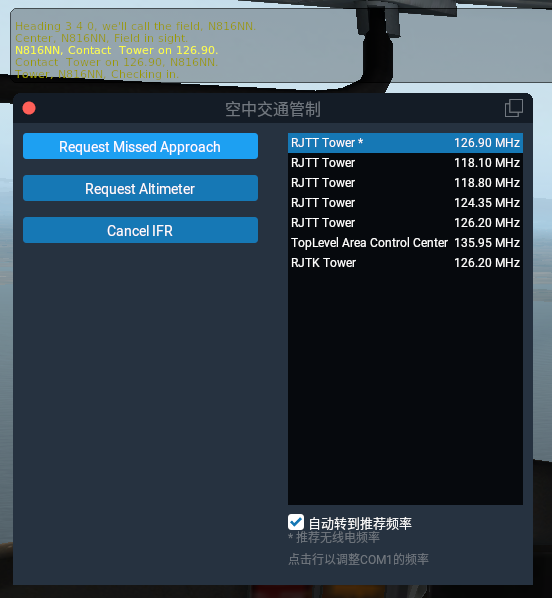 Immediately got cleared to land!
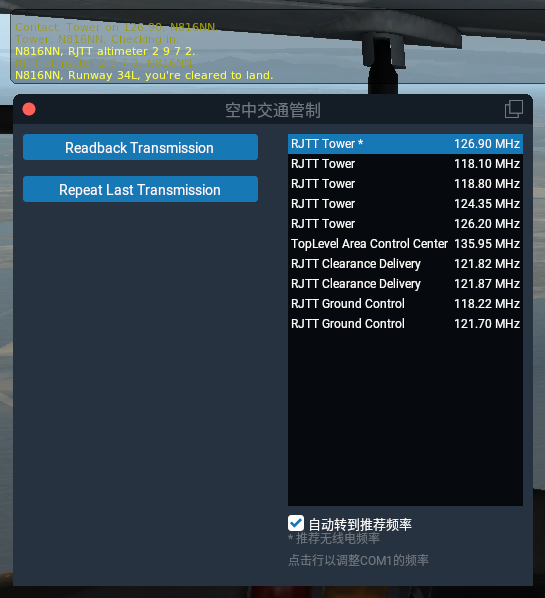 Read back, prepare for landing.
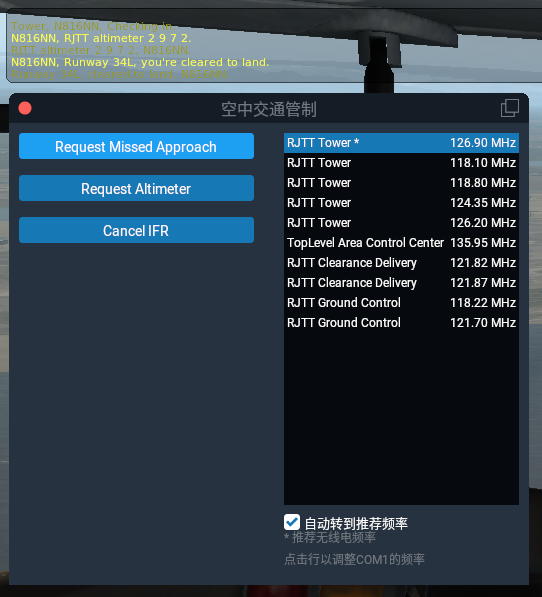
I was in a rush during the landing part, so of course there was no time to take screenshots,
but after landing, immediately got the taxi route,
 After read back, taxied all the way back to the Jet Bridge,
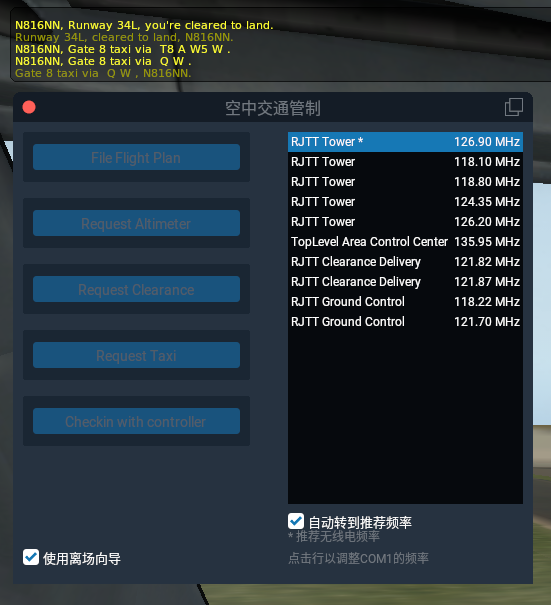 Seems no need to switch to Ground control, which saves trouble.
 Anyway, as soon as the aircraft approached the Jet Bridge, the entire ATC automatically ended,
Although the control simulation isn’t 100% perfect overall,
Personally, I am already very satisfied.
Anyway, as soon as the aircraft approached the Jet Bridge, the entire ATC automatically ended,
Although the control simulation isn’t 100% perfect overall,
Personally, I am already very satisfied.
Reference Information Air Traffic Control ATC (Air Traffic Control) Basic Knowledge -1 Air Traffic Control ATC (Air Traffic Control) Basic Knowledge -2
History Comments
Sam Sun - 01/15/2018 05:12:09 PM
Hello Master with failing eyesight, Currently, the ATC system cannot be used. Is it possible that it has been disabled if I usually don’t fly according to instructions? (If so, how can I lift the ban?)