Reviewing the Garmin D2 Charlie Aviation Watch
Unboxing the Garmin D2 Delta PX Titanium Aviator Watch Garmin D2 Delta PX Titanium Aviator Watch Setup Guide
Usually, I take the Shinkansen when I go to Osaka for business trips. However, to test the Garmin D2 Charlie, I booked ANA flights for both the outbound and return journeys this time.
I created the flight plan early on Garmin Pilot,
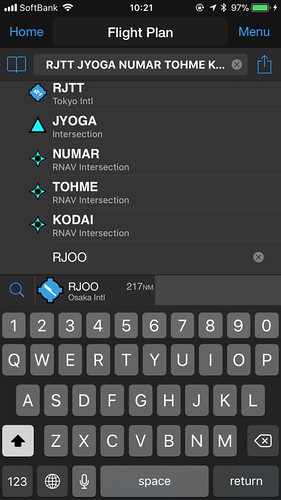
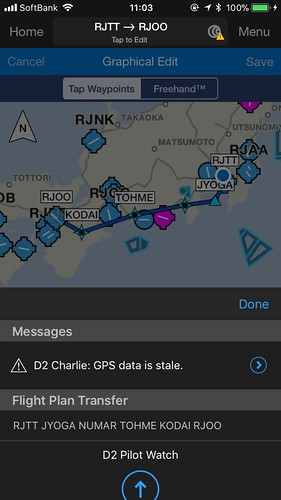
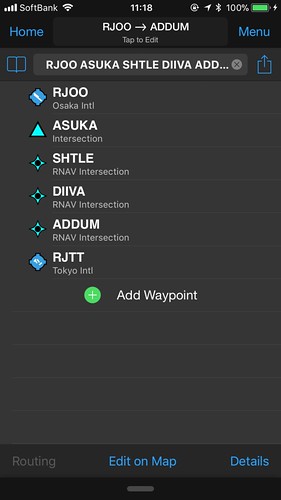
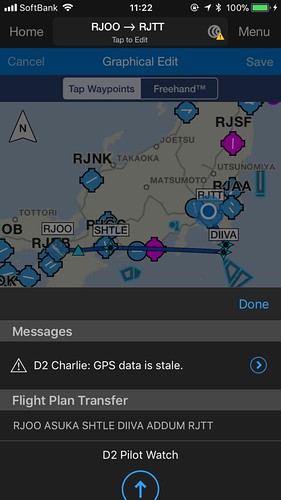 and transferred it to the watch.
After boarding, open the navigation app, select “Flight Plan”, and then select “Stored Plans”.
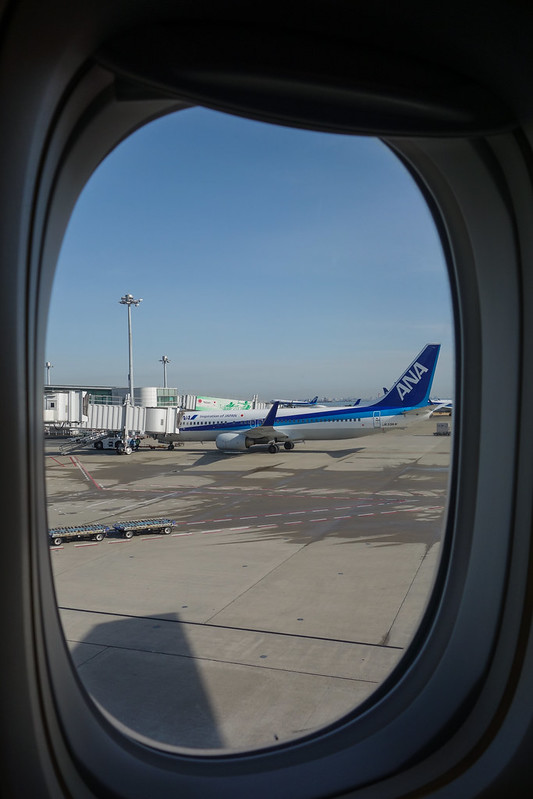 After pushback and during taxiing, I checked the watch,
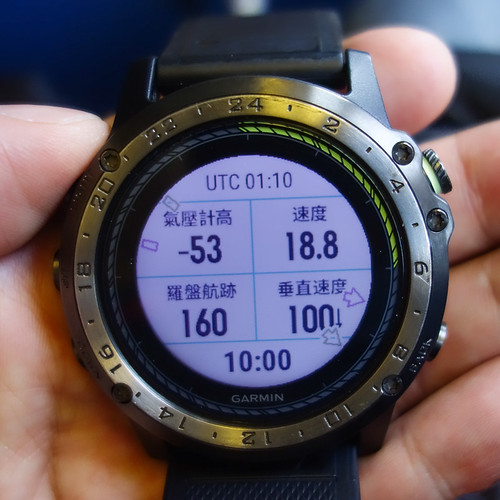 the speed was about 20 knots, but the altimeter data seemed a bit odd.
Took off from Runway 05,
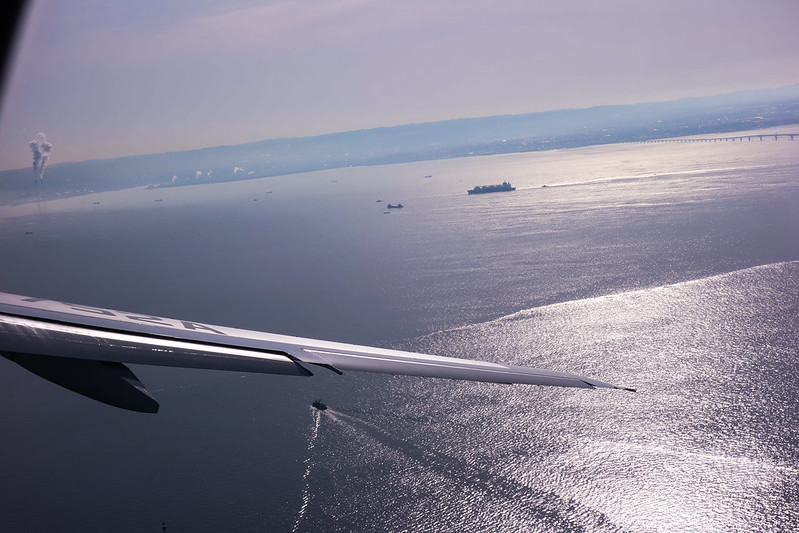 then made a Turn. Mt. Fuji and the airport were clearly visible.

Checked the watch data again,
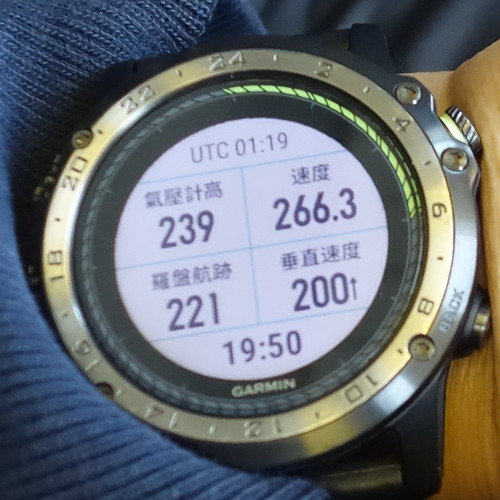 speed increased, altitude increased, and the rate of Climb was also positive.
Switched to the map page,
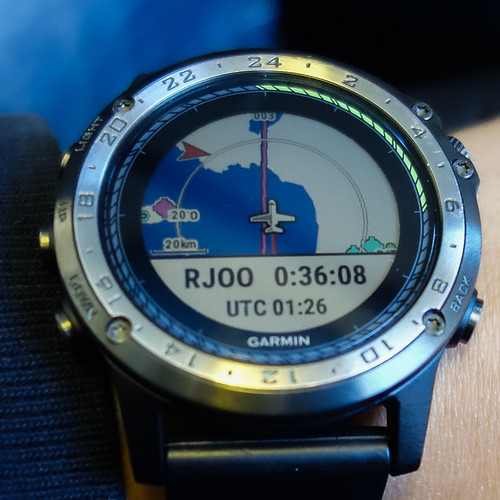 you can see the aircraft is basically flying along the pre-inputted Airway.
Wait until nearing the cruise altitude to check again,
you can see the aircraft is basically flying along the pre-inputted Airway.
Wait until nearing the cruise altitude to check again,
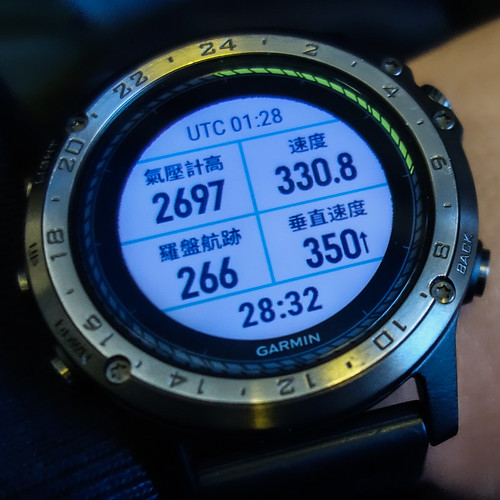 the figures for speed, pressure altitude, and Vertical Speed were fairly normal.
Passing by Mt. Fuji,
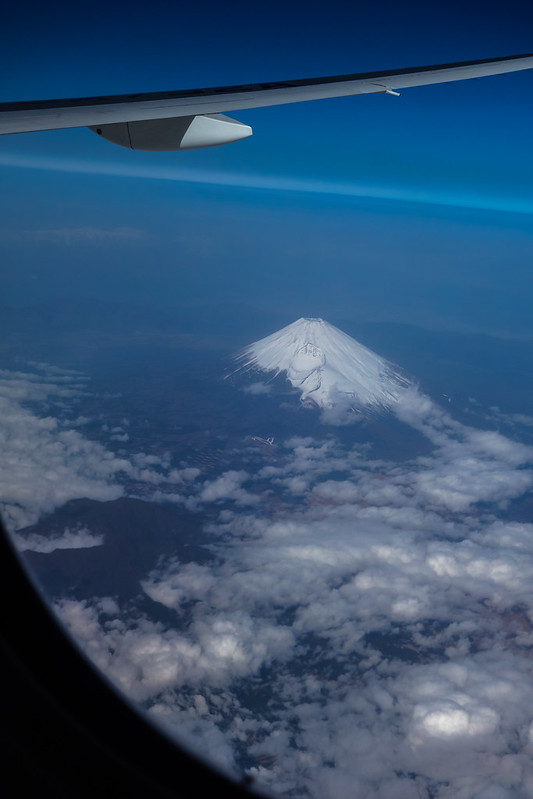 and further ahead is Nagoya,
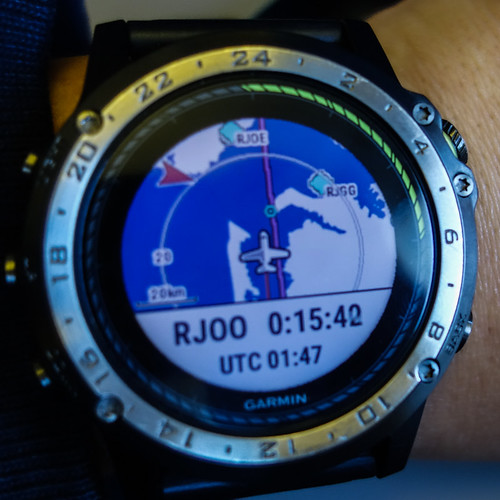 so here is a close-up of Chubu Centrair International Airport (RJGG).
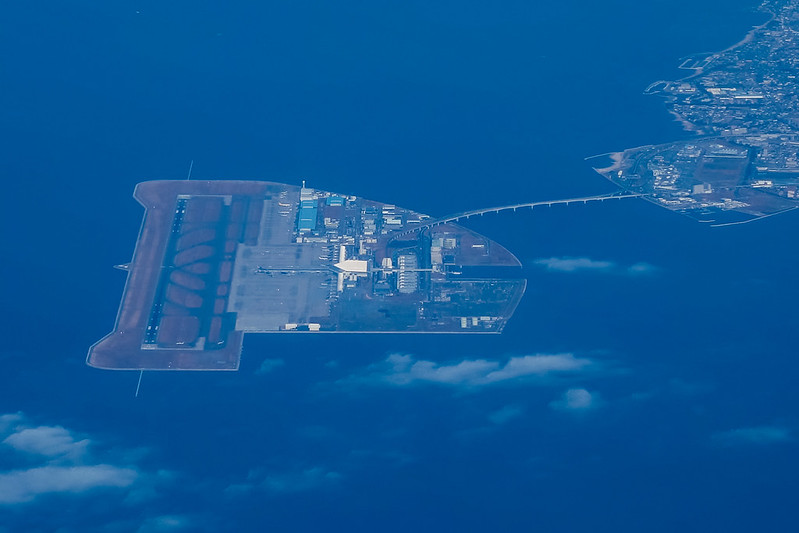 The cruising altitude at this time was 20,000 feet.
Soon entered the Descent process,
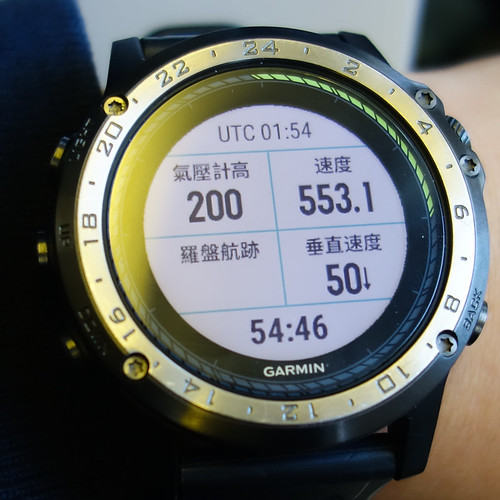 though the altimeter data was not very stable, slightly strange.
Getting closer to Osaka,
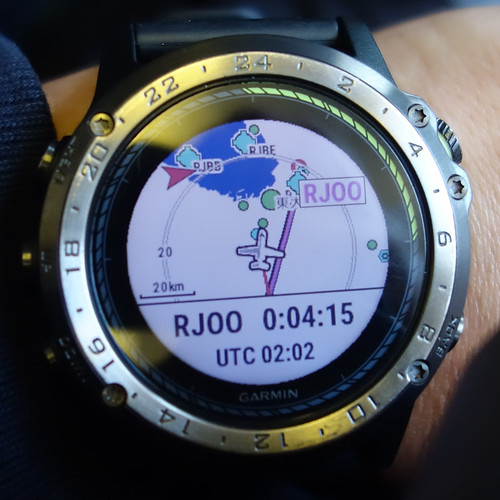
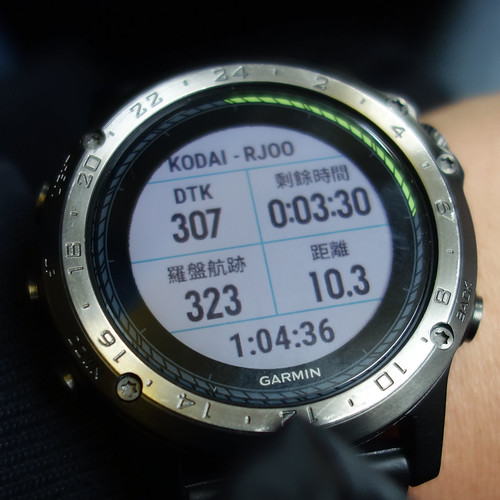
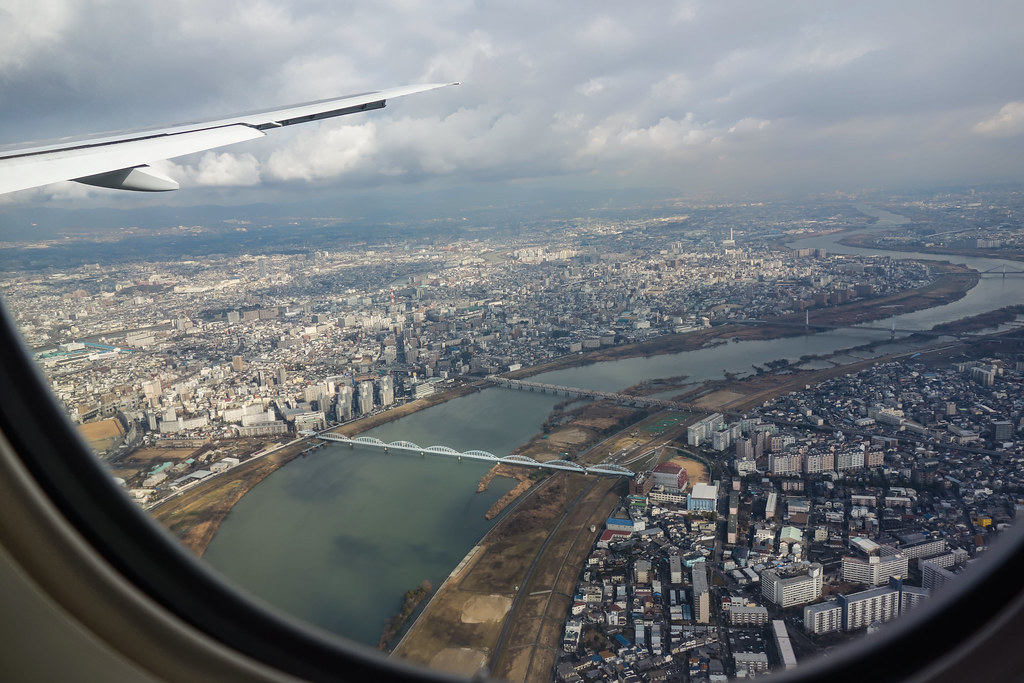 passing over the Yodo River.
Data before landing is as follows, you can see the speed has slowed down significantly.
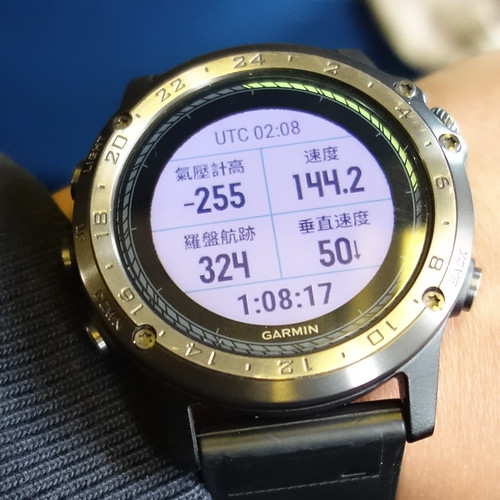
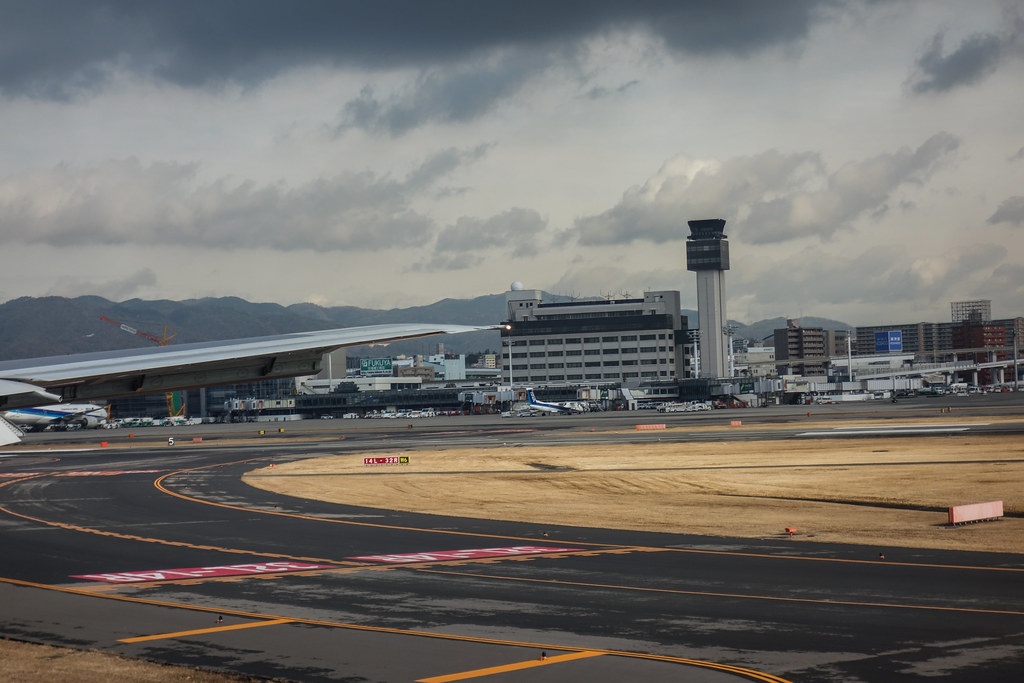
For the return trip, I specifically chose a night flight. Although the exterior view wasn’t visible, the watch’s own GPS and altimeter performance showed no major difference from before, so I won’t post the pictures one by one here.
However, on the way back to Tokyo, I encountered an unusual Approach route.
I felt during the flight that it wasn’t the standard procedure,
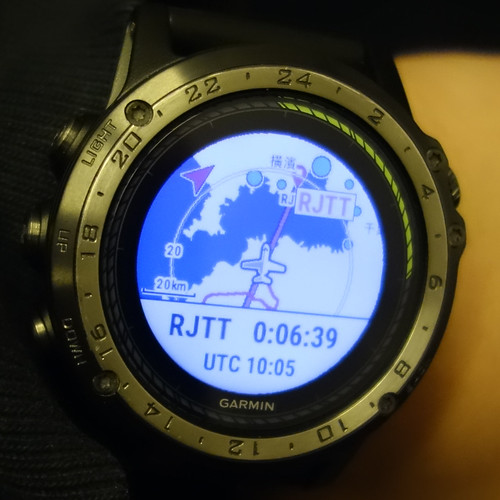 but rather that the aircraft adjusted its Heading several times over Chiba,
eventually landing on 34L.
I thought at the time that the wind direction had changed and the plane would land on Runway 22.
but rather that the aircraft adjusted its Heading several times over Chiba,
eventually landing on 34L.
I thought at the time that the wind direction had changed and the plane would land on Runway 22.
When getting off the plane, the cabin crew announced that one of the runways at Haneda Airport was temporarily closed,
so landings could only use 34L, causing some flights to queue overhead,
resulting in a landing delay of about 15 minutes.
Then I transferred the watch data to my phone to have a look,
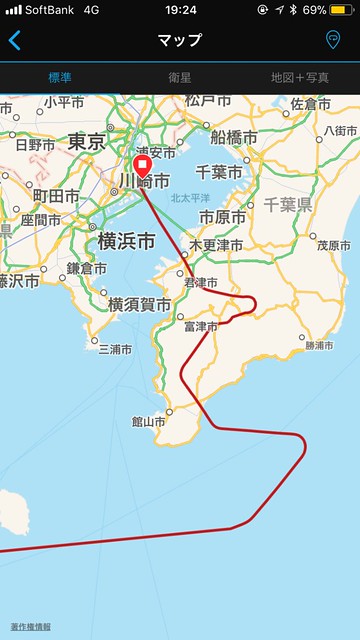 sure enough, you could see ATC’s adjustments to the route.
Next, let’s look at the results from Flightradar24 and FlightAware,
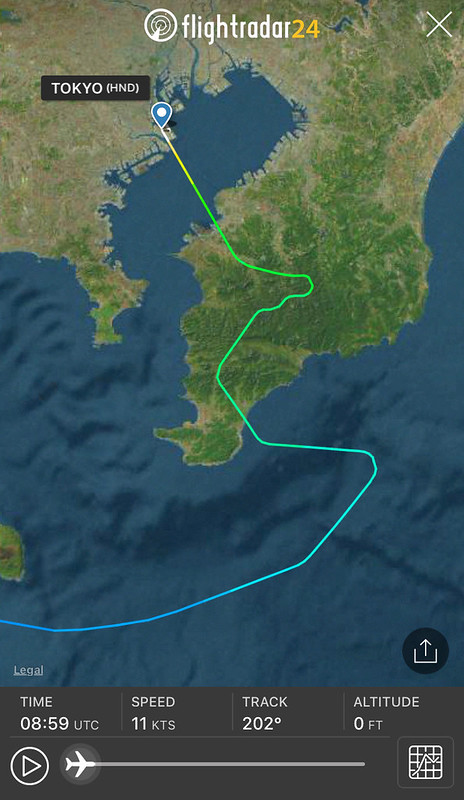
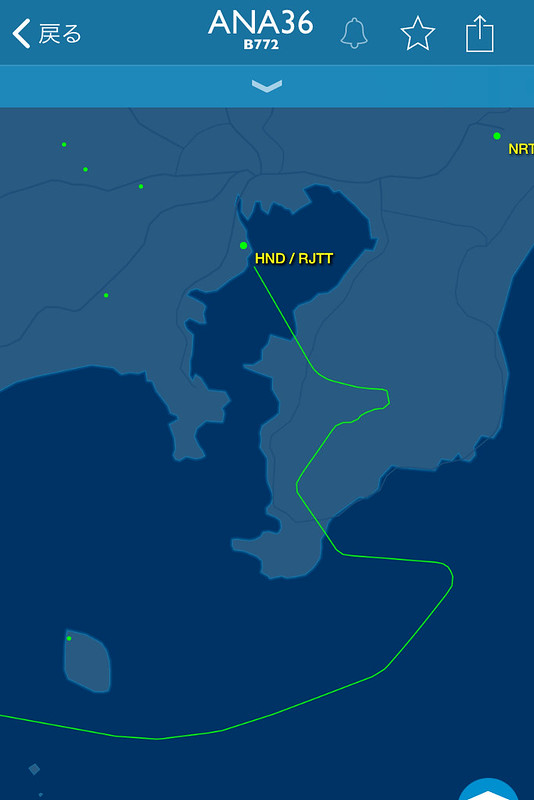 the GPS information recorded on the watch is basically consistent with the ADS-B signal records emitted by the aircraft,
the performance of the D2 Charlie is indeed excellent.
the GPS information recorded on the watch is basically consistent with the ADS-B signal records emitted by the aircraft,
the performance of the D2 Charlie is indeed excellent.
When booking the flight this time, I chose a window seat. During the flight, I wore the watch on my wrist and didn’t deliberately stick it to the window, but GPS signal reception was consistently normal, so using the D2 Charlie allows you to accurately know your location, and combined with the map function in the watch, visual navigation is no longer a difficult task.