Connecting Garmin D2 Charlie Titanium Aviator Watch to Garmin Pilot
Unboxing the Garmin D2 Delta PX Titanium Aviation Watch Garmin D2 Delta PX Titanium Aviation Watch Setup Guide
Garmin Pilot is a renowned iPad app for pilots, offering features such as charts, flight planning, terrain maps, PFD, and ADS-B receiver connectivity. This site previously introduced Garmin Pilot Support for X-Plane 10. Since version 8.1, it has supported the X-Plane 10 flight simulation software, allowing you to use Garmin Pilot for navigation at home, even when not in the aircraft.
*Note Users who purchased the mainland China version may encounter issues connecting to their phone via Bluetooth while indoors. Connection is only possible outdoors after a GPS signal has been acquired. If you wish to use Garmin Pilot, please re-register in Garmin Connect software using a new email address and selecting a non-China region in Advanced settings.
Flight plans created on Garmin Pilot can be easily transferred to the Garmin D2™ Charlie. This feature is also a major selling point of the Garmin D2™ Charlie. I tested this immediately after getting it, and it is indeed very convenient. Below are the specific steps:
- Purchase navigation data on fly.garmin.com
- Connect Garmin Pilot APP and D2™Charlie via Bluetooth
- Create flight plan on Garmin Pilot APP
- Transfer flight plan to watch
- Activate flight plan on watch
The previous article Garmin D2™Charlie Titanium Aviation Watch Initial Setup mentioned that after adding the watch on fly.garmin.com, this screen appears:
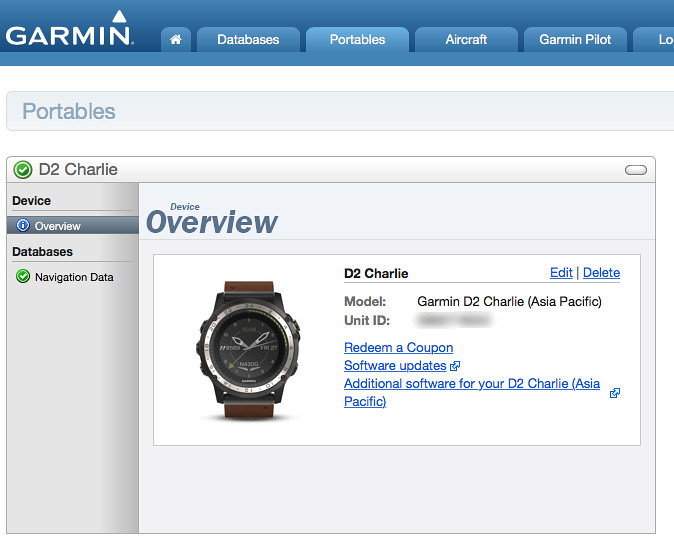 Click the “Redeem a Coupon” link to enter the input screen.
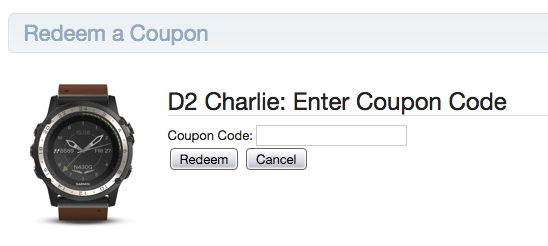 Take out the 6-month trial serial number card for Garmin Pilot App from the package and enter it.
The page will then jump to the subscription page in Settings. Choose your preferred navigation data package.
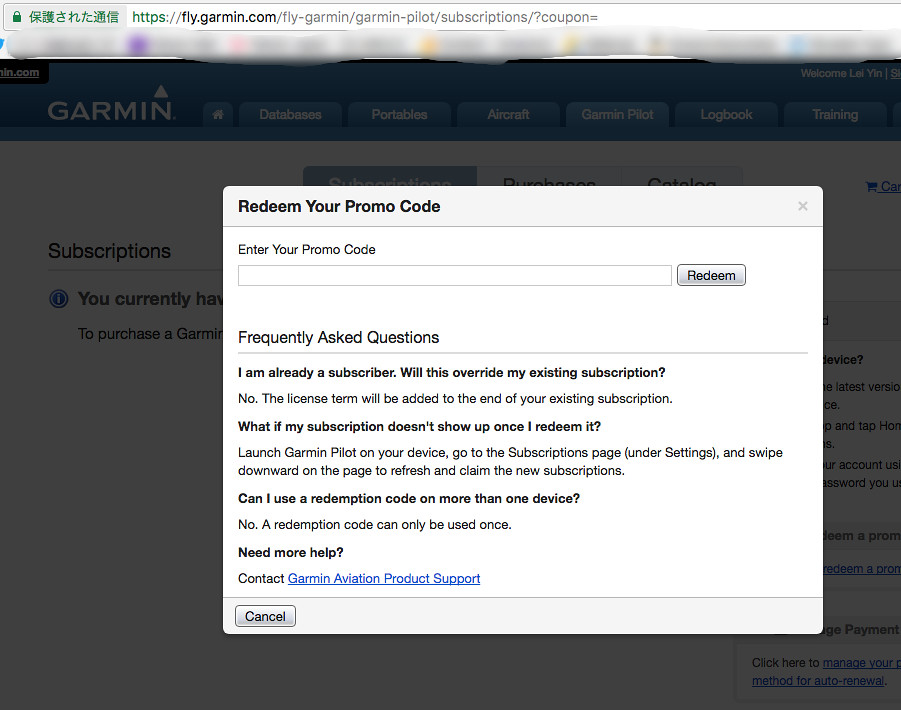 Here I selected the navigation database for the Asia region.
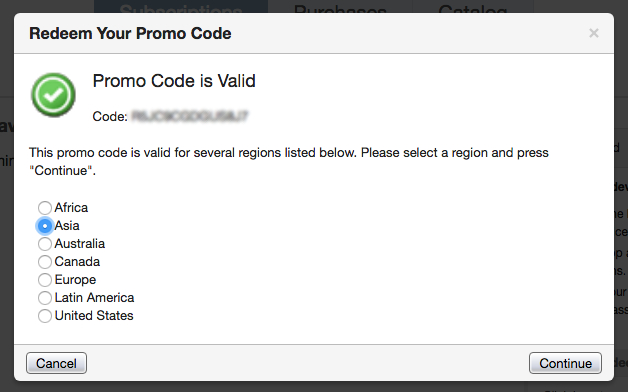 If everything goes smoothly, you will see this purchase completion screen,
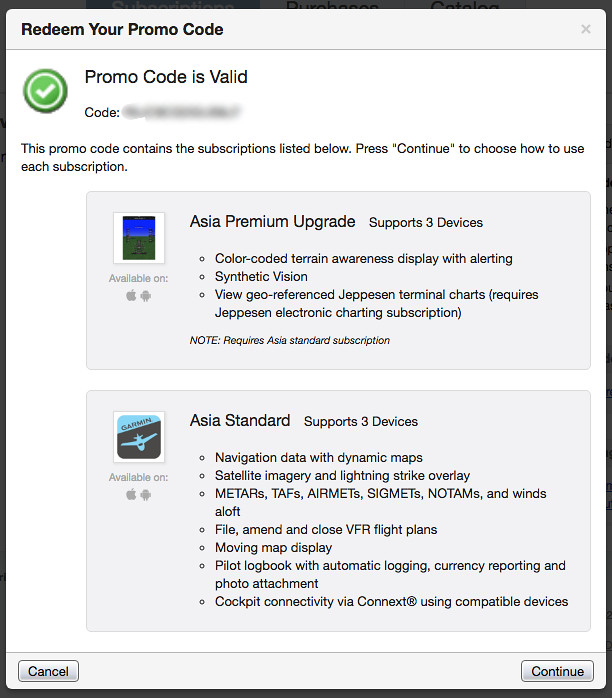 Including Asia Standard data, valid for half a year.
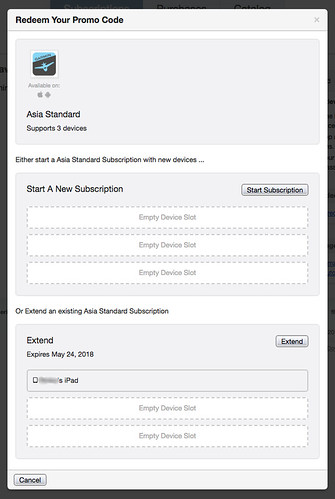
Additionally, it seems one purchase allows installation on up to 3 mobile devices.
I have currently used one, and as seen in the screenshot below, “xxxxx’s iPad” has been added.
Alright, now you can launch Garmin Pilot on the iPad to connect to the watch.
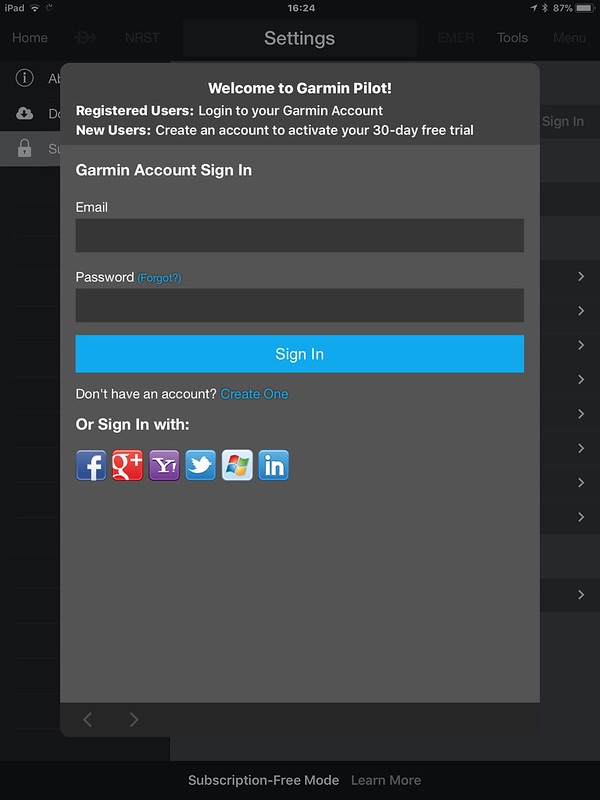 Enter ID and password, and on the subscription information page, you can see the same display as on the webpage above.
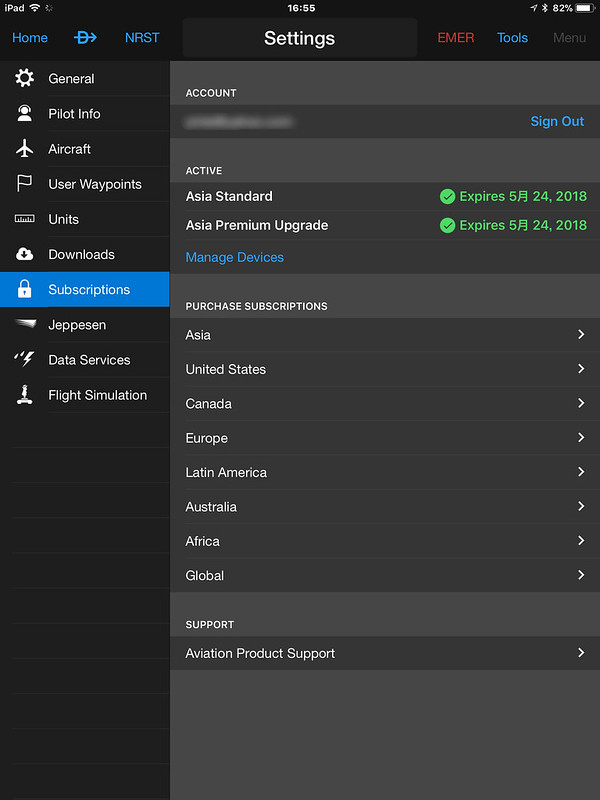
My iPad itself is not connected to a GPS device. Here, just for fun,
I transmitted the GPS output from X-Plane to Garmin Pilot.
However, this is generally not necessary.
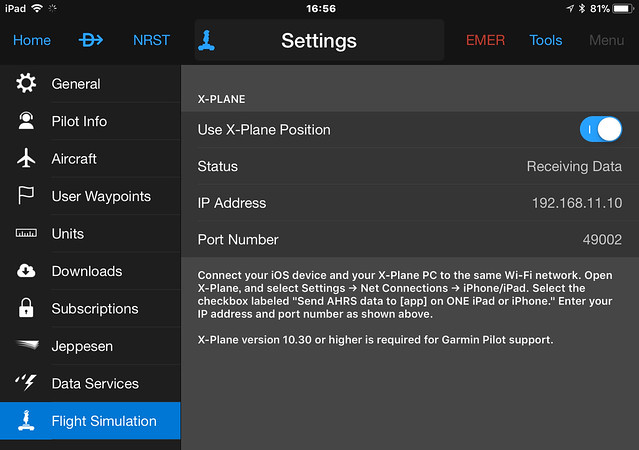
Next, connect the watch (make sure to turn on Bluetooth on the iPad first) and enter the Connext screen.
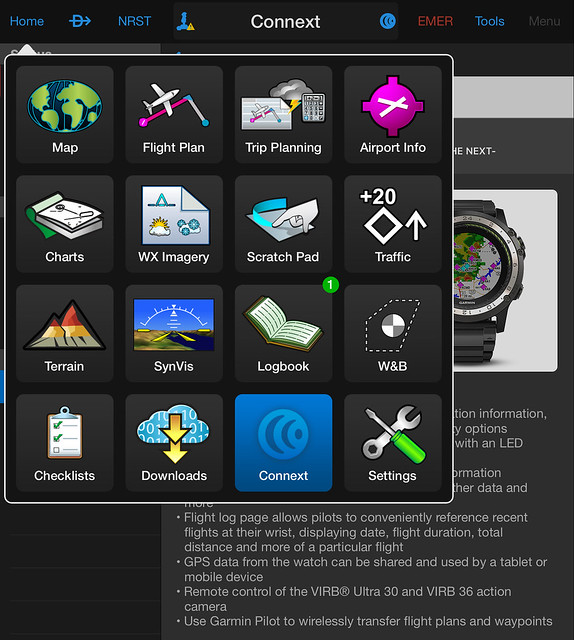 Find D2™Charlie from the device list.
Clicking it will enter the D2™Charlie description screen, which contains detailed connection instructions.
Find D2™Charlie from the device list.
Clicking it will enter the D2™Charlie description screen, which contains detailed connection instructions.
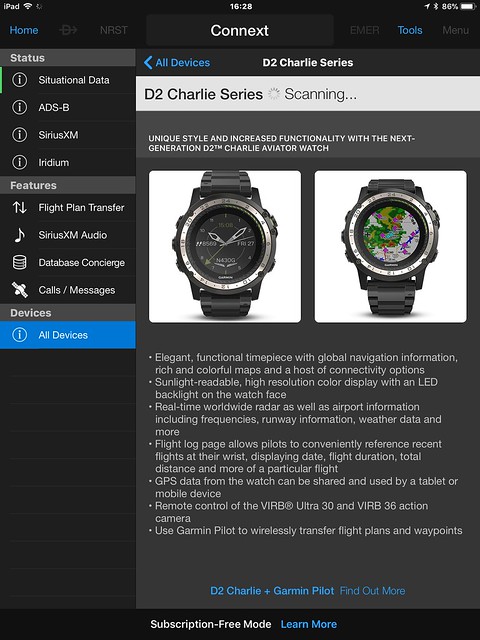 You can see “Scanning” displayed on the status bar.
If everything goes well, the status will change to “Connecting”.
You can see “Scanning” displayed on the status bar.
If everything goes well, the status will change to “Connecting”.
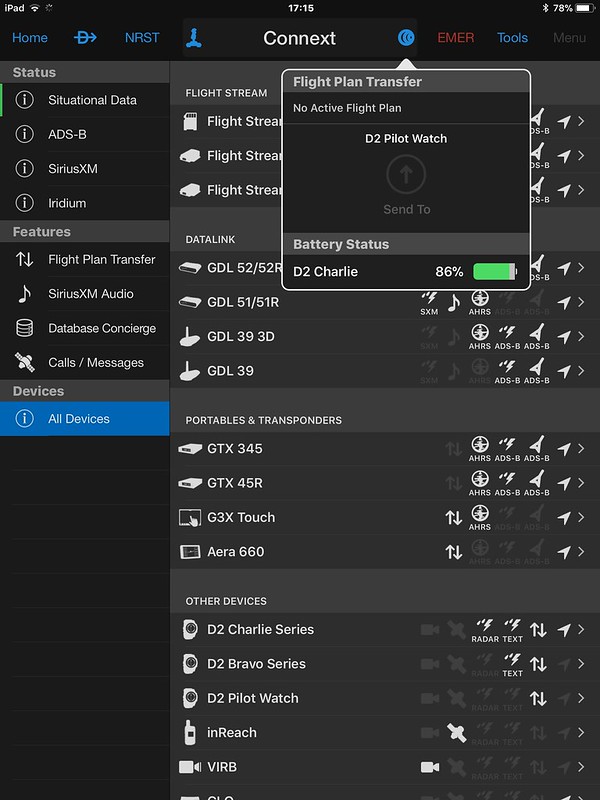
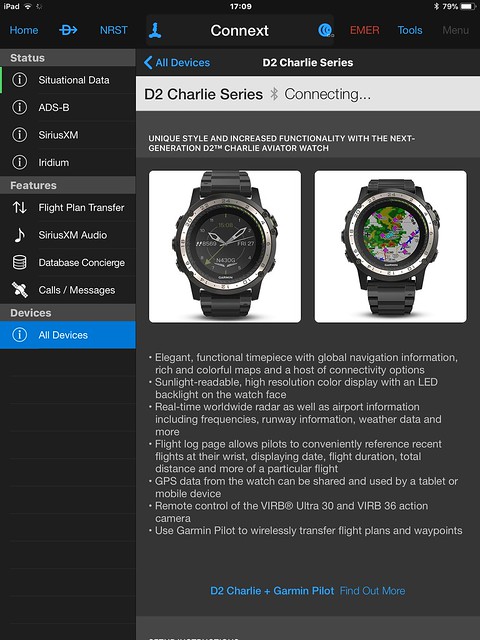 On the device list page, you can see the D2 Pilot Watch is displayed.
Creating a flight plan on Garmin Pilot is very simple,
just input Waypoints in the Flight Plan section.
For example, I am currently connected to the flight simulation software X-Plane, and the airport is Tokyo International Airport (RJTT).
I plan to take off from Runway 34R, fly a loop over Tokyo Bay, and return to land on the same Runway.
So after entering “RJTT TORAM PLUTO WELDA APOLO RJTT”,
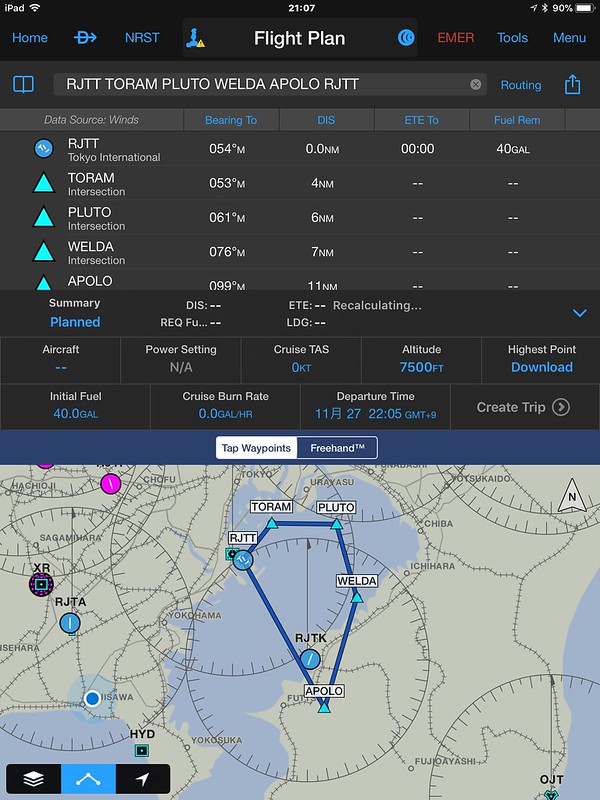 the flight plan route will be displayed on the map.
Now you can transfer the prepared flight plan to the watch. Click the Connext icon.
 You can see the “Flight Plan Transfer” dialog pop up.
The route set below “RJTT TORAM PLUTO WELDA APOLO RJTT” is displayed,
along with the “Send to” button for the connected “D2 Pilot Watch” device.
After pressing “Send to”, a message indicating completion will appear on the watch.
You can see the “Flight Plan Transfer” dialog pop up.
The route set below “RJTT TORAM PLUTO WELDA APOLO RJTT” is displayed,
along with the “Send to” button for the connected “D2 Pilot Watch” device.
After pressing “Send to”, a message indicating completion will appear on the watch.
Next, check the information received on the watch. Press “Direct-to” to launch the App screen, press “DOWN” a few times to select “Navigation”.
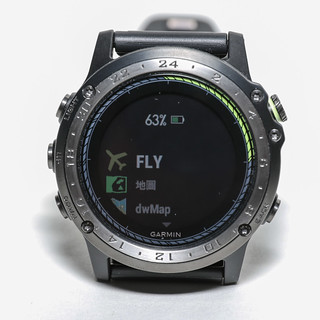
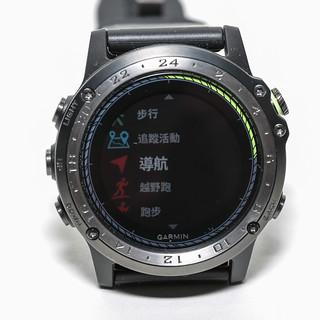 Press “Direct-to” to launch “Flight Plan”, displaying “Select Waypoint” but do not use it.
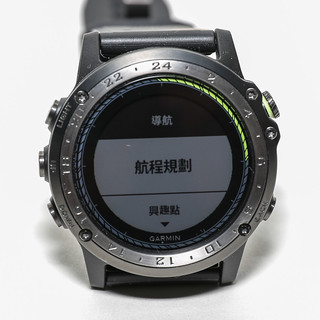
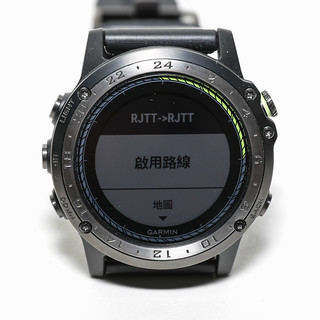
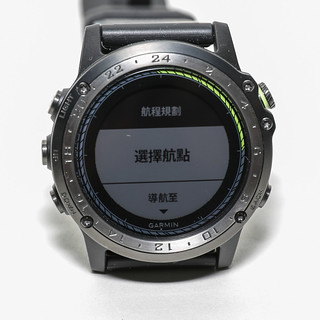 Press “DOWN” a few more times to find “Stored Plans”, then press “Direct-to” to see the “RJTT-RJTT” plan just created.
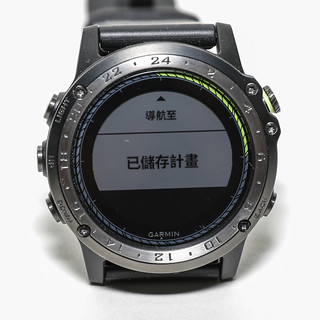
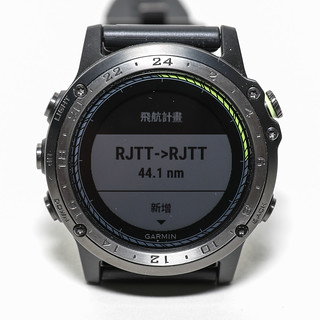 Press “Direct-to” to enter “Activate Route”. If you were in the aircraft, you could press “Direct-to” now.
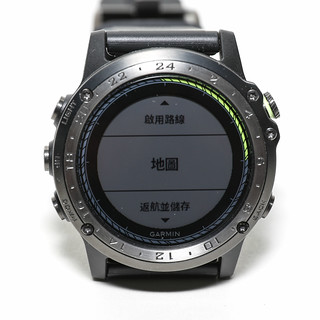
However, since this is just a test, press “DOWN” again to select “Map”.
Press “Direct-to” to enter “Activate Route”. If you were in the aircraft, you could press “Direct-to” now.
However, since this is just a test, press “DOWN” again to select “Map”.
 The flight plan from before is displayed.
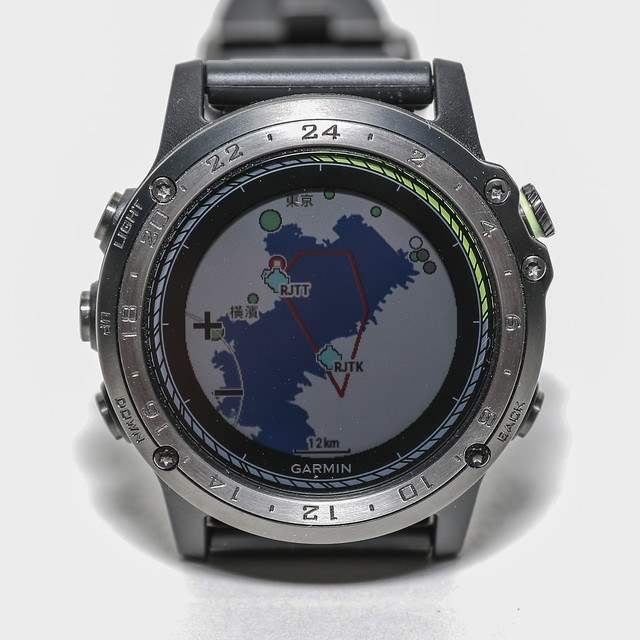 The screen resolution of the D2™Charlie is surprisingly high.
In Map mode, you can press “Direct-to” to zoom and pan the map.
For example, you can now see the “+” and “-” signs on the left.
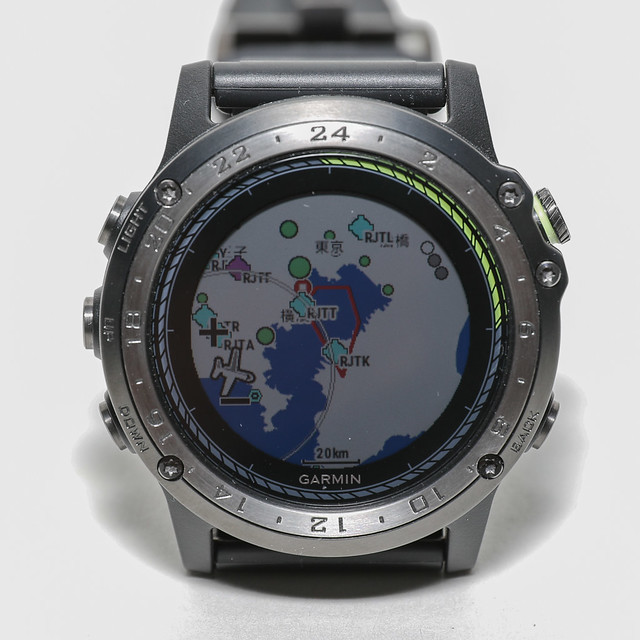 This indicates pressing “UP” and “DOWN” zooms the map;
Press “Direct-to” again to enter vertical panning, and you will see the up and down triangle signs on the left.
This indicates pressing “UP” and “DOWN” zooms the map;
Press “Direct-to” again to enter vertical panning, and you will see the up and down triangle signs on the left.
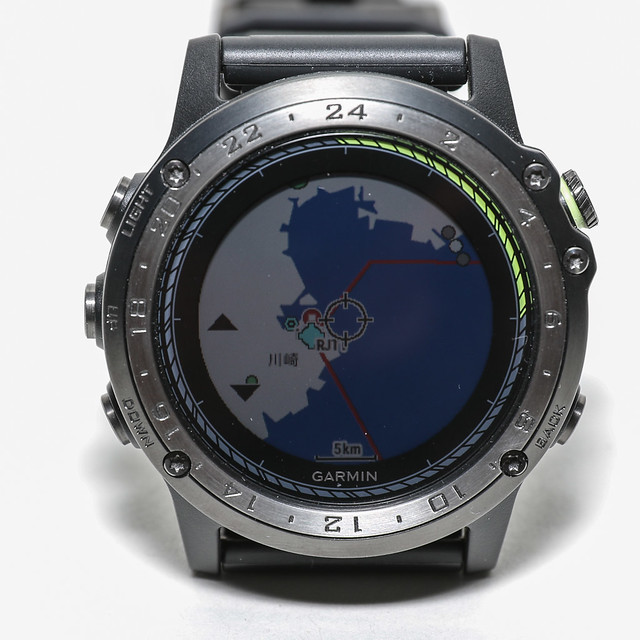 This indicates pressing “UP” and “DOWN” pans the map up and down;
Press “Direct-to” again to enter horizontal panning, and you will see the left and right triangle signs on the left.
This indicates pressing “UP” and “DOWN” pans the map up and down;
Press “Direct-to” again to enter horizontal panning, and you will see the left and right triangle signs on the left.
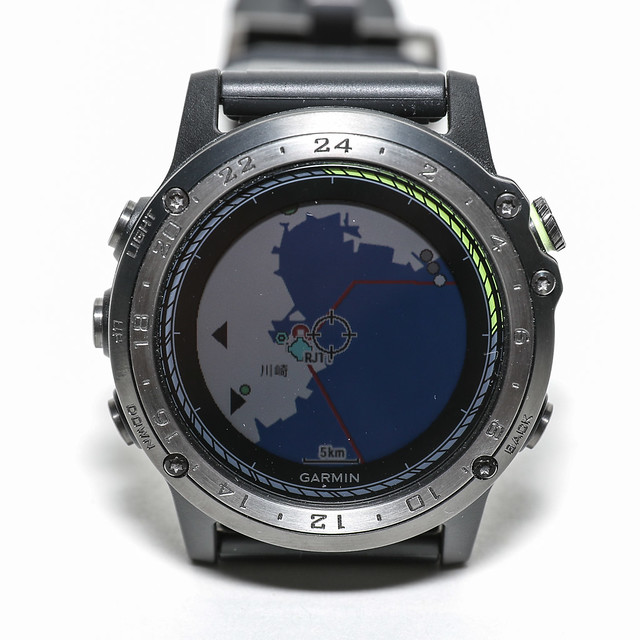 This indicates pressing “UP” and “DOWN” pans the map left and right.
Let’s create another flight plan. For example, if flying from Taipei Taoyuan Airport to Hong Kong International Airport tomorrow, you can check the flight route in advance before boarding and save it to the watch. After takeoff, activate this flight plan, and the D2™Charlie will display the flight route in real-time based on GPS. This fully leverages the powerful capabilities of an aviation watch.
Generally, when checking routes, I like to use this strongest route query tool in history, simbrief.com.
According to the data it provides, the route from Taoyuan to Hong Kong is simple, just “RCTP MKG MAGOG ABBEY VHHH”.
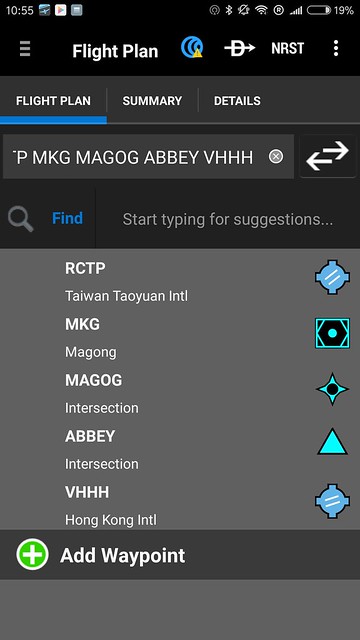 (This is a screenshot of Garmin Pilot on an Android phone)
Then transfer it to the watch.
(This is a screenshot of Garmin Pilot on an Android phone)
Then transfer it to the watch.
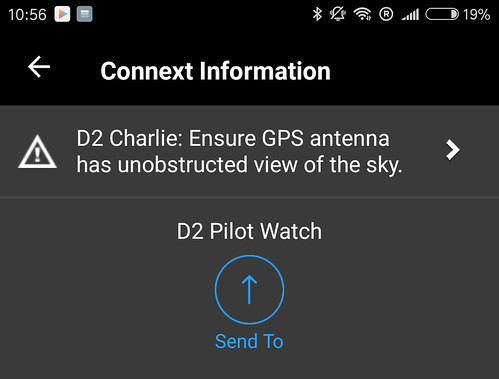 Check out the result:
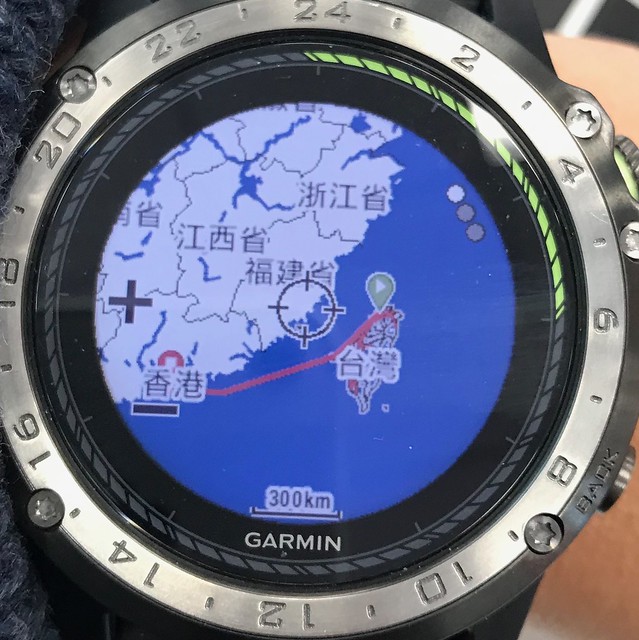
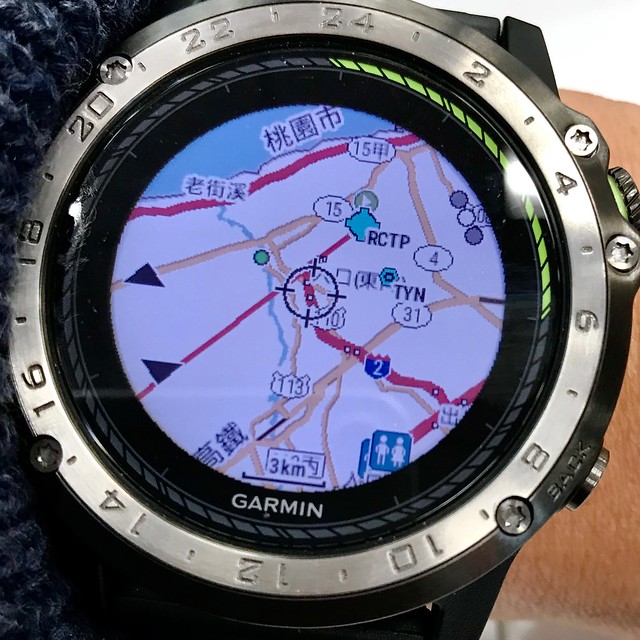 There are many map details even when zoomed in. Truly very satisfying.
To celebrate the launch of Charlie, there was a launch online event from 11/23~12/22.
Purchase D2 Charlie, share online, and you could win a flight experience provided by Angel Flight Training Center.
 Hope you don’t miss this once-in-a-lifetime opportunity.
During the event period, purchase the D2 Charlie Titanium Aviation Watch and share your trial post on Facebook (images, videos, or text are all acceptable, please ensure it is set to Public), and add the hashtag #D2Charlie Titanium Aviation Watch to be eligible for a lucky draw for a Dual Complimentary Flight Experience provided by Angel Flight Training Center (each person can bring one guest, value NTD29,800). Make your flying dream a reality!Official info here
Additionally, this introduction on the official website is also quite good: D2™ Charlie Brings a Retro Vibe to Flight It introduces how to use the outer scale numbers on the D2. Learned a lot.
There is an introduction to fēnix 5 navigation functions: Direct To / Project Waypoint / Sight ‘N Go on YouTube. The usage method is actually the same, so it’s worth referencing.
End