How to Automatically Download X-Plane 11 Scenery
In previous versions of X-Plane, when entering an area without scenery files, the surroundings would be a vast ocean except for airports. This was quite disappointing for new users. Since X-Plane 11, there has been a slight improvement.
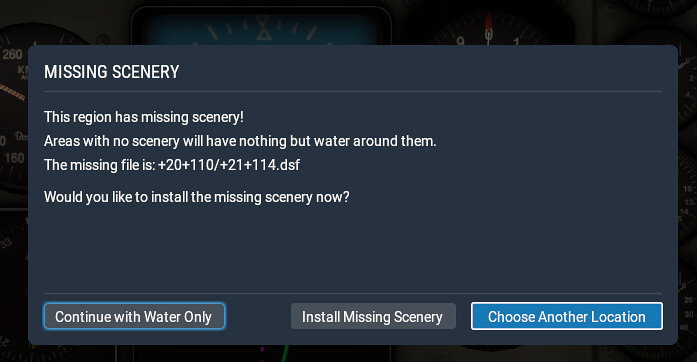 This prompt screen appears, informing the player that scenery data for this region was not found.
After pressing the Install Missing Scenery button, a download window appears.
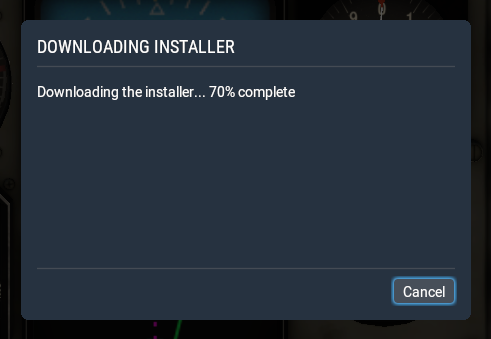 However, it is quite confusing that the title bar says “Download Installer,” rather than directly downloading the scenery data.
After the download reaches 100%, a new window appears,
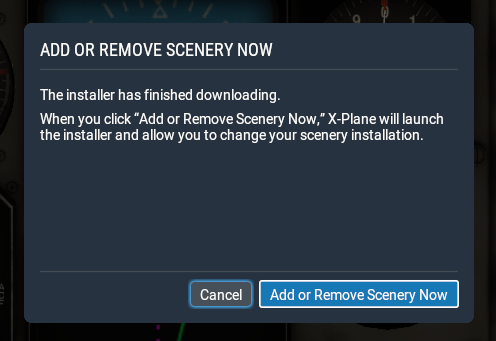 prompting whether to add or remove scenery data.
Pressing “Add or Remove Scenery Now” will exit X-Plane and automatically launch the installer.
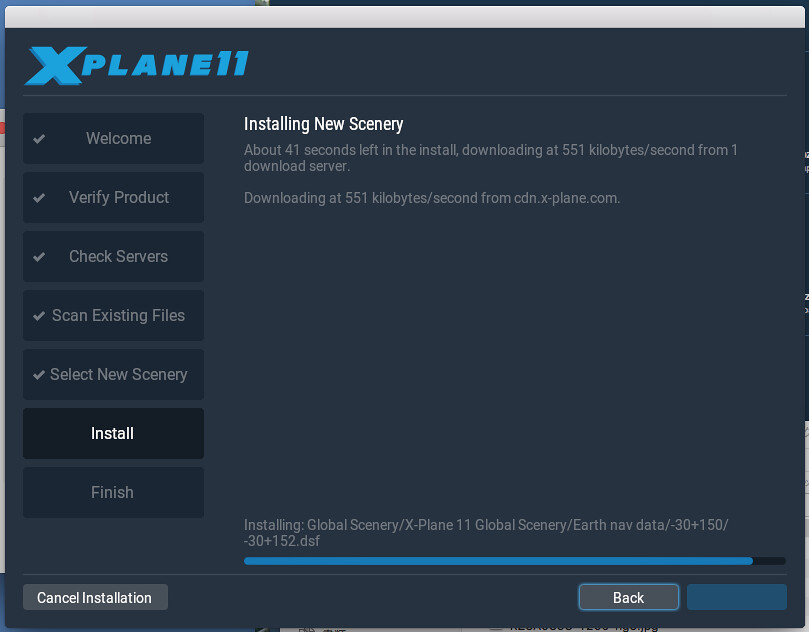 Honestly, this UX is really not very user-friendly.
However, compared to the vast ocean of the past, it’s a small improvement. At least it reminds the player that the Scenery for that location needs to be installed, so they won’t be startled by being trapped on a deserted island.
Honestly, this UX is really not very user-friendly.
However, compared to the vast ocean of the past, it’s a small improvement. At least it reminds the player that the Scenery for that location needs to be installed, so they won’t be startled by being trapped on a deserted island.
August 25, 2018 Update
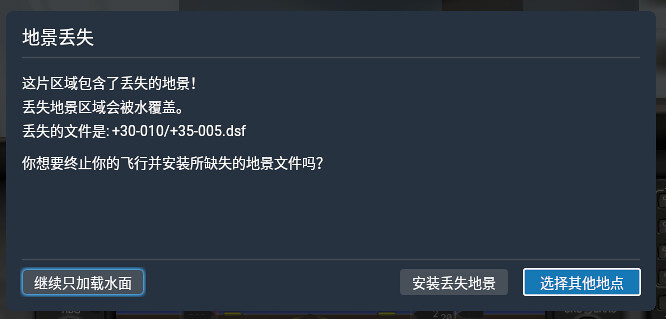
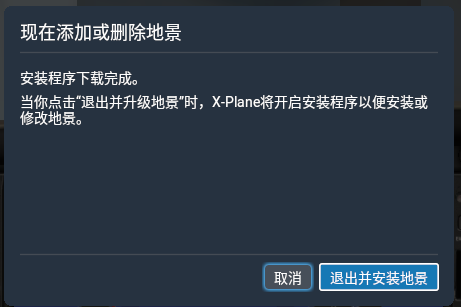
I also took screenshots of the display in Chinese settings, for reference only.