X-Plane 11 Includes a Convenient Pushback Function
Since version X-Plane 11.01, the pushback function is built-in, so no pushback plugin is required. This is very convenient.
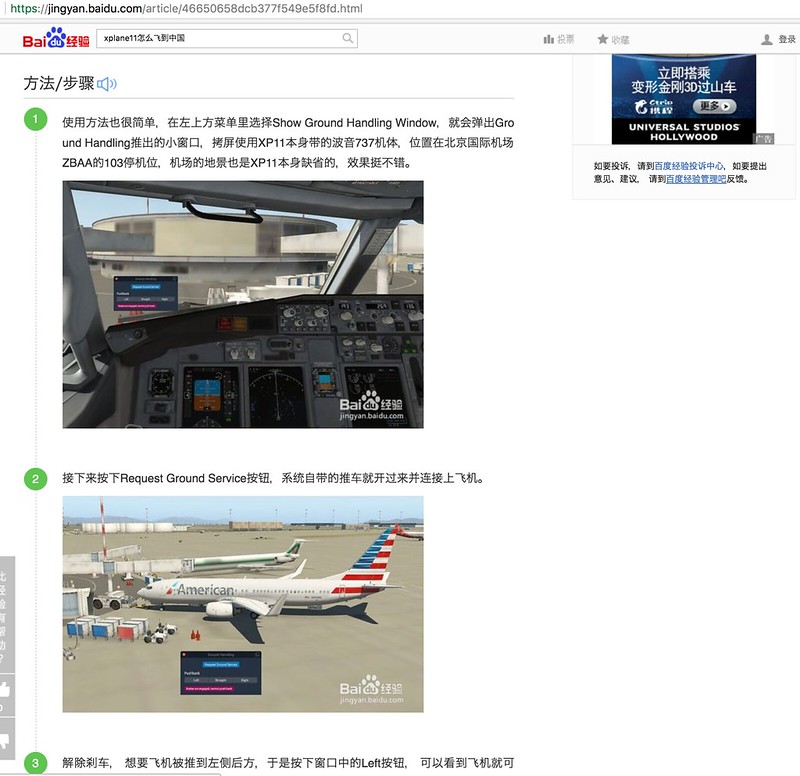
The usage is also very simple. Select “Show Ground Handling Window” from the top-left menu.
A small Ground Handling pushback window will pop up:
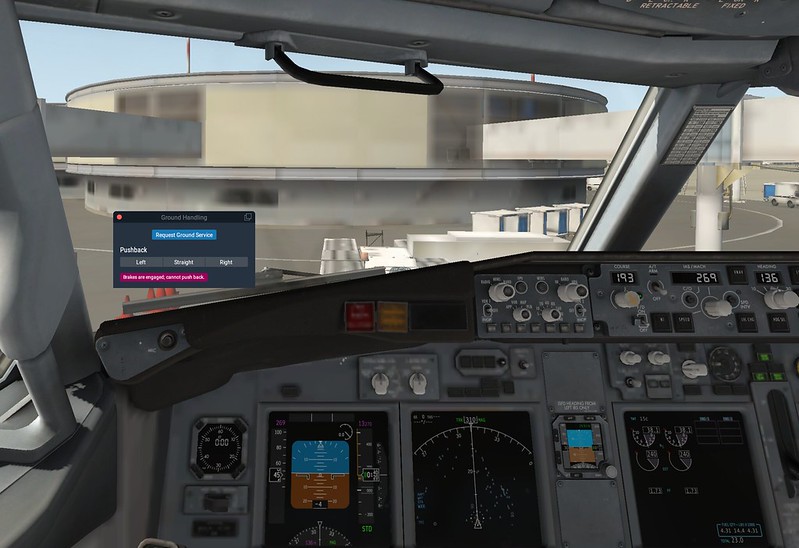 The screenshot above uses the Boeing 737 aircraft included in XP11,
located at parking stand 103 of Beijing Capital International Airport (ZBAA).
The airport scenery is also the default in XP11; the effect is quite good.
The screenshot above uses the Boeing 737 aircraft included in XP11,
located at parking stand 103 of Beijing Capital International Airport (ZBAA).
The airport scenery is also the default in XP11; the effect is quite good.
Next, press the “Request Ground Service” button.
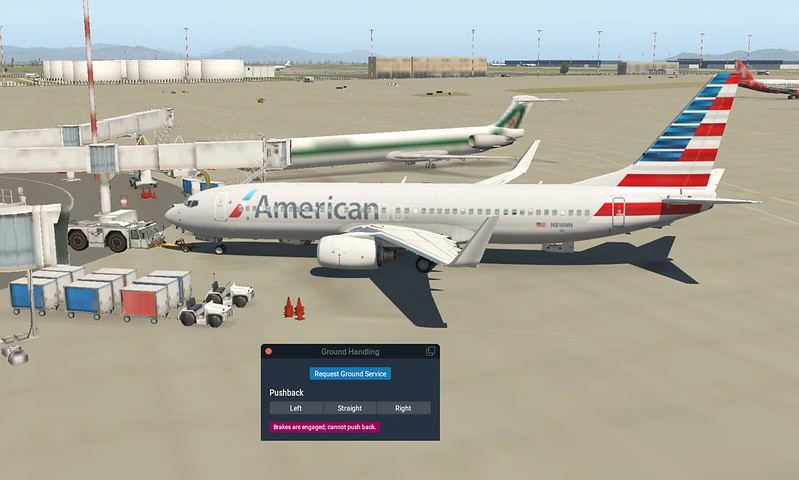 The tug included with the system will drive over and connect to the aircraft.
Release the brakes. If you want the aircraft to be pushed to the rear left,
press the “Left” button in the window, and you will see the aircraft start the pushback.
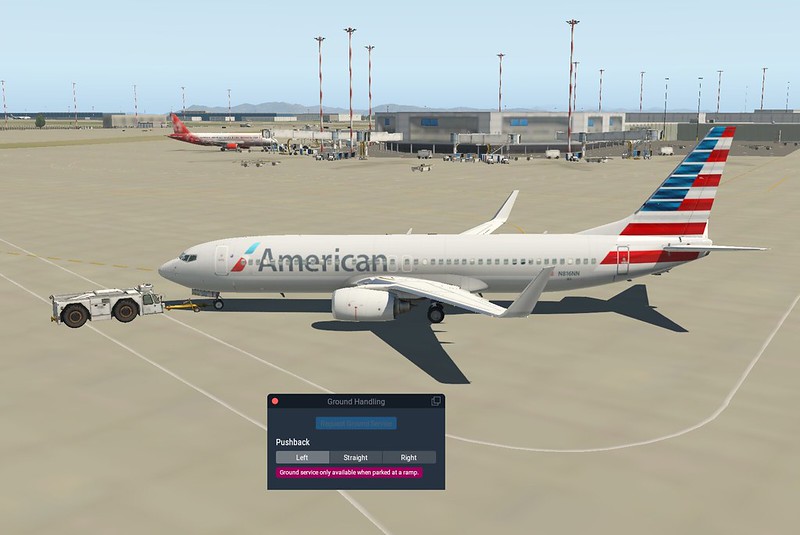
When pushed to the holding point, the tug stops automatically and disconnects,
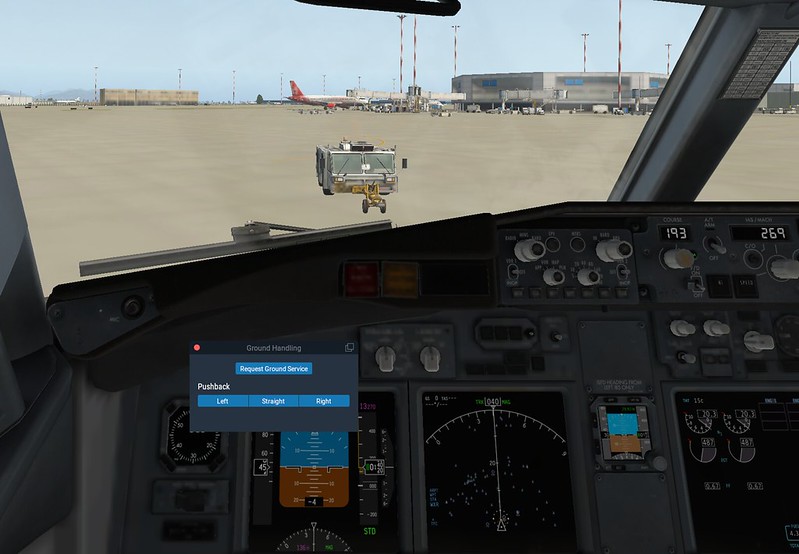 The entire pushback process is finished. Very simple, right?
Finally, select “Hide Ground Handling Window” from the menu to close the window, and you can start surface taxiing.
2018/3/18
The article How to push aircraft in X-Plane 11 on the Baidu Experience website is clearly plagiarized from this site.
 Screenshots are taken here as evidence.