How to Turn Off the Green Box in the X-Plane 11 Cockpit
If you accidentally changed the settings and a bunch of green squares appeared in the X-Plane 11 cockpit.
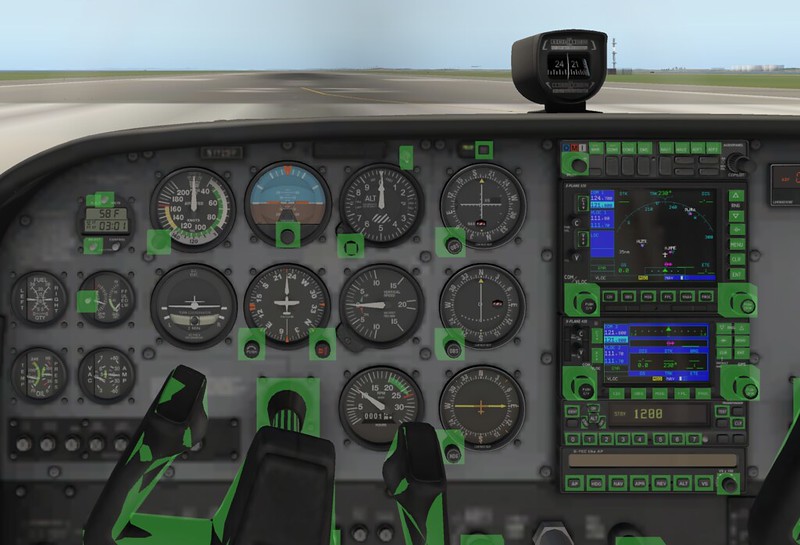 These squares are there to help you find the instrument control buttons in the dark,
They are useless during the day, so turn off this setting in the top-left menu.
View -> Show Instrument Click Regions
These squares are there to help you find the instrument control buttons in the dark,
They are useless during the day, so turn off this setting in the top-left menu.
View -> Show Instrument Click Regions
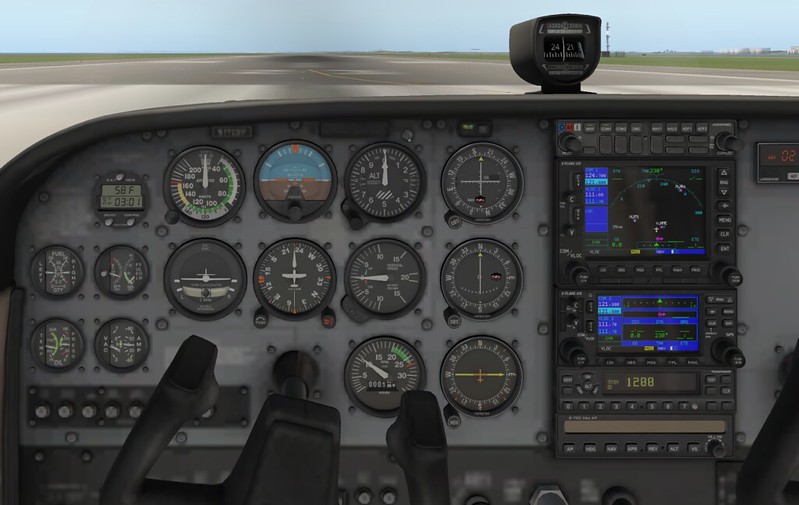 This looks much more comfortable.
In XP10, this settings menu is located at About > Instructions > Flight Controls. After switching to XP11, I couldn’t find this setting for a while, so I wrote a simple memo.