Making Plugin Management Easy with X-Updater
How to upgrade aircraft addons and other plugins purchased from x-plane.org?
Redownloading everything is indeed a pain, so using the X-Updater tool is a great solution.
Here is how to use X-Updater. First, visit http://update.x-plane.org/, where you will see the text:
Download the latest version of the X-Updater client. downloadClick download to get the X-Updater-Client.jar file.
Then, double-click X-Updater-Client.jar, and the following window will pop up.
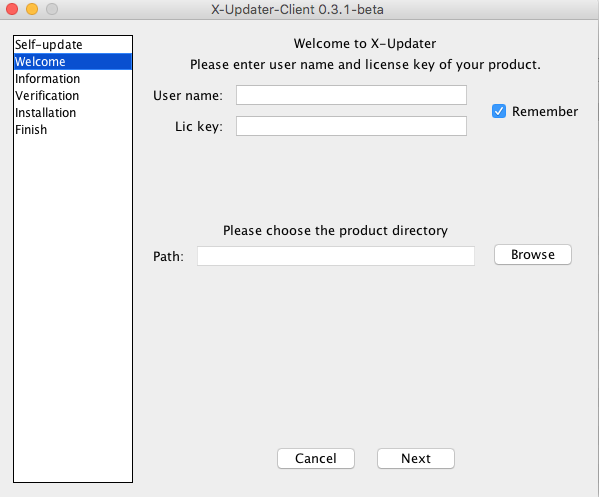 (If your jar file cannot be executed, please check here for instructions on installing the Java Runtime Environment)
Enter your ID and plugin registration number, select the aircraft directory you want to update,
for example, AirCraft/Heavy Metal/Boeing777v183,
and press Next. You will see X-Updater automatically find the update version.
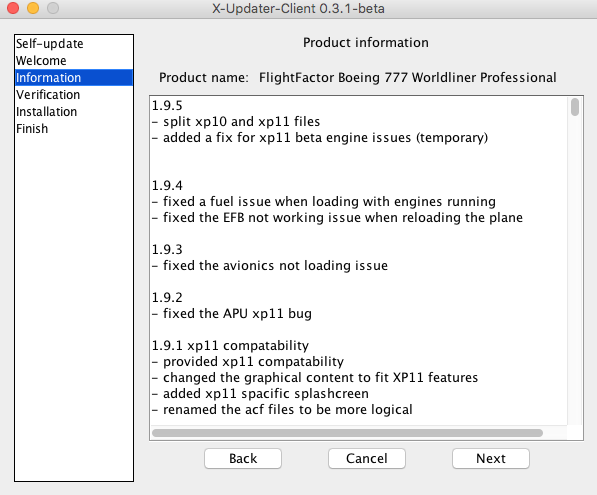
Press Next again to check for update documents,
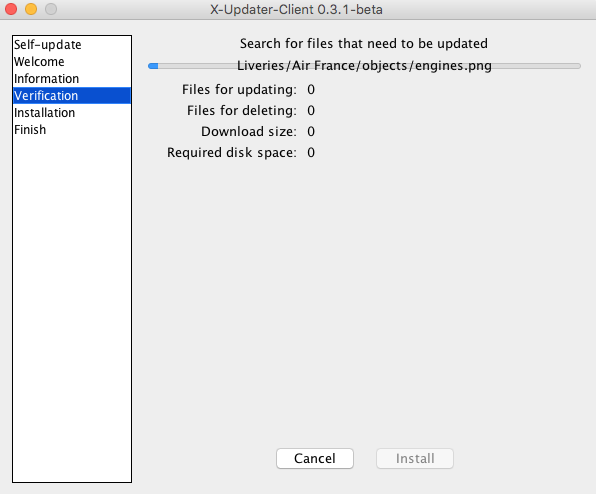 If there are no issues, you will see the completion screen.
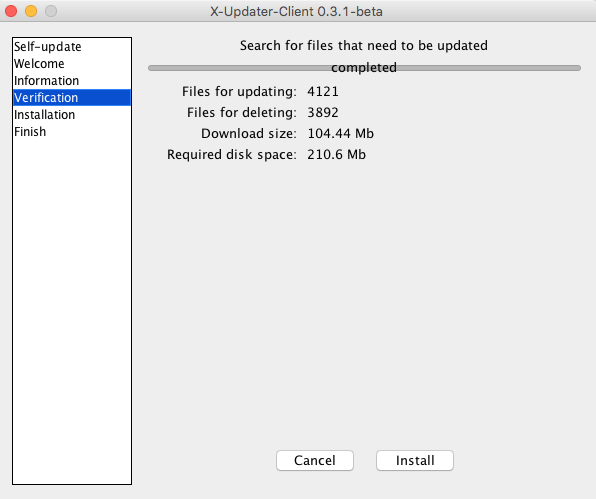 As shown in the picture, this time it will update 4121 files and delete 3892 files,
downloading a total of 104.44 MB.
As shown in the picture, this time it will update 4121 files and delete 3892 files,
downloading a total of 104.44 MB.
Next, press Install to proceed with the installation.
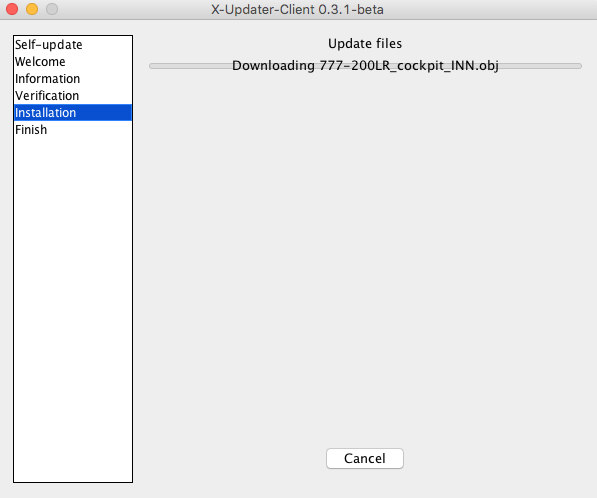 Note that this is a long process; it took nearly an hour to complete,
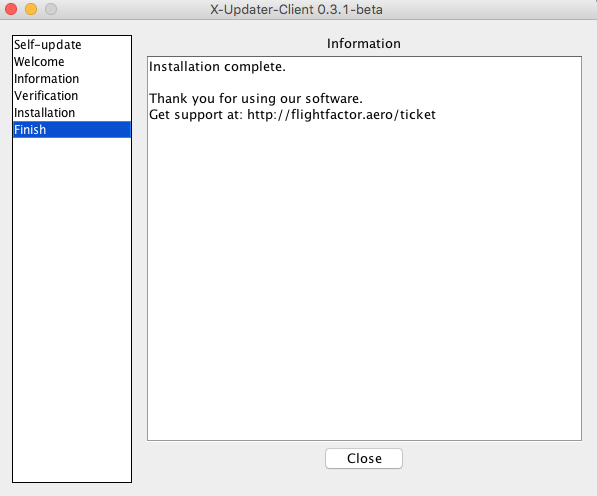 finally seeing the “Installation complete” message.