X-Plane 11 Free Demo Installation and Trial
X-Plane 11 public beta version is finally out. The demo can be downloaded from Download the free X-Plane 11 demo, which gives you the X-Plane 11 Installer.app to proceed with installation.
It seems the installer for the demo and the full version is the same,
so be careful to remove the X-Plane 10 disc (including virtual discs) before installation,
otherwise it will go directly into the full version installation state.
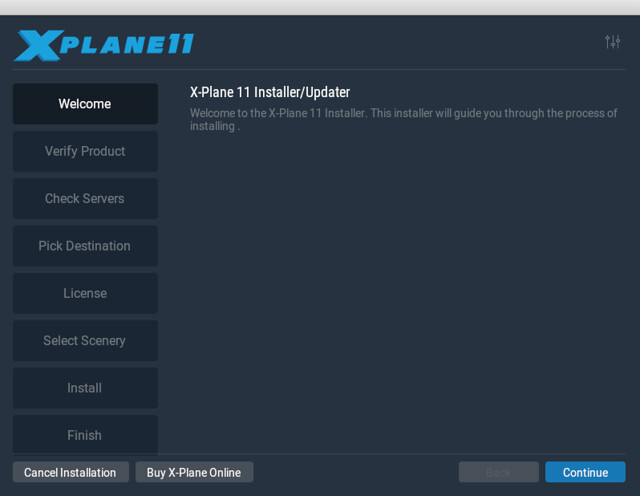
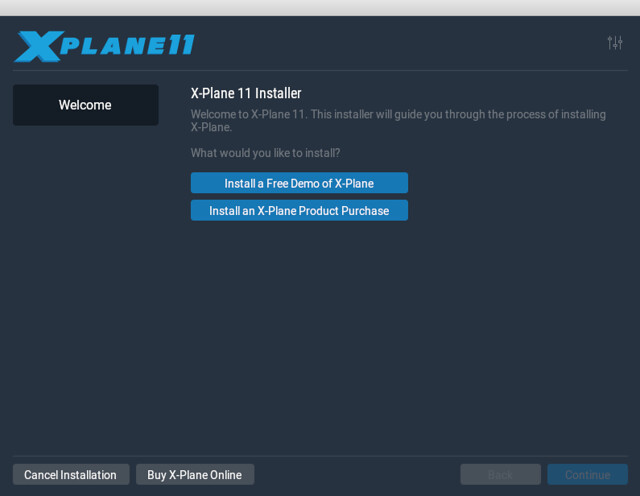
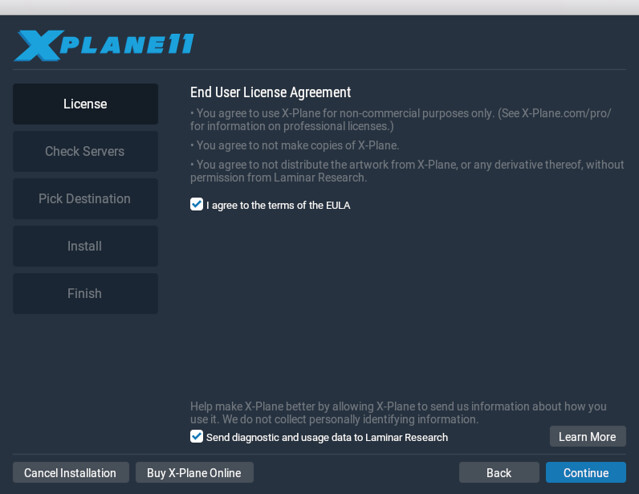
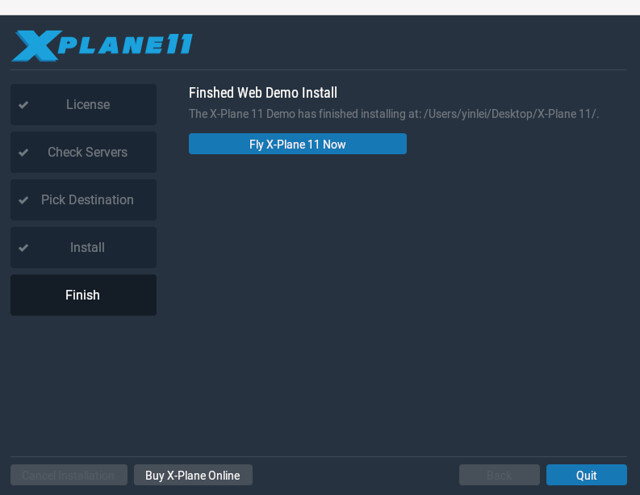
Demo installation screen:
Next comes the slow download, looks like there’s still over two hours to wait,
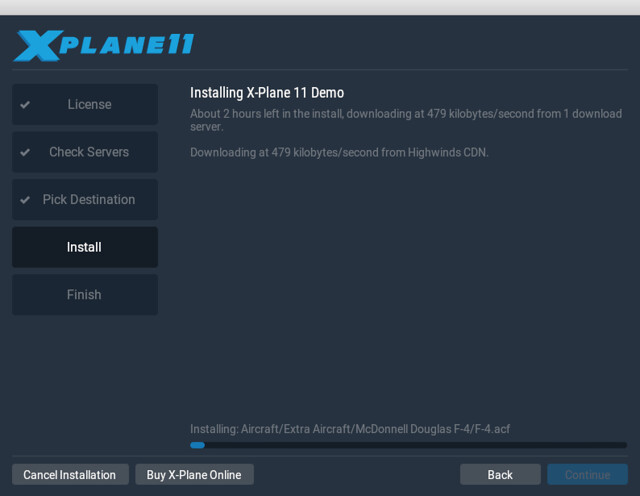 Just be patient.
An hour and a half later, the download is finally complete,
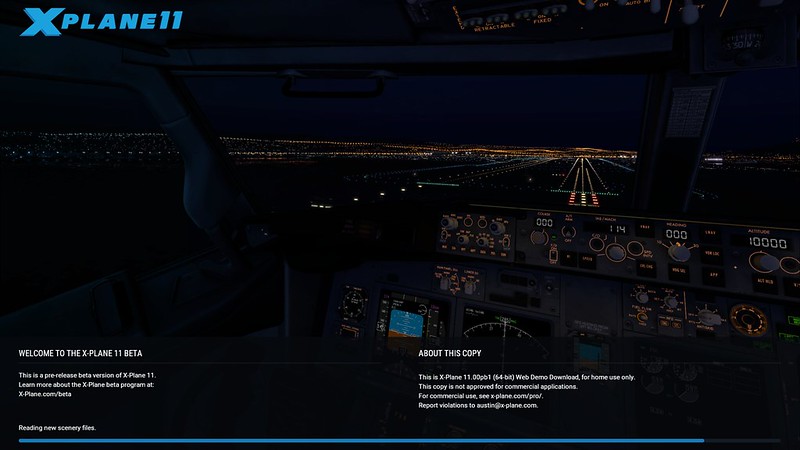
 After clicking Fly X-Plane11 Now, the startup screen is as follows,
You can see the current version is X-Plane 11.00pb1, which is the first version of the public beta:
After clicking Fly X-Plane11 Now, the startup screen is as follows,
You can see the current version is X-Plane 11.00pb1, which is the first version of the public beta:
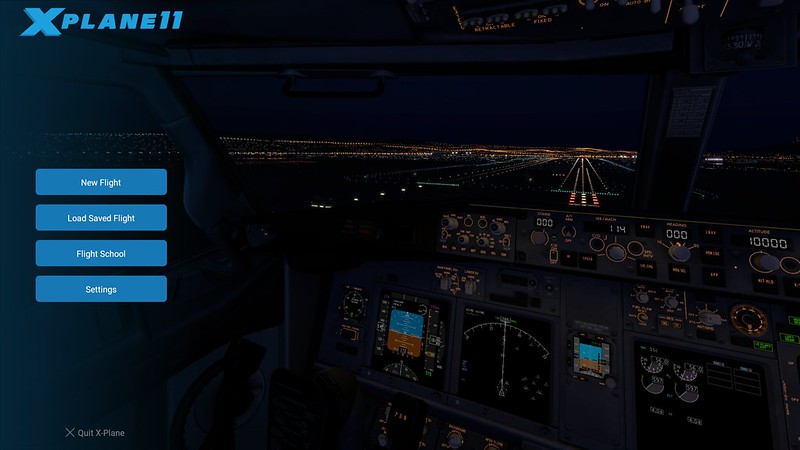
 The main menu is below.
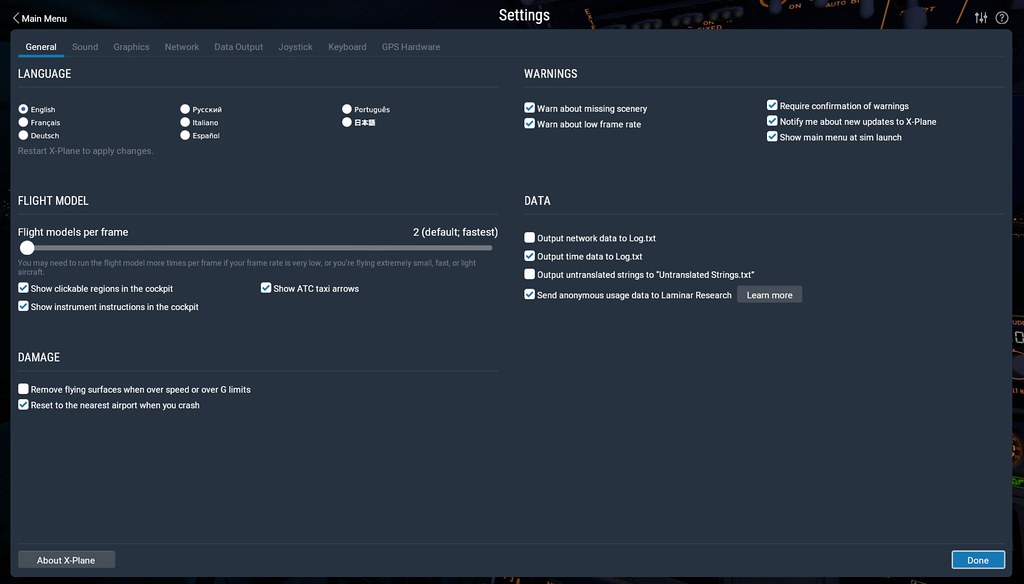
First, enter the General settings screen, and casually toggle a few options you need,
 Next are the display options,
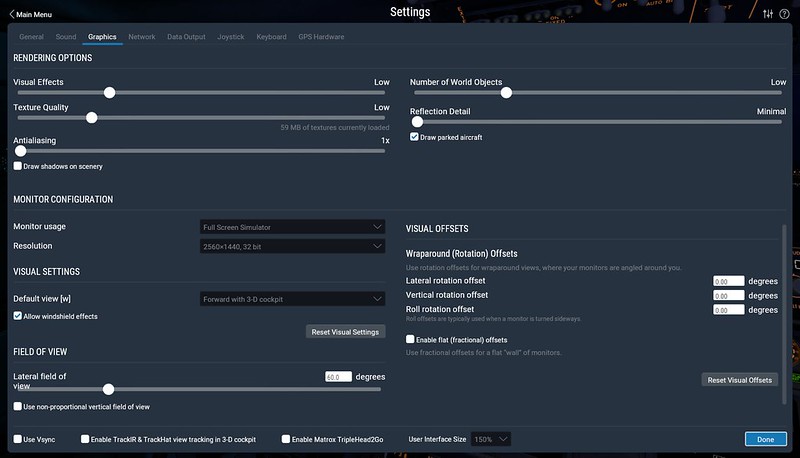 Basically, keep everything on the LOW setting.
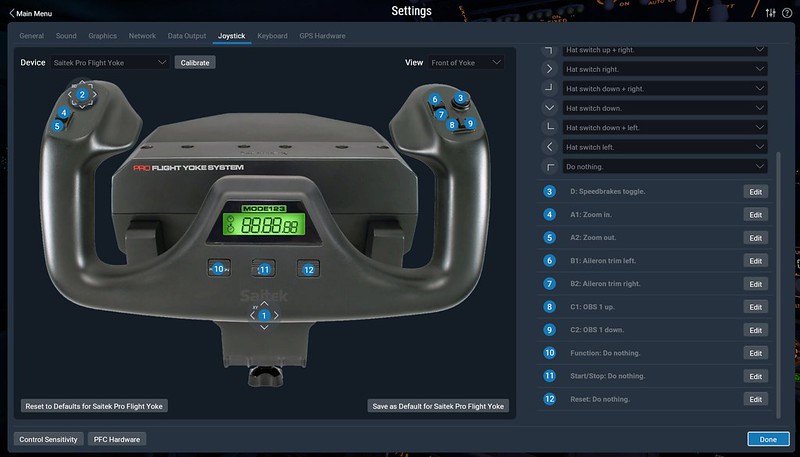
Then set up the hardware devices,
Basically referring to the Hardware Setup Memo for 10.40,
After all, the system can automatically find the Saitek Pro Flight Yoke
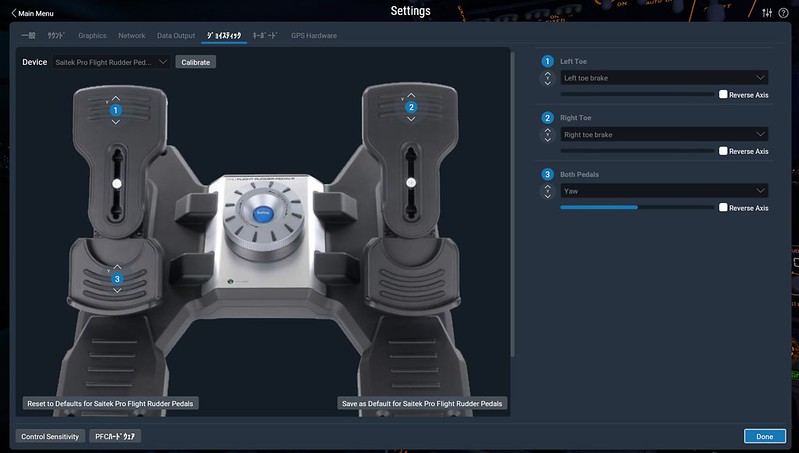
 Saitek Pro Flight Rudder Pedals
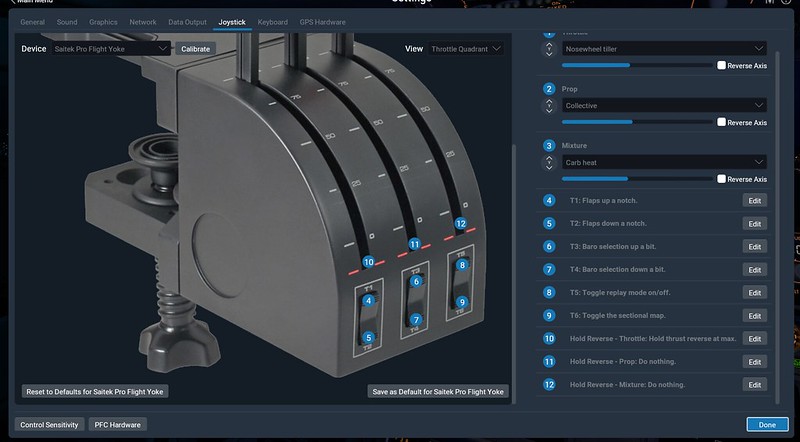
 Saitek Throttle Quadrant
 Saitek Pro Flight TPM System
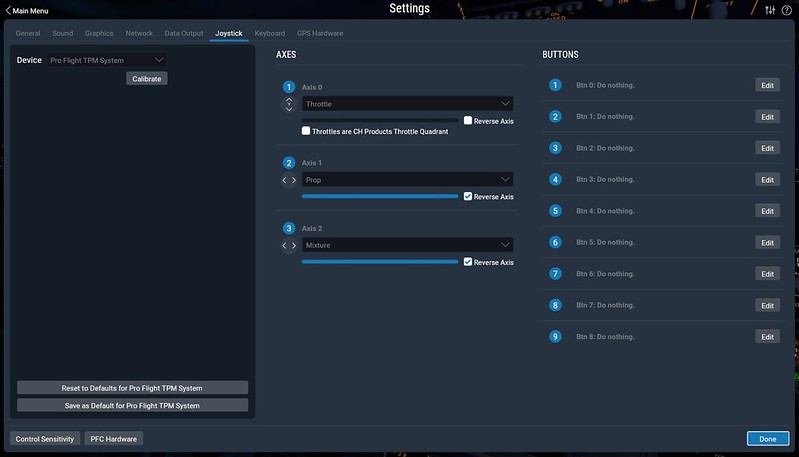 Additionally, after installing Xsaitekpanels,
The Saitek Pro Flight Radio Panel and Saitek Pro Flight Switch Panel (PZ55) are also automatically supported,
So operation is no different from before.
Additionally, after installing Xsaitekpanels,
The Saitek Pro Flight Radio Panel and Saitek Pro Flight Switch Panel (PZ55) are also automatically supported,
So operation is no different from before.
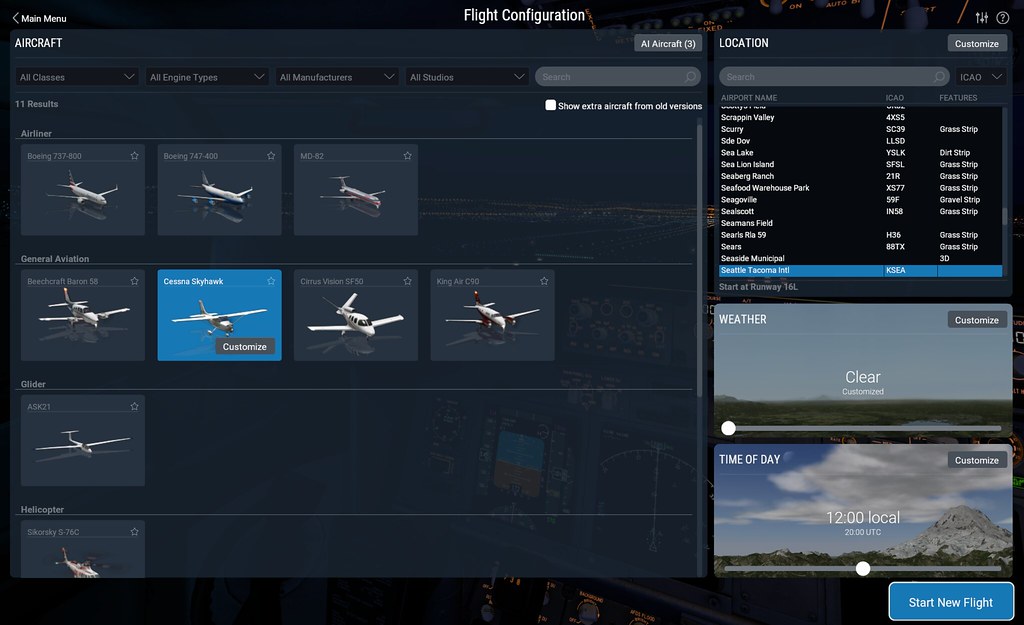
Entering the flight screen, select the Cessna 172,
You can see that weather/airport/time can all be selected on the same screen,
The UI is also quite beautiful.
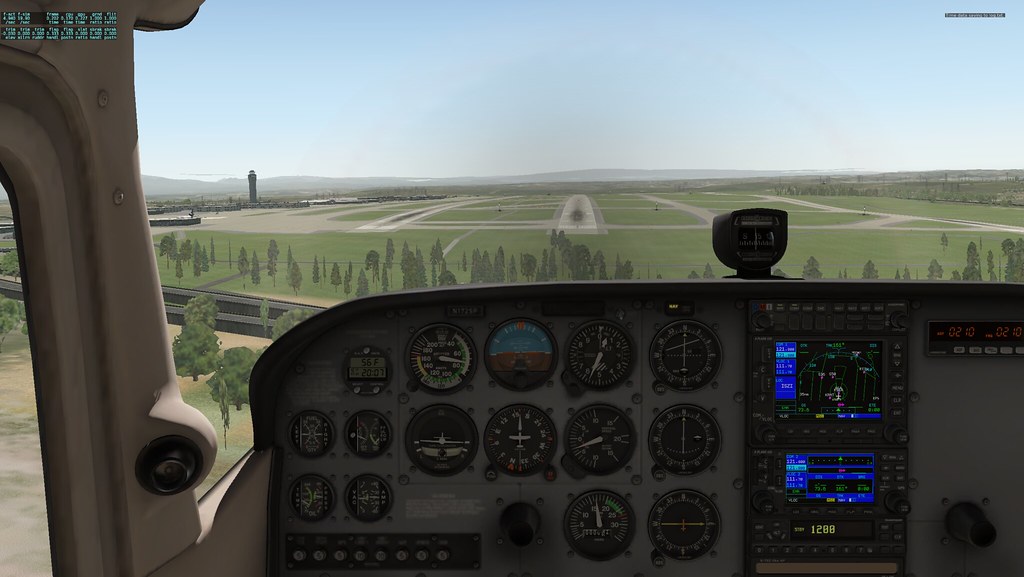
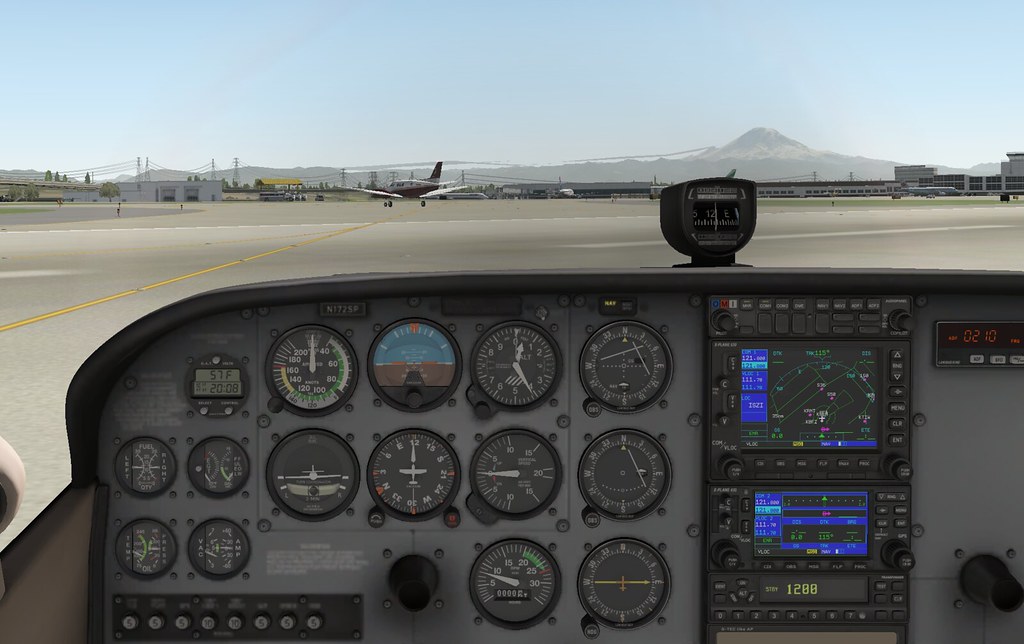
Once started, you go directly into the cockpit,
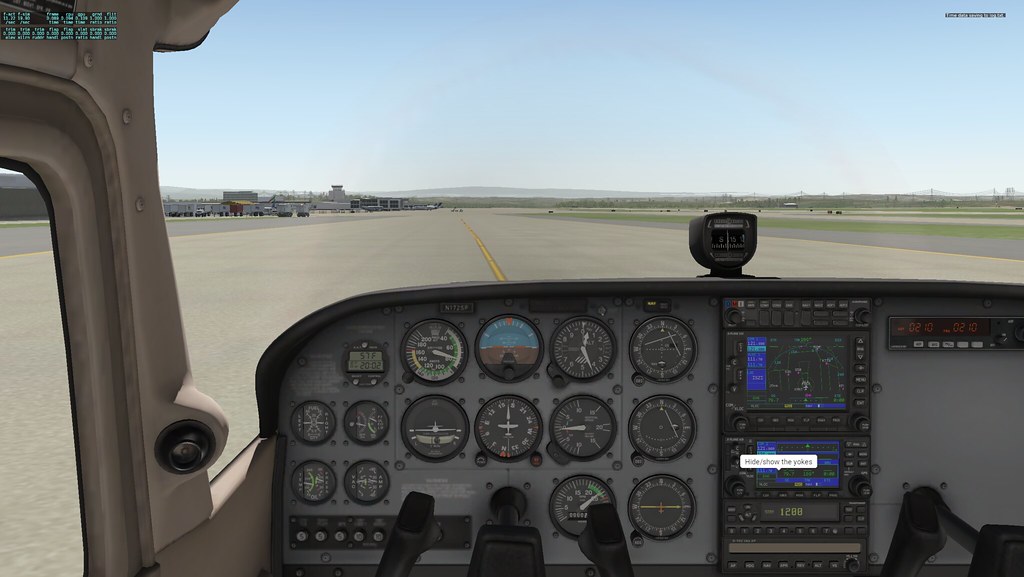 The first impression is that the lighting is relatively soft, and the instrument panel doesn’t have the same texture as previous versions,
but it feels a bit more realistic. Also, the sound has changed quite a bit, with better immersion and reverb.
The first impression is that the lighting is relatively soft, and the instrument panel doesn’t have the same texture as previous versions,
but it feels a bit more realistic. Also, the sound has changed quite a bit, with better immersion and reverb.
Then takeoff, flew two traffic patterns, the handling feel doesn’t seem to have changed much from before,
Even with display settings set quite low, the framerate is still between 15-20,
indicating that my machine really needs an upgrade.
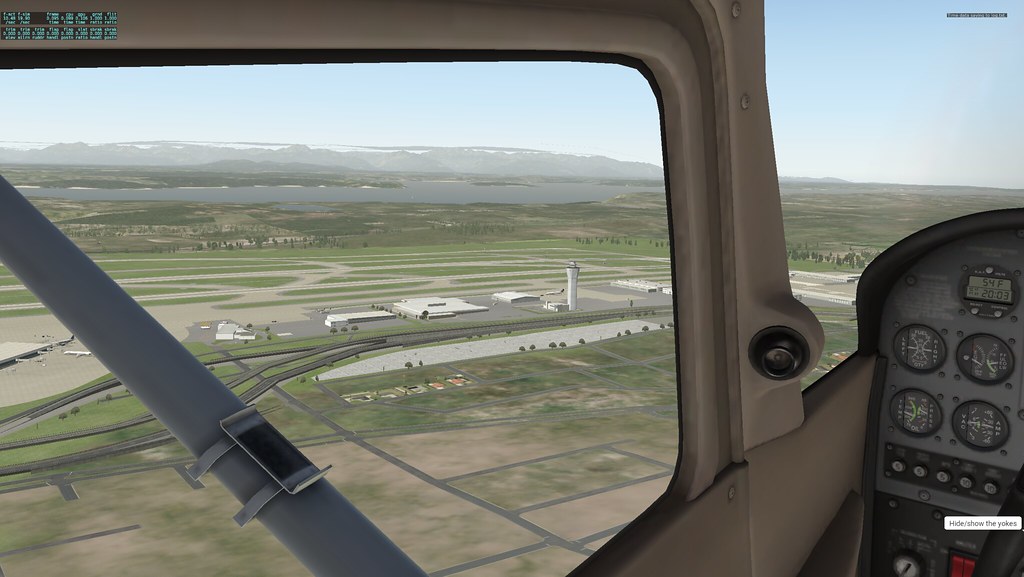
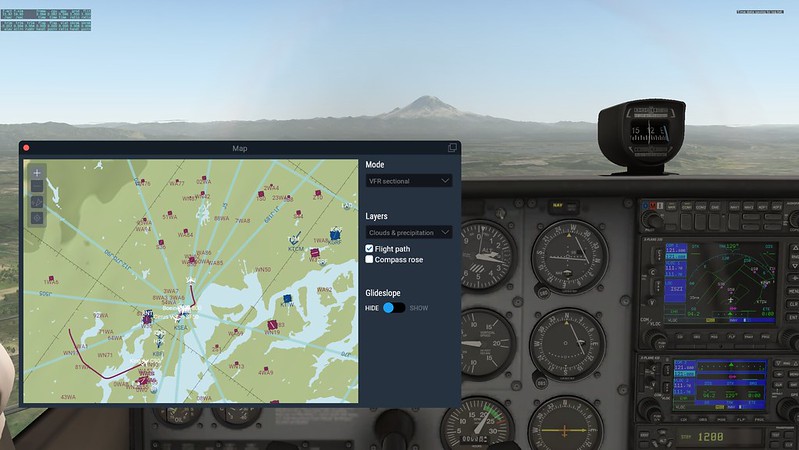
Opened map mode and found it has become a popup window,
This feature is indeed easier to use than before, after all, you can fly while watching the map.
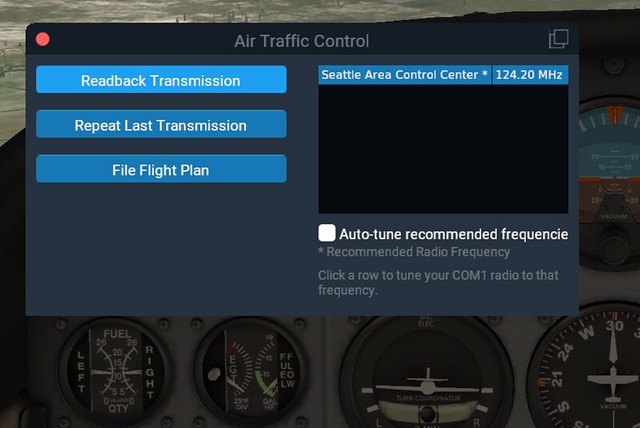
Pressing the Enter key, I found the same ATC window pops up, and nearby frequencies are also displayed.
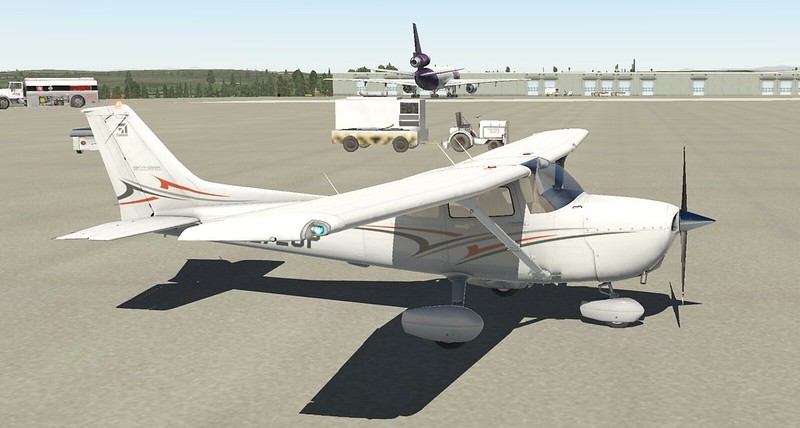
Looking at the Apron, various ground vehicles are busy running around,
Overall, the realism has improved a lot, and one can truly feel that X-Plane 11 has made significant improvements in entertainment value.

Played for about half an hour, the screen reminded that the demo time was up,
Flight controls failed, although the engine and such could still be manipulated, it was meaningless, so I had to exit.
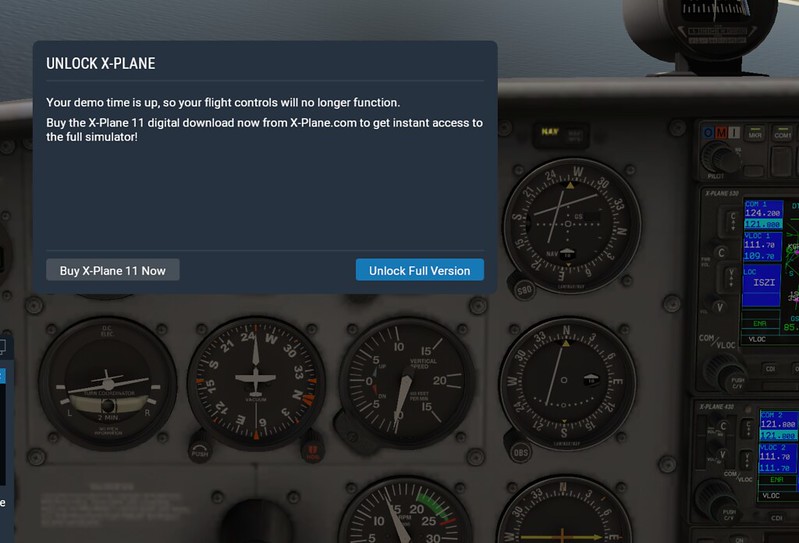 However, compared to the 10-minute test time limit of previous versions, this time is sufficient.
End