Practice Landing Using X-Plane's 3D Flight Path
I see people frequently asking how to practice ILS approaches, how to align with the navigation station, and questions about the glideslope. Actually, X-Plane has prepared a very thoughtful tool for players——the 3D Flight Path. As long as you enable this feature, ILS approach practice becomes very simple.
The usage is simple.
In X-Plane 10, select “Cycle 3-D Flight-Path” from the Aircraft menu.
In X-Plane 11, select X-Plane Menu –> View –> “Cycle 3-D Flight Path”.
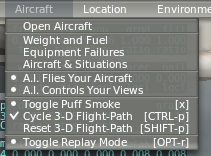 Then tune the NAV1 frequency to the ILS frequency of the Runway.
Looking from the other side of the Runway, X-Plane draws a schematic of the descent path in the air based on the ILS signal.
Then tune the NAV1 frequency to the ILS frequency of the Runway.
Looking from the other side of the Runway, X-Plane draws a schematic of the descent path in the air based on the ILS signal.
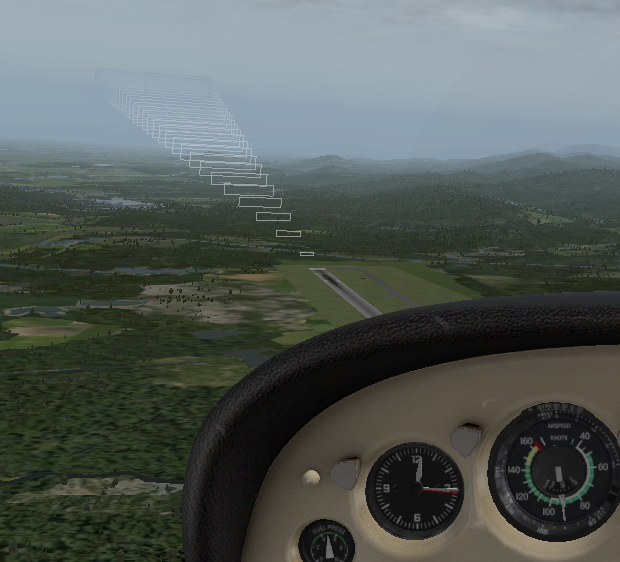
Alright, let’s actually fly it. Start entering the 3D Flight Path guidance area at approximately 9 nautical miles from the Runway and an altitude of a little over 3,000 feet.
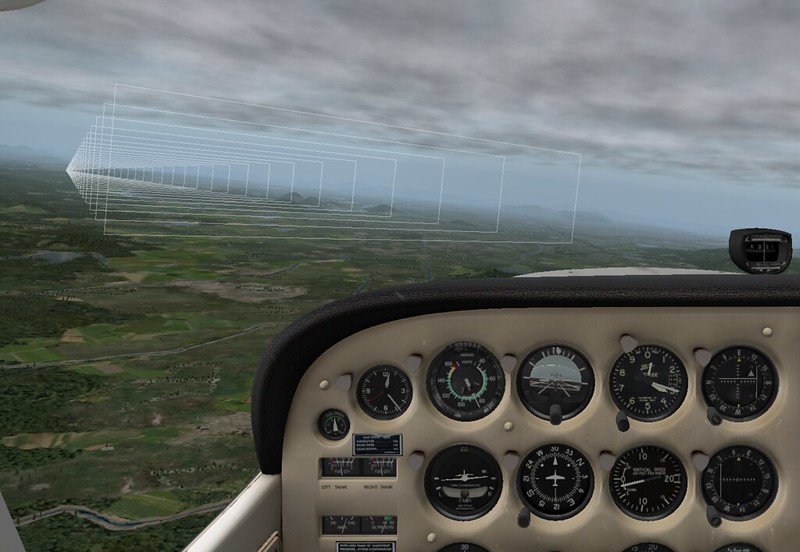
Capture the signal, pay attention to slowly adjust the Heading and altitude.
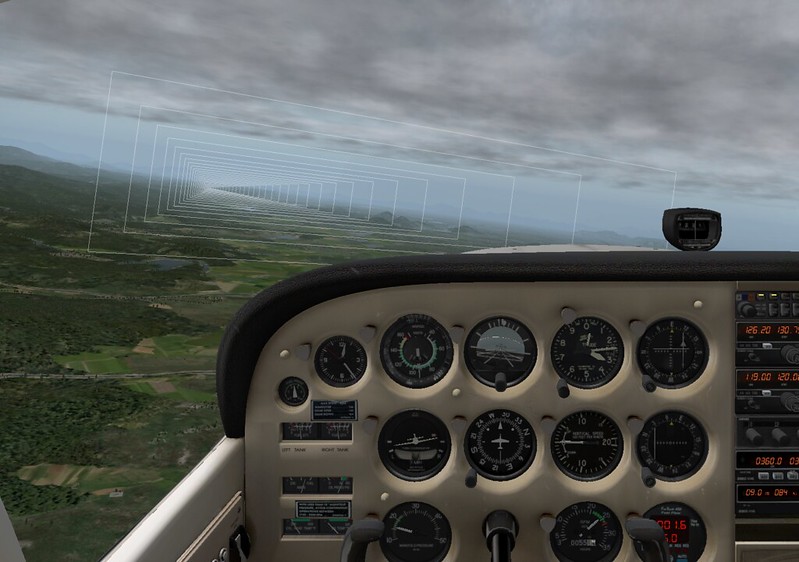
At this point, the rate of Descent is about 500 feet per minute, and the glideslope and localizer are basically centered.
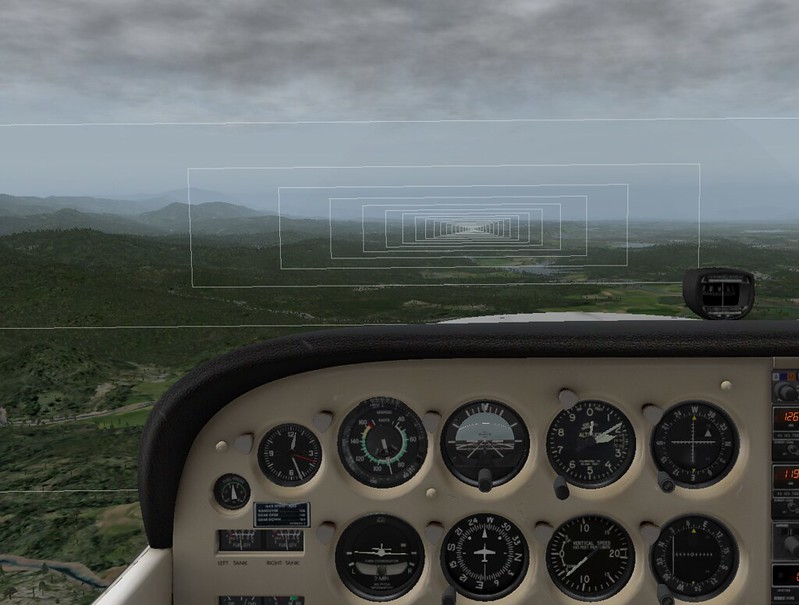
As the altitude gradually decreases, the PAPI can also be clearly distinguished. Reduce engine throttle, lower the landing gear, and increase the pitch angle.
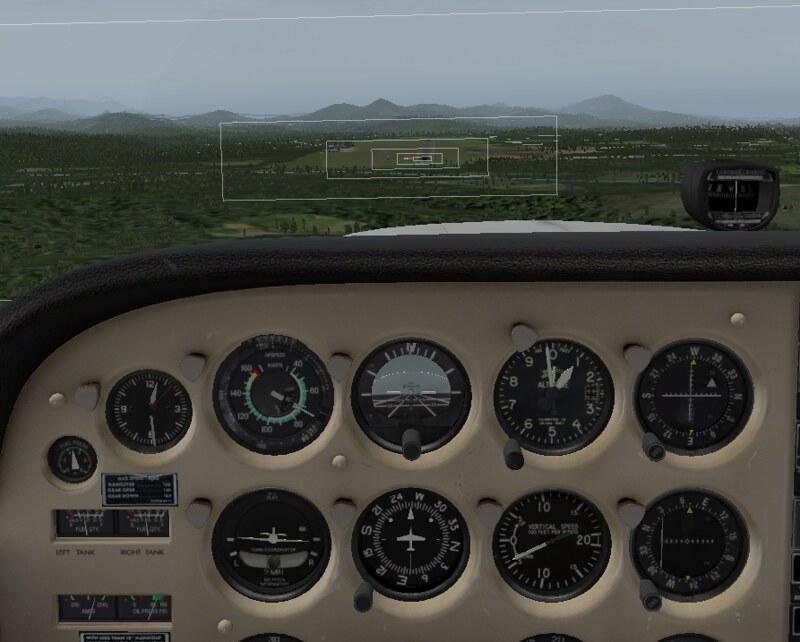
As you continuously approach the Runway, you need to focus your gaze more on observing the external view.
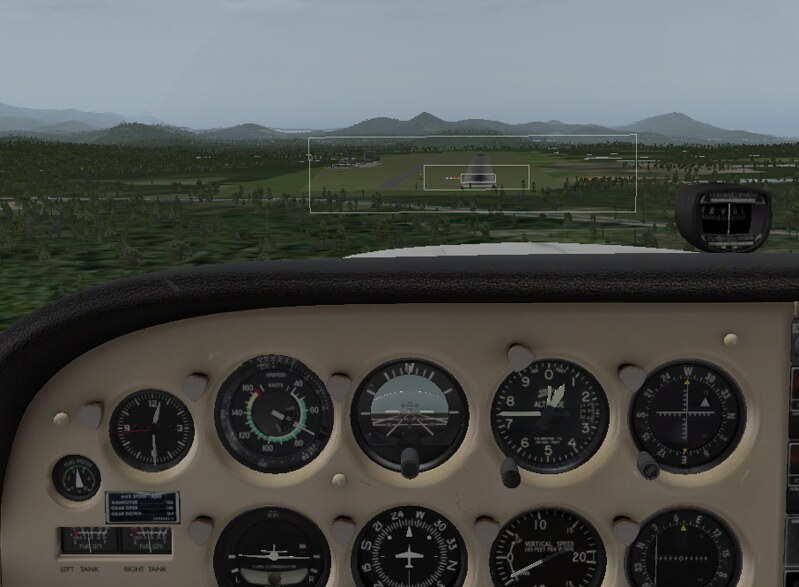
I believe that after practicing a few times with this feature, manual ILS approaches will not be a difficult task.
End