HeadShake: A Realism Enhancement Plugin
I’ve been using the HeadShake view enhancement plugin for a long time, but I haven’t introduced it until now, so let’s fix that today.
HeadShake is a free plugin that enhances the realism of the pilot’s perspective. Its main features include: Simulating the effect of G-forces on the pilot’s head position, causing the view to sway with head movement or be pressed to one side by G-force Simulating uneven ground surfaces during taxiing, creating a bumpy effect in the viewpoint Simulating the aircraft’s vibration the moment it touches down The vibration sensation of piston engines The vibration sensation of helicopter rotors And so on.
The usage is very simple. Download the plugin from here, and then move the HeadShakev1 folder to “X-Plane 10/resources/Plugins”. Then launch X-Plane, press Shift-9 to enter the virtual cockpit display mode, and you can experience the HeadShake effects.
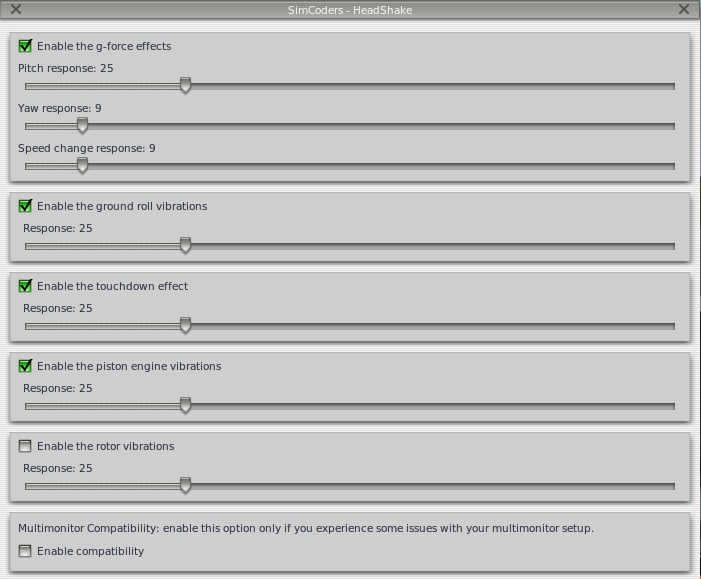
If you want to adjust the intensity of various effects individually, you can also navigate through the menu
Plugins - Simcoders Headshaker - Settings
to modify the respective parameters, as shown in the figure below.
End