Upgrade to Gqrx 2.3.1 to Get Squelch Functionality
I previously introduced Using a Digital TV Tuner on Mac to Listen to Software Defined Radio (SDR) – Listen to the Aviation Band for just tens of yuan, using the open-source software Gqrx. Today I discovered that Gqrx has been upgraded to 2.3.1, so I upgraded to see what new features are available.
First, I upgraded MacPorts. Since I was using MacPorts 2.2.1, I went to
http://www.macports.org/install.php
and downloaded MacPorts 2.3.2, which supports OS X 10.10 Yosemite.
After installation, I executed the following in the terminal to verify everything was working.
$ port -v
MacPorts 2.3.2
Next, I followed the documentation and typed agree to accept the license.
$ sudo xcodebuild -license
Then I could formally install gqrx. I typed: $ sudo xcode-select –install $ sudo port install gqrx Then came the long download and compilation process, which took several hours!!!
After installation, you can type gqrx in the command line to start it, or find gqrx.app in Finder under Application/MacPorts/Qt4. The UI of the new version has been slightly updated, and the long-awaited Squelch feature is finally released. This way, the noise during the intervals of ATC (Air Traffic Control) conversations can be filtered out. That’s really nice.
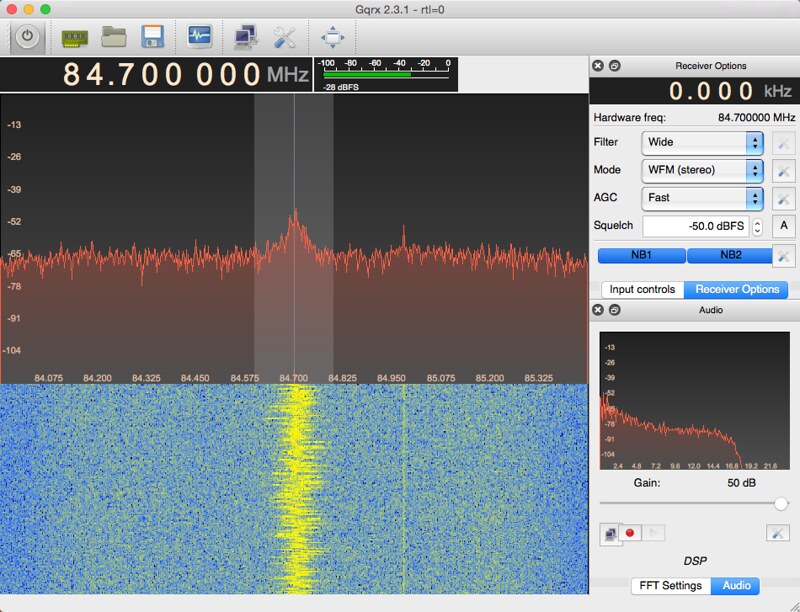
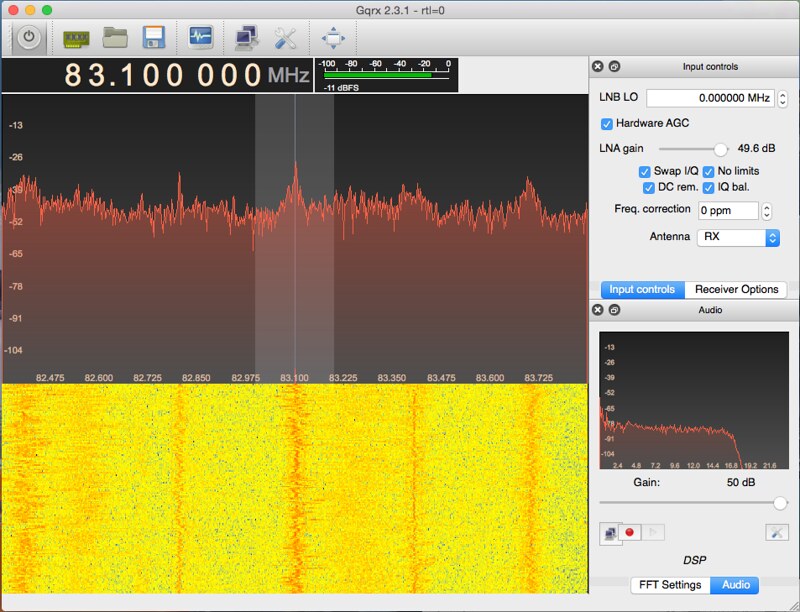
Looking at the input settings, turn on Hardware AGC and increase the LNA gain. This allows even weak signal stations to be heard very clearly.
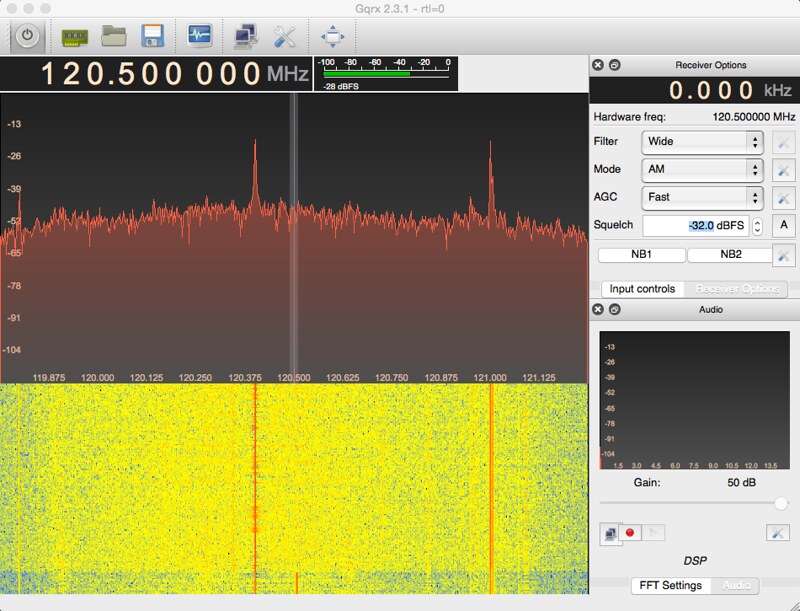
Tune the frequency to the aviation band, then fine-tune the Squelch. Finally, I found that -32dBFS works quite well (since every signal strength is slightly different, individual adjustment is needed). It is completely silent when there is no conversation. My cheap digital TV tuner has now achieved the effect of a professional wireless receiver!
End