X-Assign: Per-Aircraft Hardware Configuration Plugin
The default hardware configuration in X-Plane is singular. When you have multiple Joysticks or Control Panels, and need to change configurations based on flight conditions—for instance, when flying a helicopter, you must use a Collective to control pitch and roll with the joystick,
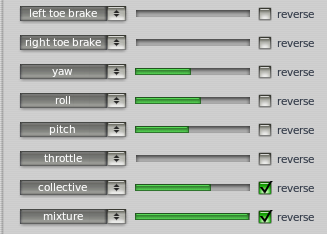 but when flying a Cessna, you need to reassign the same hardware to Prop Pitch and use a Yoke to control pitch and roll. This makes it very inconvenient as you have to reconfigure everything every time you switch aircraft.
Today, the X-Assign plugin I’m introducing can solve this problem perfectly because it allows you to set up to 3 hardware profiles for each aircraft.
The installation method is very simple. First, log in to the org forums, then download the file xassign_2_0RC1_lin_mac_win_32_64.zip from the X-Assign - save a lot of assignments per aircraft page. Unzip it to get the “xassign” folder and copy it to “X-Plane*/Resources/plugins/” to start using it.
Using it is also very simple. You will see the X-Assign item appear under the Plugins menu.
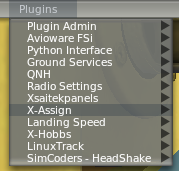 To save settings, select Save, then choose one of set1 to set3.
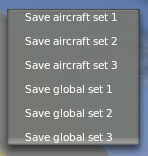 After switching aircraft, when you need to load the settings, select Load, then choose the corresponding set1, set2, or set3 profile.

End