The Ultimate Route Planning Tool: simbrief.com
Last week, I registered for a free account on the http://simbrief.com website. After giving it a try, I found that this site can easily be called the most powerful route query tool and dispatch tool in history. I hope everyone will give it a try; the features are truly overwhelmingly powerful.
For example, let’s look at the route query first. After entering a few simple data points like date, aircraft type, airport name, etc., (I didn’t input fuel, so the data is abnormal, please ignore)
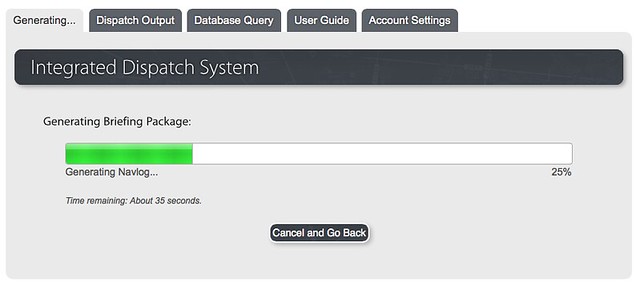 Wait for about a minute,
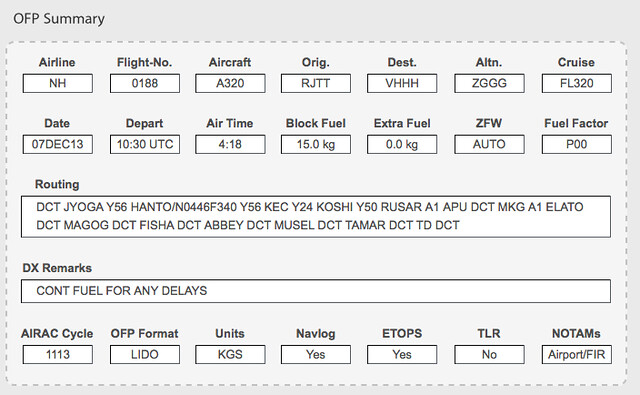 and the Waypoints, alternate airports, and all this information comes out.
Then look at the detailed flight plan. It’s quite long, spanning several pages.
 It looks pretty much like the real thing, right?
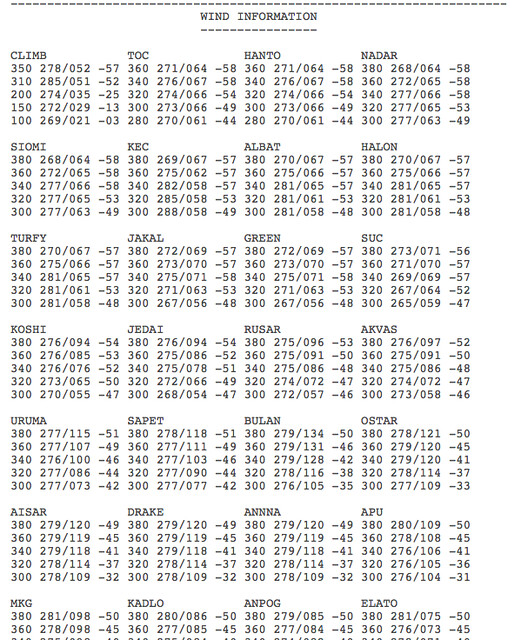
Then there is the long wind information,
Then there is the ICAO format flight plan,
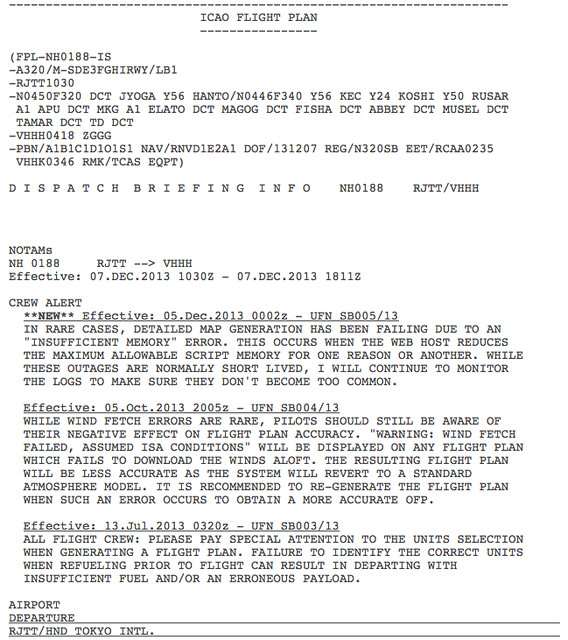 including extensive airport information, Runway information, NOTAMs, restricted airspace information.
It’s several dozen pages by now, so I won’t post screenshots bit by bit here; there is simply too much stuff.
including extensive airport information, Runway information, NOTAMs, restricted airspace information.
It’s several dozen pages by now, so I won’t post screenshots bit by bit here; there is simply too much stuff.
Finally, there are METARs, TAFs, and route charts.
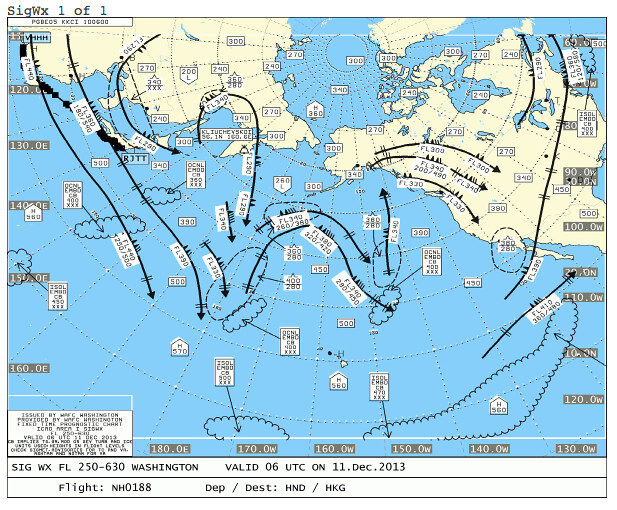
 SIGWX (Significant Weather Chart),
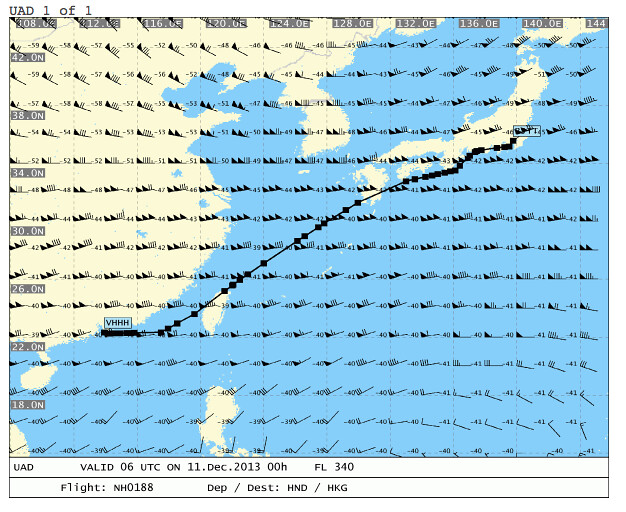
 and finally upper-level winds, though I honestly don’t know what UAD is.
You can see how powerful simbrief.com is just by looking at this data, right?
By the way, there is one more point. Every flight simulation software uses a different file format for flight plans.
simbrief supports the following formats,
 FS2004, FSX, Level-D 767, PMDG, X-Plane.
That’s enough, isn’t it?
FS2004, FSX, Level-D 767, PMDG, X-Plane.
That’s enough, isn’t it?
Finally, I’ll introduce how to load a flight plan fms file in X-Plane. You need to copy the obtained fms file to the X-Plane 10/Output/FMS plans directory. For aircraft with an FMC, such as the default Boeing 747-400, press the - key at the bottom left of the two rows of command keys on the CDU screen (i.e., the L6 key), and you can load the fms file. For small aircraft like the Cessna 172, there is of course no FMC or other advanced equipment, so you need to assign a dedicated shortcut key to open the fms file. The definition for this key is in the Buttons:Adv settings screen. Find ms/key_load and set a custom key, such as “/”. Then, when needed, press the “/” key to pop up the fms file loading screen.
End
20150809 Update
<a href=https://yinlei.org/x-plane10/view1.php?file=doc/RJTTRJBB_PDF_1439071363.pdf>Sample flight plan from Haneda to Osaka Kansai Airport generated by simbrief
X-Plane fms document for the flight plan from Haneda to Osaka Kansai Airport generated by simbrief