Cloud Color Adjustment
If you think the clouds in X-Plane always look dark and unattractive, try the following settings. I suspect that when cloud layers are set thick and there are many layers, they tend to turn into gloomy dark clouds.
First, check the cloud layer settings on the left side of the Weather menu.
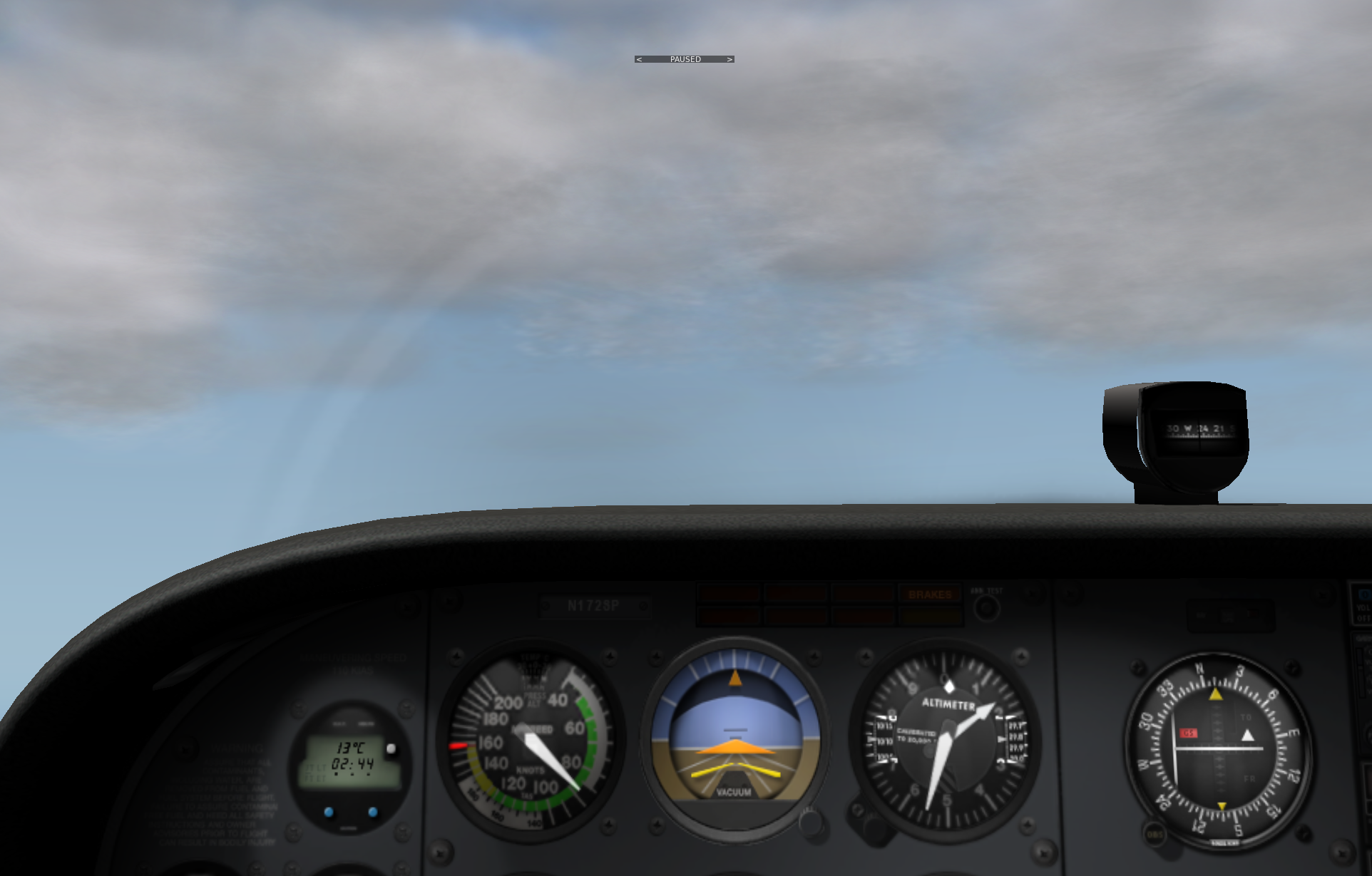
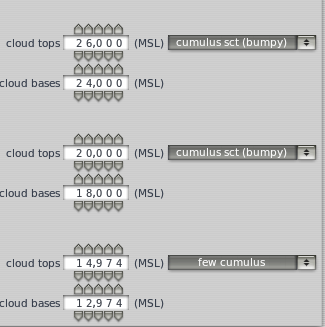 In the three altitude layers, I set a small amount, fewer, and fewer cumulus clouds respectively,
but from the cockpit, the clouds still feel quite gloomy.
In the three altitude layers, I set a small amount, fewer, and fewer cumulus clouds respectively,
but from the cockpit, the clouds still feel quite gloomy.
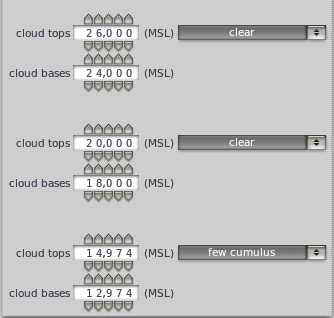
However, by changing the settings below and reducing the clouds to a single layer,
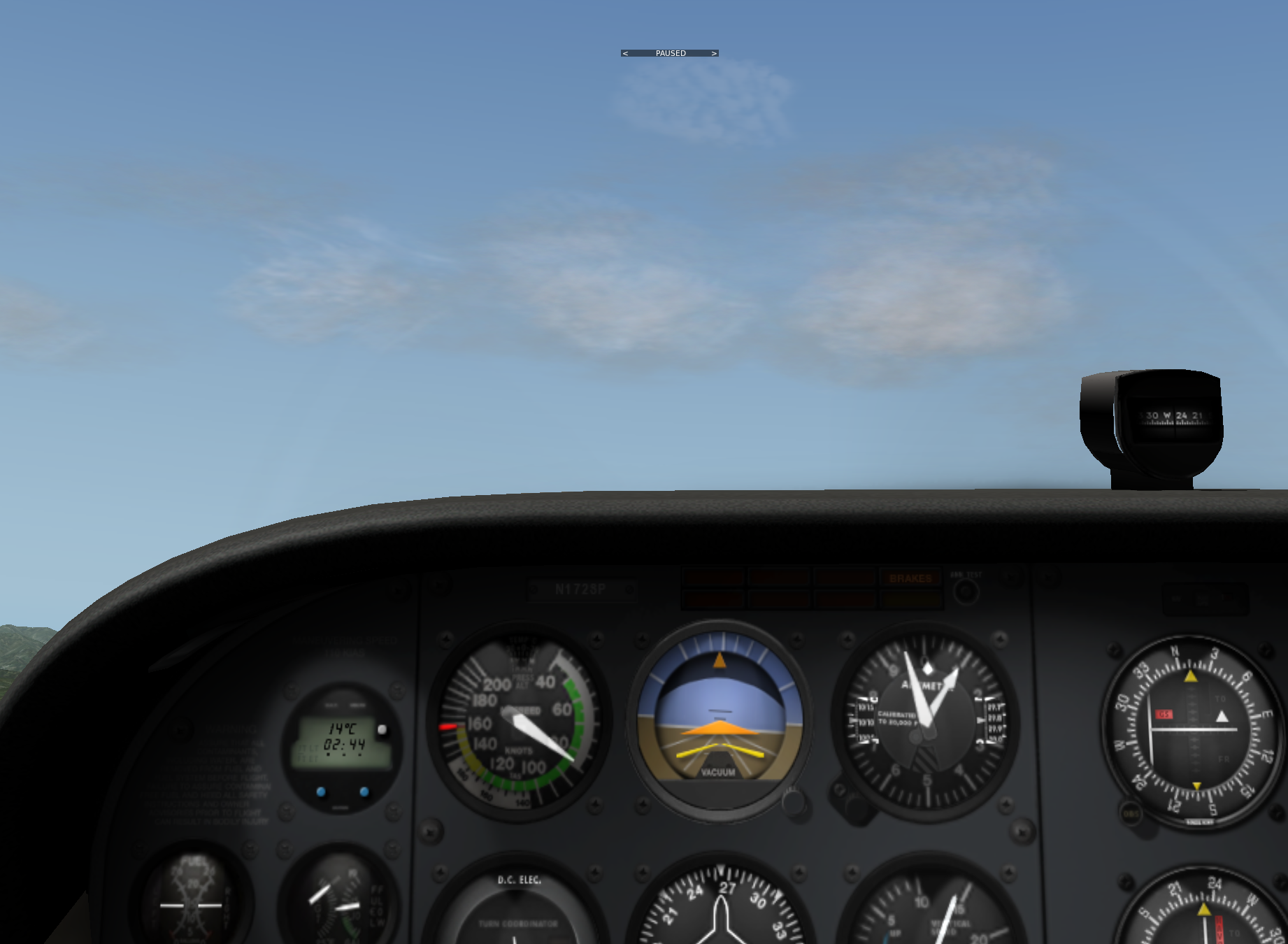
 the cloud colors are noticeably much brighter, getting closer to the effect of fluffy white clouds on a sunny day.
End