Title: X-Plane 10.10 is Finally Released, 10.10B2 is Very Stable
The long-awaited 10.10 is finally released. After the first Beta 1 was released last week, I saw poor online reviews, with many machines unable to start. So, I decided to wait a bit. This morning, I checked the developer blog again and found that B2 is out with many bugs fixed. No need to wait then; I installed it immediately to take a look.
It took about 30 minutes to download the updater from the official website to finish the installation. I started it up impatiently, and the “Quick Flight” dialog box appeared right away. Oh, this must be the first new feature of 10.10.

In previous versions, after starting, you had to slowly install terrain files and other data, requiring a long wait. With this Quick Flight feature, players can first select their desired aircraft/location/time/weather. I personally feel this improvement is very thoughtful. A little thumbs up for that.
Additionally, when selecting an aircraft, the file directory structure is clearly displayed at a glance,
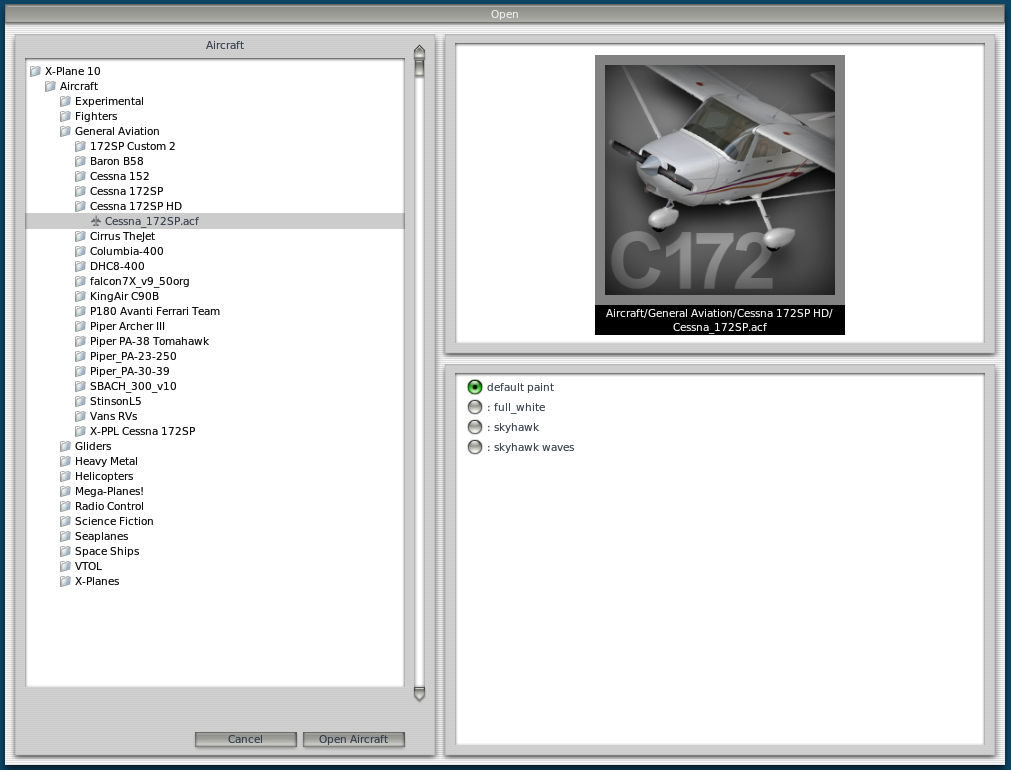 Unlike before, you couldn’t see the directory structure, which was not very friendly to beginners, so this improvement is also nice.
After starting, I found a very inconvenient point: all previous peripheral settings were gone. So, I had to reconfigure all keys, joystick, throttle, trim, and rudder pedals from scratch. So, if you plan to upgrade, please make sure to back up your settings file X-Plane Keys.prf. Although the new settings file format has changed and the old file cannot be used directly in the new version, opening it with an editor might still provide some reference value.
I didn’t get to try the plug-and-play feature for game peripherals; I just installed all my peripherals right from the start. I’ll use that feature later.
Also, it seems the 3D cockpit view angles can now be memorized. You can save up to 10 keys. The usage method is to use CONTROL + (09) to save to the numeric keypad keys 09.
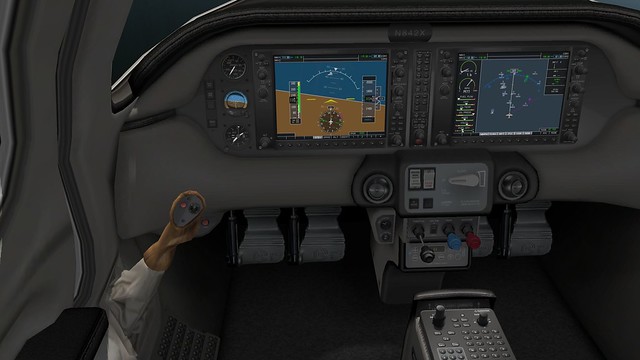
This version adds the Columbia-400 aircraft. I took it for a spin and felt the digital instruments were too advanced for me to adapt to just yet. However, the modeling is very detailed and worth playing with slowly.
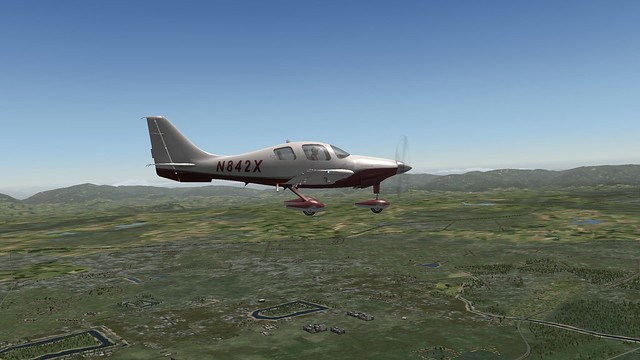
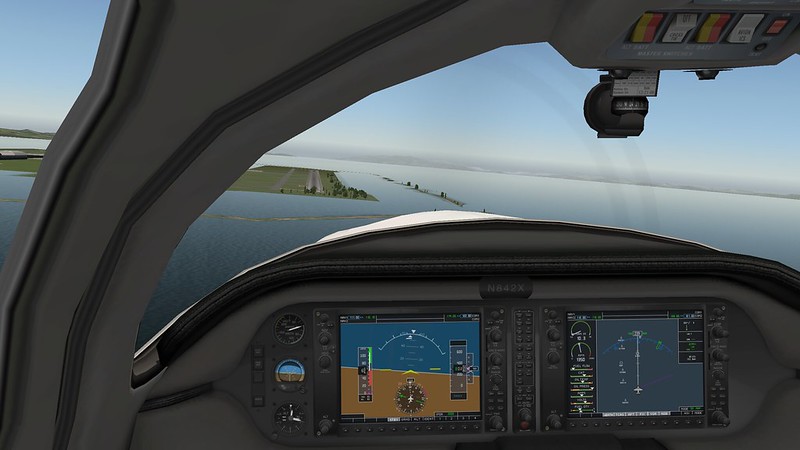
I also tried the biggest update of this version, the HDR feature. I still feel my machine settings aren’t high enough. Although the visuals are beautiful (forgot to take a screenshot…), it was obviously much slower, so I turned it off after a brief trial. Regarding the visuals, the highways look more realistic than before.
Also, if it suddenly crashes during flight, you can send the error message to the developers after restarting, and it will enter Safe Mode. (I haven’t encountered this situation myself).
According to the official website, this update has many improvements, but I haven’t had time to confirm them one by one yet. Here’s a short review for your reference.
End