Title: Real Weather Update Issues
Suddenly noticed that real-world weather wouldn’t update. For flight sim players pursuing realism, this is a major issue. So I checked the forums on the official website, found a workaround that works, and jotted it down immediately.
Actually, the method is very simple, just add one line to the hosts file. 203.167.141.155 weather.noaa.gov Originally, the real-time weather data is located at this URL from the National Oceanic and Atmospheric Administration (NOAA), http://weather.noaa.gov/pub/data/observations/metar/cycles/ but for some reason, the X-Plane program just can’t retrieve it via DNS. So after adding the IP directly to the hosts file, it skips the DNS step, and the data retrieval is successful.
By the way, just to mention, the hosts file is located at /etc on Mac, and in the C:\WINDOWS\system32\drivers\etc directory on Windows, in case you didn’t know.
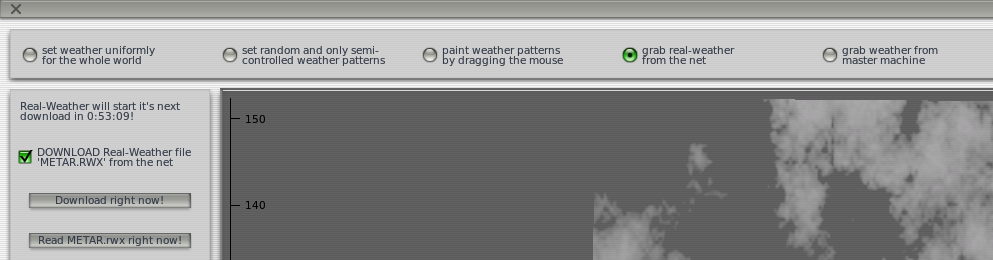
After adding it, restart X-Plane and check the Weather item in the Environment menu,
does it look like this?
End