Munich International Airport EDDM Scenery
Today, the official x-plane.com website recommended a free scenery add-on for Munich International Airport. Since it is free, of course I had to download and check it out.
The download link is here: http://www.x-planes.de/. The product is named “EDDM v2.1 Beta 2”, and the download package name is EDDM_2_1G8B2.zip. It might be a bit tricky to find on the website, so please search patiently.
After downloading, unzip the file to get the EDDM_2_1G8B2 directory. To install, simply copy this directory into the Custom Scenery folder within your main X-Plane 10 directory.
Start X-Plane 10, select the airport EDDM, and you are ready to go.
Menu: Location -> Select Global Airport
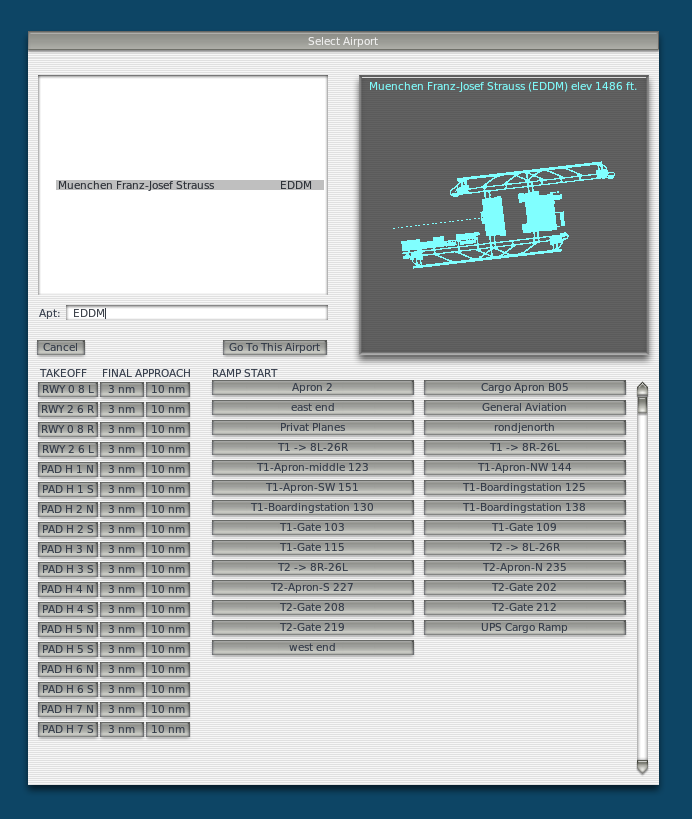 Below are a few screenshots from my test flight.
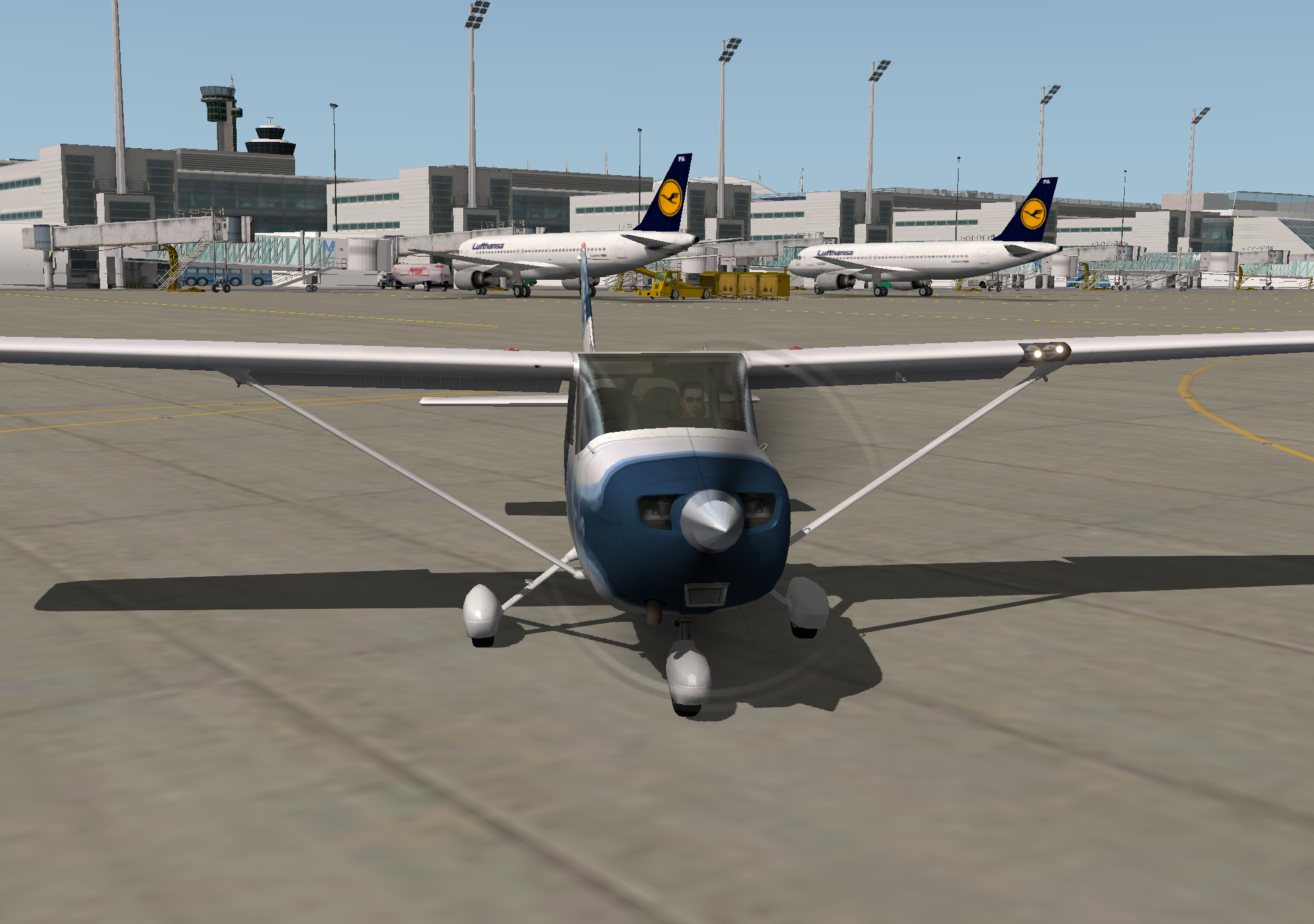
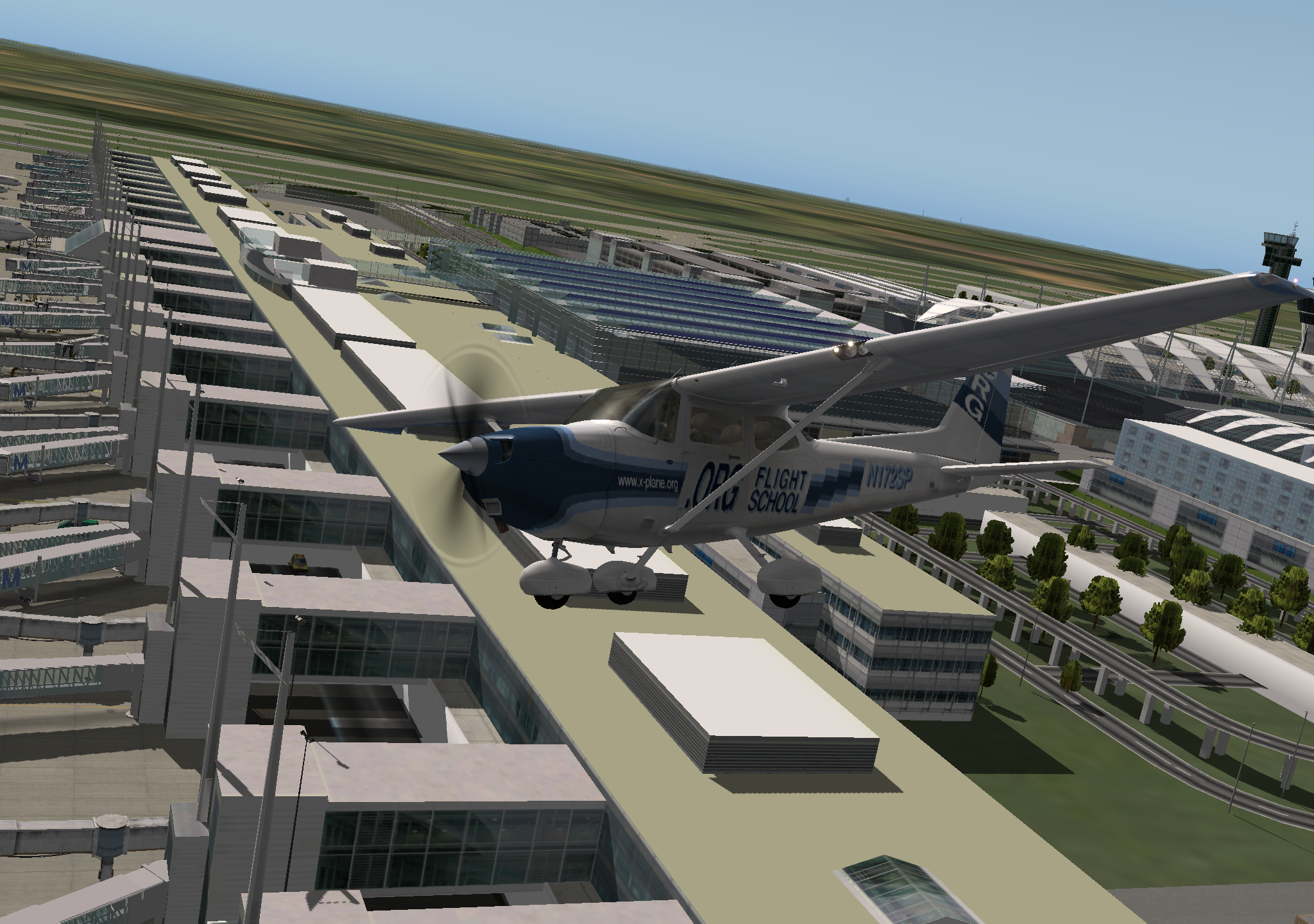
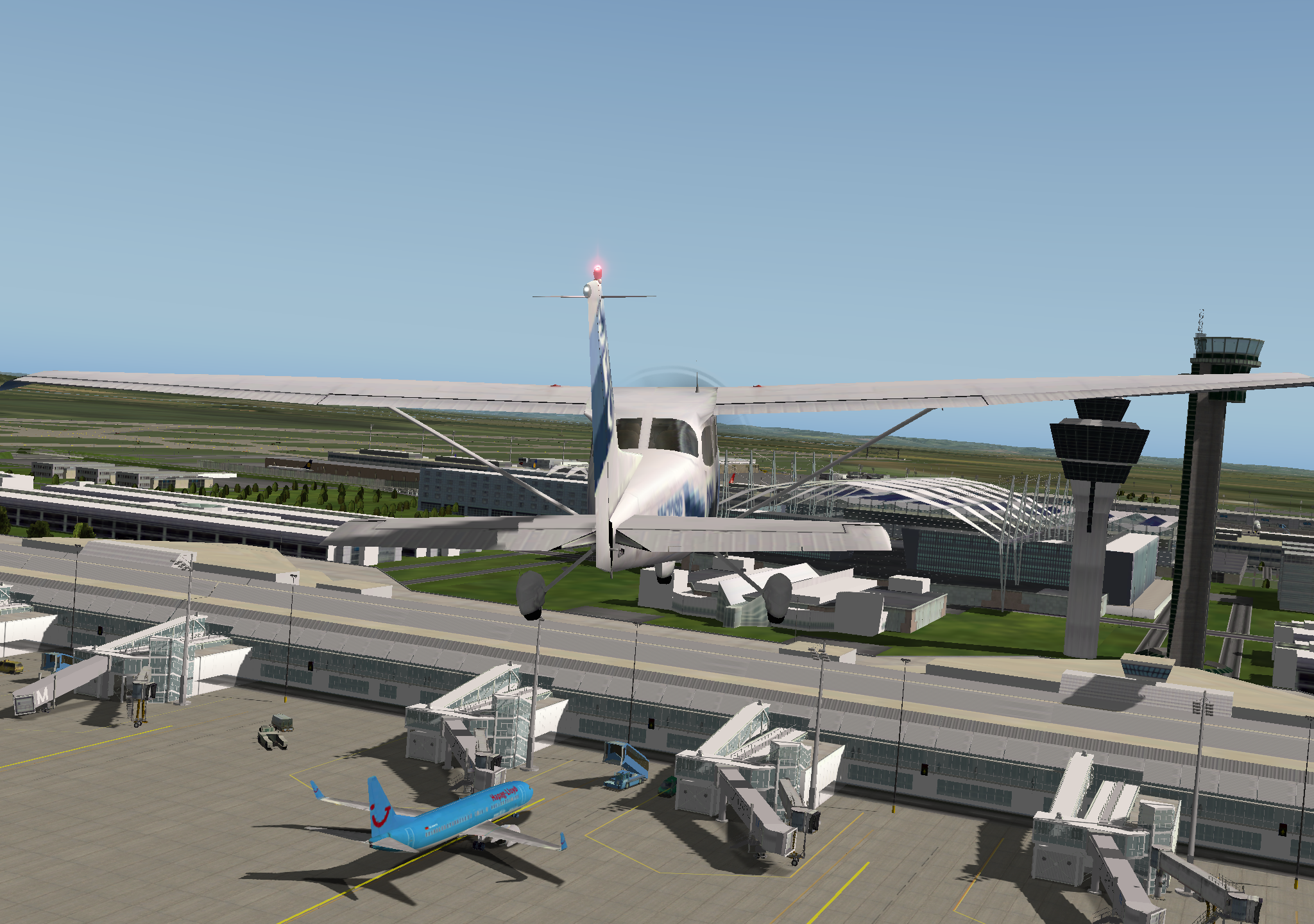
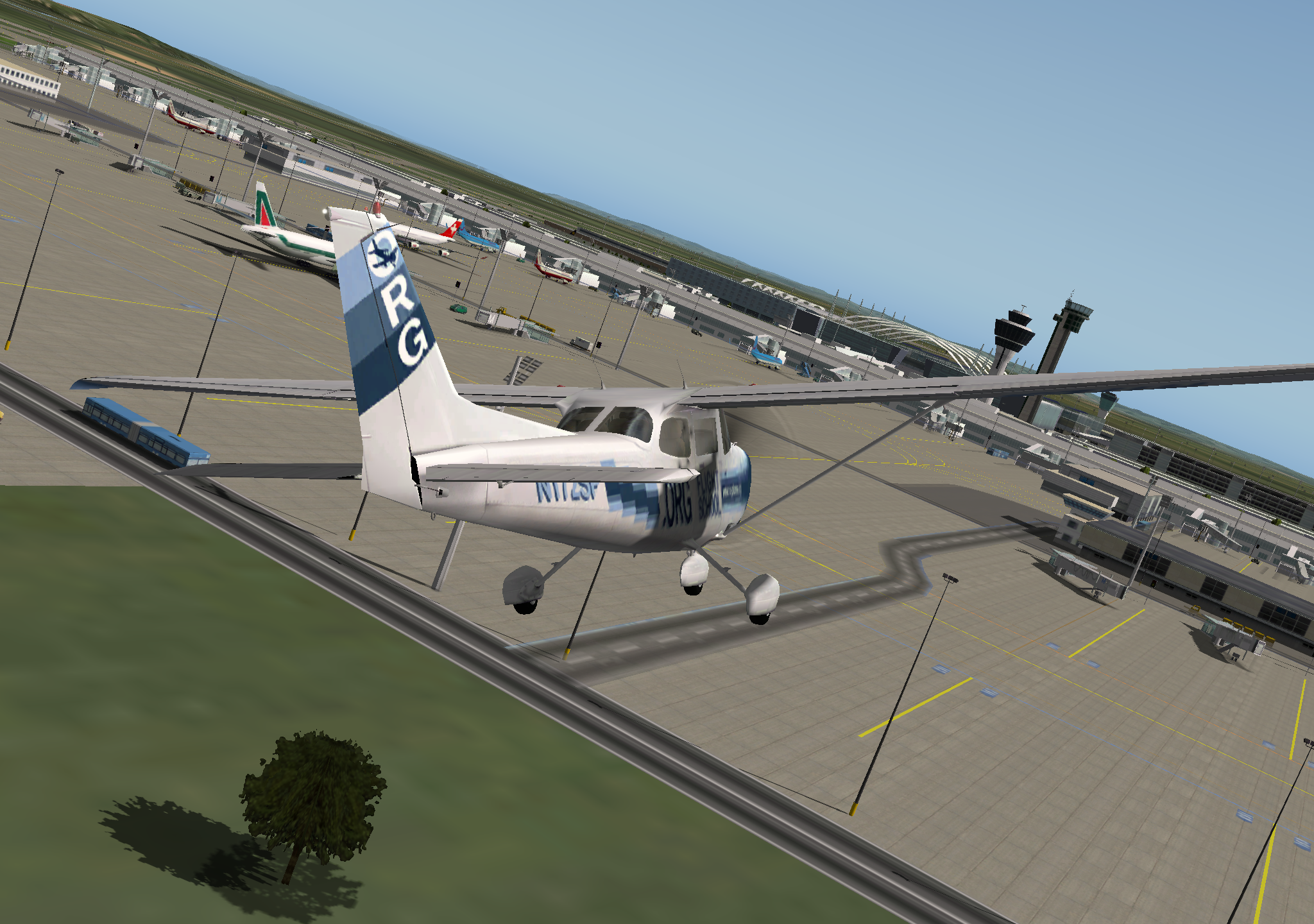
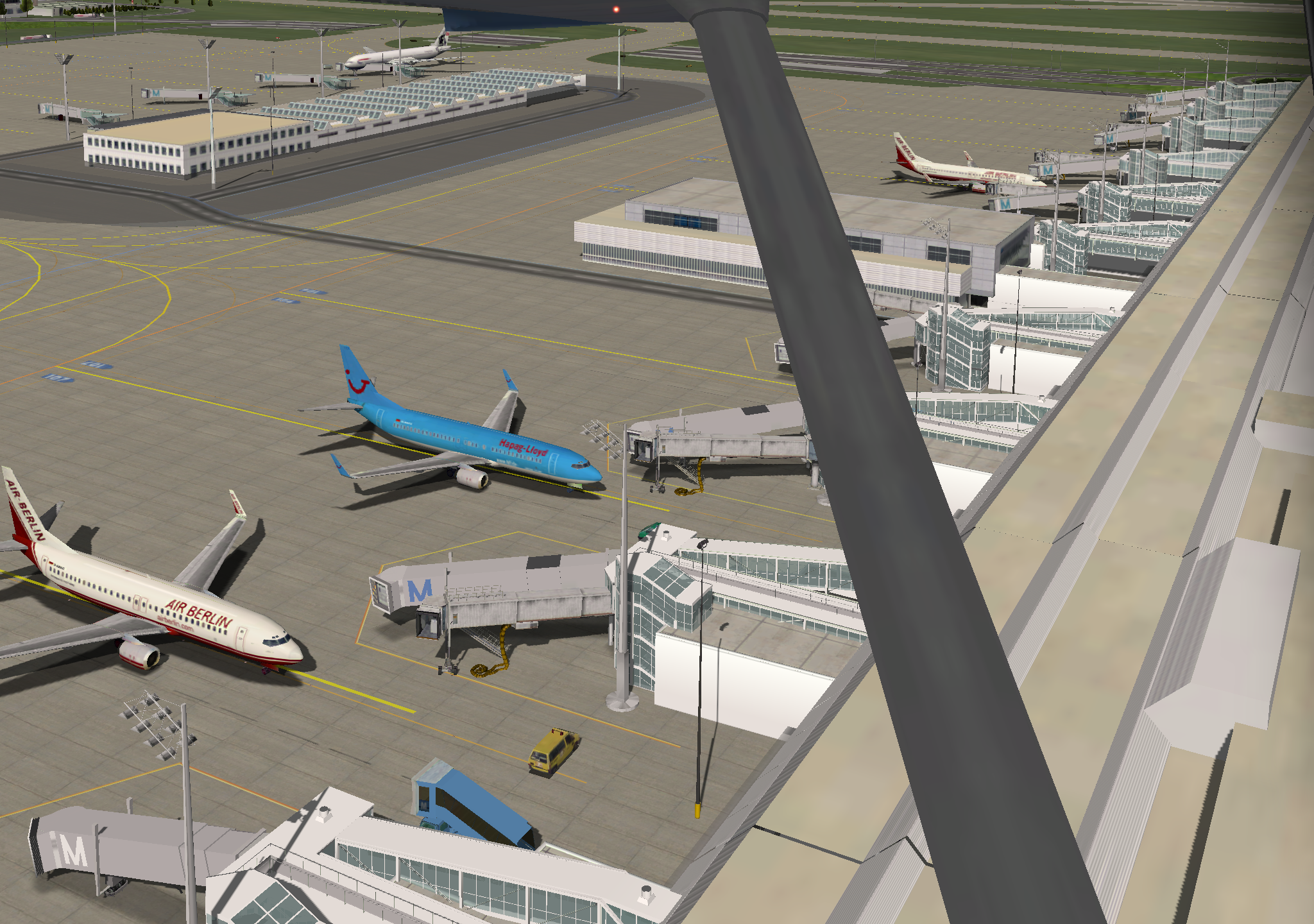
I completely ignored Air Traffic Control, recklessly maneuvering over the airport and performing 2 or 3 takeoffs and landings just to grab a few screenshots—sorry about that! However, this scenery package is fully equipped with various airport facilities, and even the ground markings are clearly visible. It’s really a steal to get such quality for free.