Title: Regarding Time Adjustment
During long flights, especially after engaging the autopilot and entering cruise, things can get a bit quiet. Do you often find yourself gazing at the scenery, glancing at the instruments, or even dozing off to pass the time? Fortunately, since this is a flight simulator, there is a much more convenient way to pass the time: the time acceleration feature. Additionally, it is said that flight simulators certified by the Federal Aviation Administration (FAA) must also possess this functionality.
On a Mac, pressing Control + T provides time compression. Each press doubles the compression, up to a maximum of 6x—meaning a one-hour flight takes just 10 minutes to complete. Repeatedly pressing this key combination cycles through 1x, 2x, 4x, and 6x time settings.
It is said that this feature is related to CPU performance. On older computers with lower CPU performance, the effectiveness of this function may decrease. In such cases, you can use another feature: ground speed adjustment. Pressing Option + T changes the aircraft’s ground speed, switching between 1x, 2x, 4x, and 6x. However, flight control can be difficult at high multipliers, and the autopilot may malfunction, so caution is advised when using this. Additionally, this feature can be used in conjunction with time compression for a maximum combined effect of 36x.
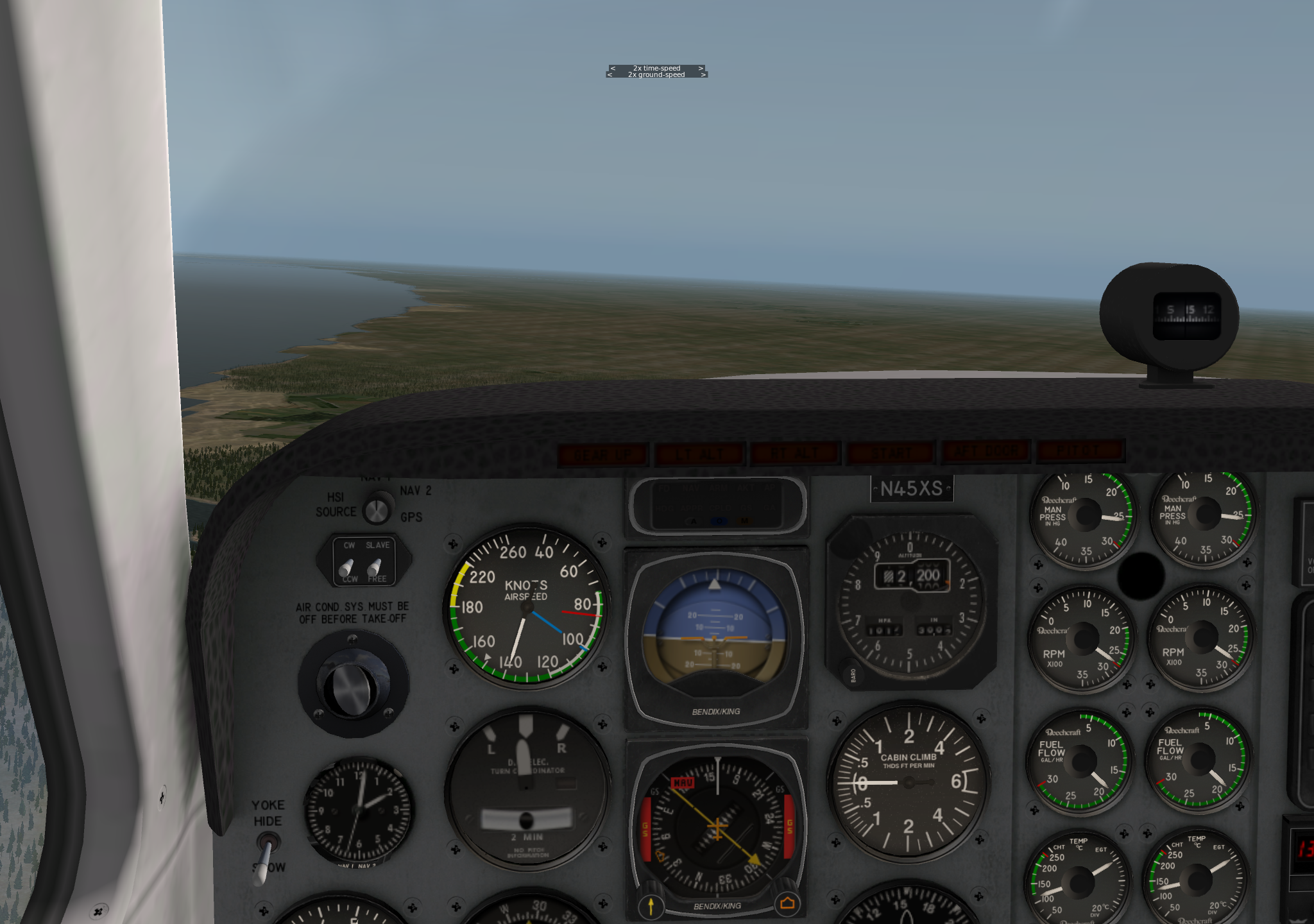
The image below is a screenshot with both time compression and ground speed set to 2x. Please click to view the full image.
Of course, the simplest time-saving method is to move the aircraft directly to your desired location on the Local Map. However, during IFR flights, ATC will continuously issue annoying “You are off course” warnings, and the FMS autoflight system may also malfunction. In this case, you can move the aircraft near a navigation point like a VOR on the “High Enroute” chart, then return to the cockpit. Select [NEXT PAGE] on the CDU and press the EXEC button; this will get the autopilot working again.
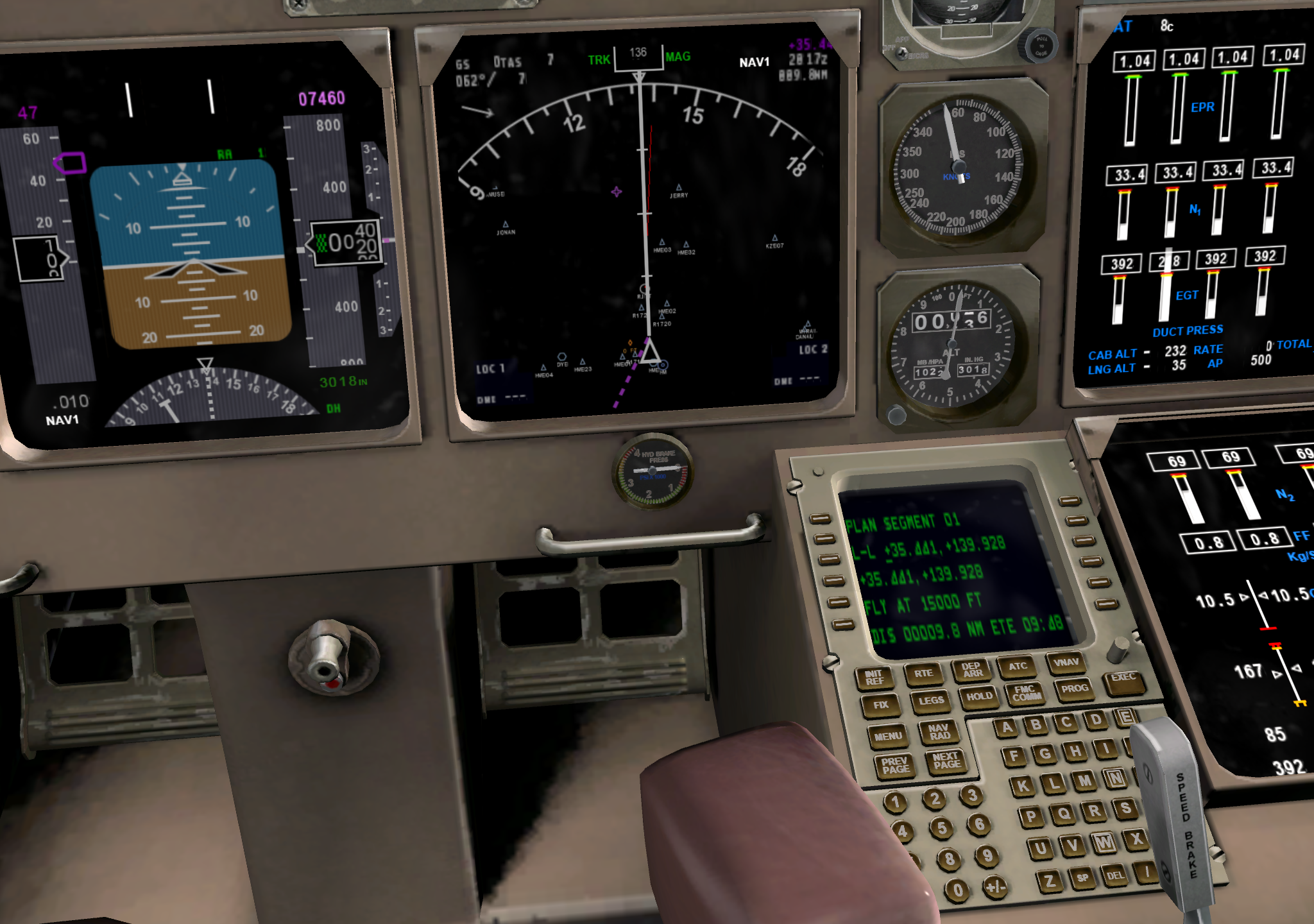
Regarding the CDU, please refer to the bottom right of the large image.